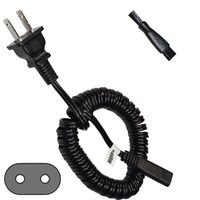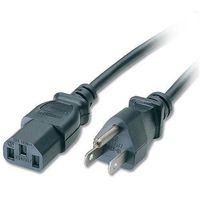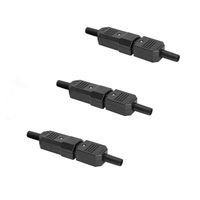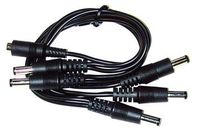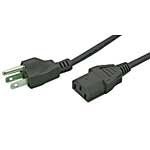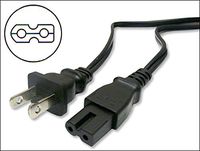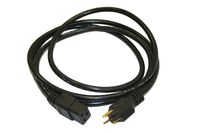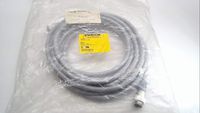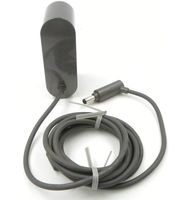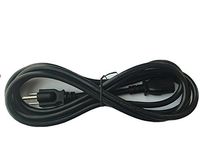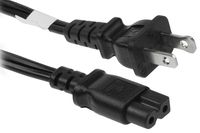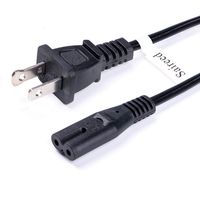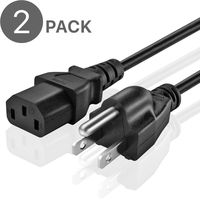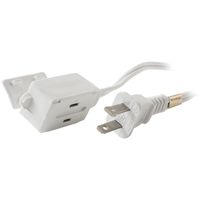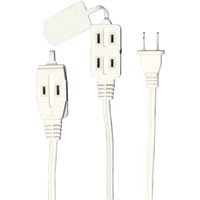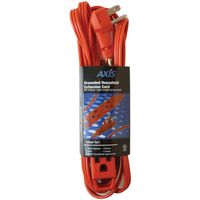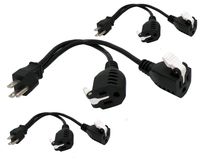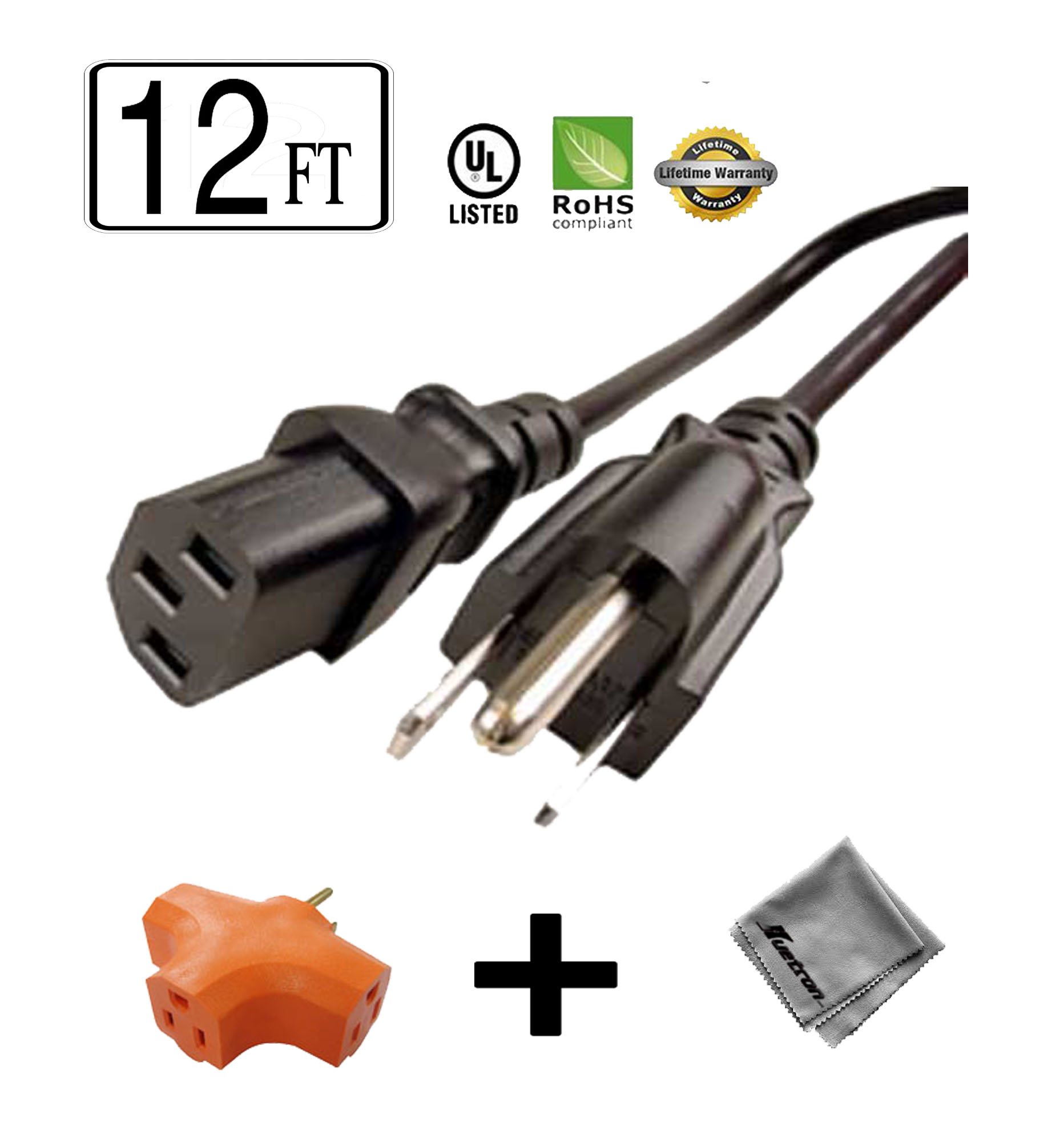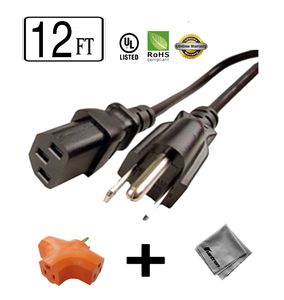
12 ft Long Power Cord for HP Color Laserjet CP1518NI Printer + Outlet Grounded Power Tap
Current Price
$13.65
Average
$10.41
Min Price
$9.78
Max Price
$13.65
Price dynamics
24%
Price will be lower
in next 2 weeks
in next 2 weeks
According to the data, price will be lower in next two weeks, so not waste your money and track better price!
Product review & video
This video explains how to fix your printer when you have a paper jam error message on your computer or your printer's control panel. The control panel may tell you where to look to clear the paper jam. In this video, we're going to show each of the places where you should clear a paper jam. This step will show you how to clear a jam if your control panel states that there is a paper jam in Tray 1. Clear a jam from Tray 1 by first checking if you can see the jammed sheet hanging out of the tray. If the sheet is visible, remove the jammed sheet by pulling evenly with both hands straight out. If you can't see the jammed paper, open the Tray 1 door then completely remove Tray 2. After the tray is removed, push down on the two tabs on Tray 1 to release the panel. Look for the jammed paper inside the printer. Remove the jammed paper by pulling straight out with both hands to prevent tearing