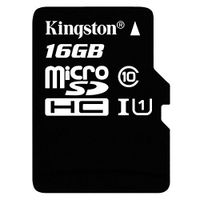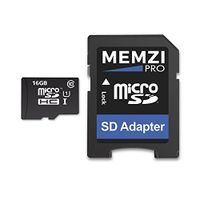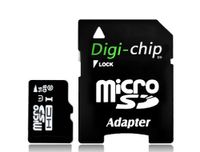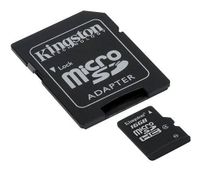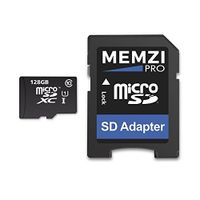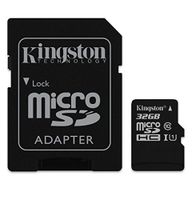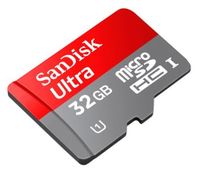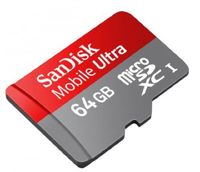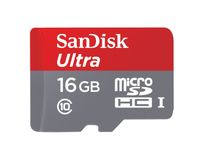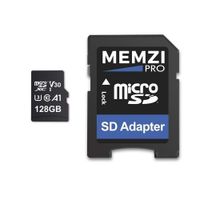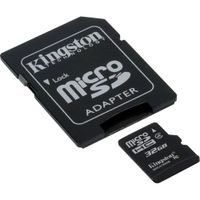
Description
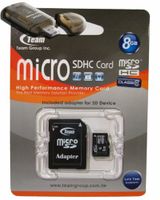
"3G and 4G technology means mobile phones can now transfer data wirelessly faster than ever. This means new applications are possible including digital video recording, cameras, video playback, MP3 music, games, personal accounts and diaries, e-mail and voice recording. Once only available on personal computers, these powerful multimedia features are now supported on mobile phones as well. This makes TEAM's microSDHC memory cards with their high transfer rates the perfect match for the high resolution video and photography on mobile phones.
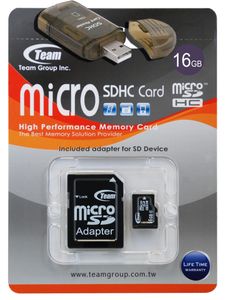
TEAM microSDHC memory cards are based on original manufacturer Flash memory and fabricated using an advanced process that delivers fast data transfer rates as well as compact size. This means it's perfect for the new generation of mobile phones, 3G mobile phones and PDAs that offer high quality multimedia playback. Everything from digital photos, videos, MP3 music, games, maps and multimedia clips can be packed into this small card the size of a fingernail.
● Fully compatible with SD 2.0 Standards
● Only 10% the size of a standard SD card
● SDHC Class 6 compliant
● MicroSD adapter allows it to be used in standard SD Card slots, compatible with all SDHC-labeled host devices
● Easy to use, plug-and-play operation
● Built-in Error Correcting Code (ECC) to detect and correct transfer errors
● Complies with Secure Digital Music Initiative (SDMI) portable device requirements
● Supports Content Protection for Recordable Media (CPRM)
● Allows In System Programming (ISP) for updating firmware
● Supports auto-standby, power-off and sleep modes
● Mechanical write-protection switch
● RoHS compliant"
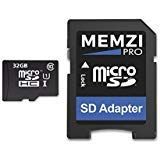
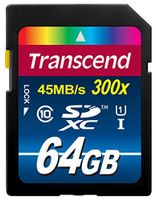
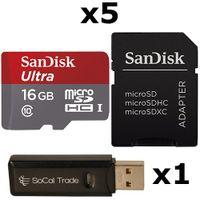
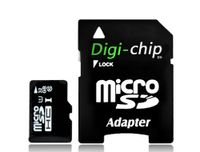
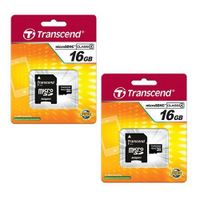
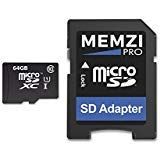
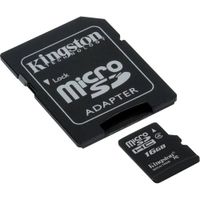
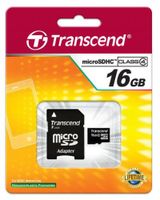
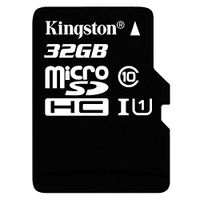
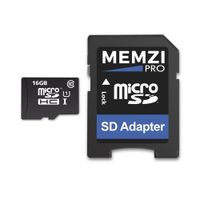
16GB Turbo Speed Class 6 MicroSDHC Memory Card For BLACKBERRY Curve 8310 8320. High Speed Card Comes with a free SD and USB Adapters. Life Time Warranty.
Current Price
$29.28
Average
$29.28
Min Price
$29.28
Max Price
$29.28
Description
"3G and 4G technology means mobile phones can now transfer data wirelessly faster than ever. This means new applications are possible including digital video recording, cameras, video playback, MP3 music, games, personal accounts and diaries, e-mail and voice recording. Once only available on personal computers, these powerful multimedia features are now supported on mobile phones as well. This makes TEAM's microSDHC memory cards with their high transfer rates the perfect match for the high resolution video and photography on mobile phones.
TEAM microSDHC memory cards are based on original manufacturer Flash memory and fabricated using an advanced process that delivers fast data transfer rates as well as compact size. This means it's perfect for the new generation of mobile phones, 3G mobile phones and PDAs that offer high quality multimedia playback. Everything from digital photos, videos, MP3 music, games, maps and multimedia clips can be packed into this small card the size of a fingernail.
● Fully compatible with SD 2.0 Standards
● Only 10% the size of a standard SD card
● SDHC Class 6 compliant
● MicroSD adapter allows it to be used in standard SD Card slots, compatible with all SDHC-labeled host devices
● Easy to use, plug-and-play operation
● Built-in Error Correcting Code (ECC) to detect and correct transfer errors
● Complies with Secure Digital Music Initiative (SDMI) portable device requirements
● Supports Content Protection for Recordable Media (CPRM)
● Allows In System Programming (ISP) for updating firmware
● Supports auto-standby, power-off and sleep modes
● Mechanical write-protection switch
● RoHS compliant"
Price will be lower
in next 2 weeks
in next 2 weeks
According to the data, price will be lower in next two weeks, so not waste your money and track better price!
Product review & video
- communication in the video I'm gonna show you how you can put or remove memory card from your blackberry curve 8520 row or any other model posters could be the same okay here I have blackberry curve wait five to zero this is most simple thing but in some case if you don't know you can check this tutorial for this you have to remove the back cover here you have something put your nail inside this if the back cover is bit hard put your nail at the middle after that you have to move your nail through this direction or any other direction remove this back cover okay for memory card you don't need to remove the battery here is that one memory card I have it's one Giga only for showing you here is a place for memory cards put this one inside and you have to push the side okay this is how you can put four remove let me hold this one pull back take this out okay so four put you have to put ou