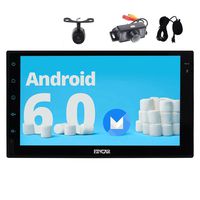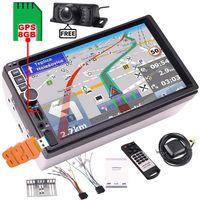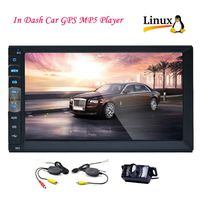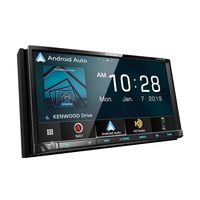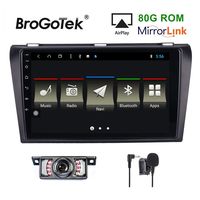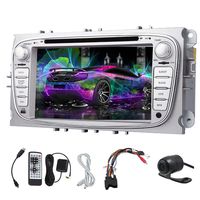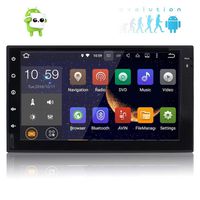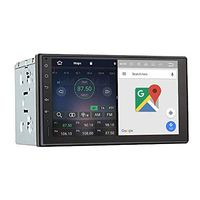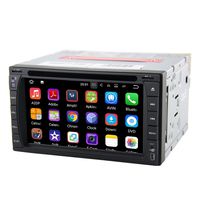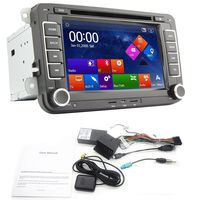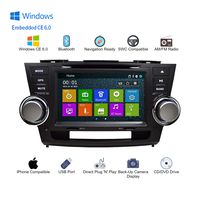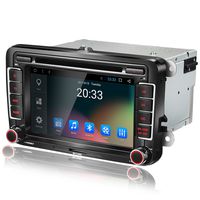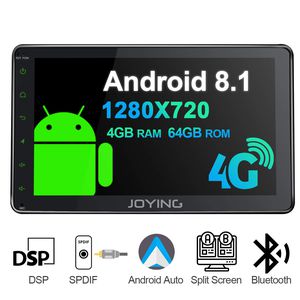
Operation System: Android 8.1
RAM: LPDDR4 4GB
ROM: 64GB
CPU: Intel Airmont eight-core 1.8GHz SC9853i
Resolution: 1280×720
Bluetooth: Bluetooth 4.2
Working Voltage: 10V-14V
Working Temperature: -40℃-80℃
Radio Chip: NXP TEF6686
Amplifier IC: TDA7851
Audio Power Output: 4X50W
4G SIM Standard & Frequency Supported
GSM: GSM850 EGSM900 DCS1800 PCS1900
WCDMA: BAND1 BAND2 BAND5 BAND8
TD-SCDMA: BAND34 BAND39
TDD-LTE: BAND34 BAND38 BAND39 BAND40 BAND41
FDD-LTE: BAND1 BAND2 BAND3 BAND5 BAND7 BAND8 BAND20 BAND29A
Not Supported
AT&T: BAND12 BAND14 BAND17 BAND29 BAND30 BAND66
Verizon Wireless: BAND13 BAND66
T-Mobile: BAND12 BAND66 BAND71
Sprint:BAND25 BAND26 BAND41
How to connect the steering wheel control?
1) Key 1 and key 2 is for steering wheel control. You need to connect the key 1 or key 2 or key 1 and key 2 with your original steering wheel control wire, GND (black wire ) should be connected as well.
After connected, you should go"Setting-General-Steering wheel control" to learn.
2) "ILLUM" wire is for button light control wire. You need to connect this "ILLUM " wire with your original car headlight wire. Then button light works.
3) "back " wire offers power for your reverse camera.
4) "ACC" "BATT" "GND " wire is important on powering the head unit.
5) "ANT.CONT " wire offers power for your radio antenna.
6) Brake wire no need to be connected. The function has been built-in the head unit.
What's in the Box?
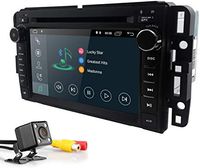
ISO Harness×1
20 Pin Harness×1
4G Antenna×2
USB Cable×2
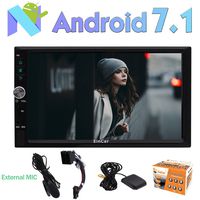
External Microphone (11.5ft)×1
GPS Antenna (16.4ft)×1
User Manual×1
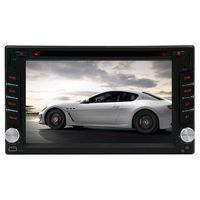
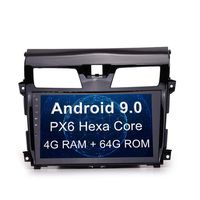
8 inch Double Din JOYING Android 8.1 4GB + 64GB Car Stereo Built-in DSP LCD Touchscreen with 4G SIM Card Slot & 1280×720P Reslution - Supprot Android Auto DSP SPDIF Fast Boot WiFi
Operation System: Android 8.1
RAM: LPDDR4 4GB
ROM: 64GB
CPU: Intel Airmont eight-core 1.8GHz SC9853i
Resolution: 1280×720
Bluetooth: Bluetooth 4.2
Working Voltage: 10V-14V
Working Temperature: -40℃-80℃
Radio Chip: NXP TEF6686
Amplifier IC: TDA7851
Audio Power Output: 4X50W
4G SIM Standard & Frequency Supported
GSM: GSM850 EGSM900 DCS1800 PCS1900
WCDMA: BAND1 BAND2 BAND5 BAND8
TD-SCDMA: BAND34 BAND39
TDD-LTE: BAND34 BAND38 BAND39 BAND40 BAND41
FDD-LTE: BAND1 BAND2 BAND3 BAND5 BAND7 BAND8 BAND20 BAND29A
Not Supported
AT&T: BAND12 BAND14 BAND17 BAND29 BAND30 BAND66
Verizon Wireless: BAND13 BAND66
T-Mobile: BAND12 BAND66 BAND71
Sprint:BAND25 BAND26 BAND41
How to connect the steering wheel control?
1) Key 1 and key 2 is for steering wheel control. You need to connect the key 1 or key 2 or key 1 and key 2 with your original steering wheel control wire, GND (black wire ) should be connected as well.
After connected, you should go"Setting-General-Steering wheel control" to learn.
2) "ILLUM" wire is for button light control wire. You need to connect this "ILLUM " wire with your original car headlight wire. Then button light works.
3) "back " wire offers power for your reverse camera.
4) "ACC" "BATT" "GND " wire is important on powering the head unit.
5) "ANT.CONT " wire offers power for your radio antenna.
6) Brake wire no need to be connected. The function has been built-in the head unit.
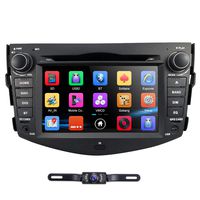
What's in the Box?
ISO Harness×1
20 Pin Harness×1
4G Antenna×2
USB Cable×2
External Microphone (11.5ft)×1
GPS Antenna (16.4ft)×1
User Manual×1
in next 2 weeks