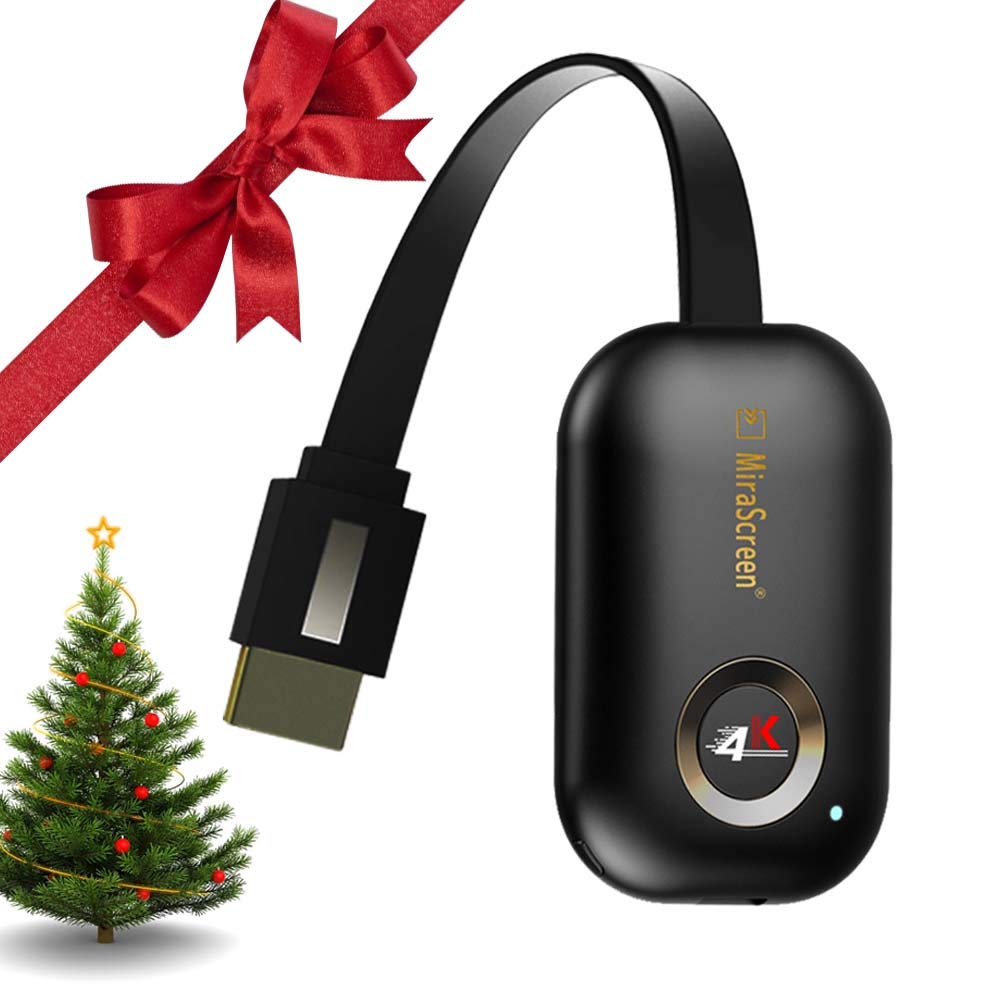
Description
✔Enjoy playing your games or watching videos on bigger screens?
✔Do you have trouble with small screen?
✔Want to protect your family eyesight
✔Want to share screen with people,enjoy HD movies just stay at home
✔Want to put it in any place even in your small pocket when travelling or working
✔[2019 NEWEST UPGRADE VERSION] WIFI Display Dongle is your best choice.
iPhone connect steps
▲1. Connect the display dongle to the HD TV or projector and power the dongle,Connect the product's WiFi with iPhone;Open the airplay mode of the iPhone.
▲2. Now you can mirror your phone on a big screen, but surfing the internet will spend the traffic of your iPhone.
▲3. Go to the website: 192.168.203.1, Choose your home wifi name and enter password---Connect.
▲4. Once set up, your iPhone can mirror to big screen and use Wi-Fi to surf the Internet.
Android connect steps
❤1. Connect the display dongle to the HD TV or projector and power the dongle,Open the screen projection mode of the Phone.
❤2. Once set up, your iPhone can mirror to big screen and use Wi-Fi to surf the Internet.
Compatible system:
❤Supports Android 4.2+ / iOS / Mac OS 9.0+ /windows 8.1
❤5G WiFi: compatible with the 802.11ac standard, 5GHz WiFi delivering speeds is almost three times as fast as 802.11n.
Main features:
❤Support multi-screen interactive features like Airpaly/ DLNA / Miracast / Chromecast.
❤Easily enjoy watching videos or playing your games on bigger screens.
❤Easy to use and install,no app or drivers required.
❤Support HDMI, 4K HD output,the resolution of 4K TV is 4 times that of 1080P, which is about 9 times that of 720P.
Packing included:
WiFi display receiver X 1
Micro USB 2 in 1 cable X 1
Instruction manual X 1
4K HDMI Wireless Display Dongle - 2.4G WiFi HDMI Adapter Connector Support Airplay DLNA Miracast for iOS Android/Windows/Mac
Price is below average
Current Price
$29.5
Average
$31.33
Min Price
$25
Max Price
$39.99
Price dynamics
6%
Description
✔Enjoy playing your games or watching videos on bigger screens?
✔Do you have trouble with small screen?
✔Want to protect your family eyesight
✔Want to share screen with people,enjoy HD movies just stay at home
✔Want to put it in any place even in your small pocket when travelling or working
✔[2019 NEWEST UPGRADE VERSION] WIFI Display Dongle is your best choice.
iPhone connect steps
▲1. Connect the display dongle to the HD TV or projector and power the dongle,Connect the product's WiFi with iPhone;Open the airplay mode of the iPhone.
▲2. Now you can mirror your phone on a big screen, but surfing the internet will spend the traffic of your iPhone.
▲3. Go to the website: 192.168.203.1, Choose your home wifi name and enter password---Connect.
▲4. Once set up, your iPhone can mirror to big screen and use Wi-Fi to surf the Internet.
Android connect steps
❤1. Connect the display dongle to the HD TV or projector and power the dongle,Open the screen projection mode of the Phone.
❤2. Once set up, your iPhone can mirror to big screen and use Wi-Fi to surf the Internet.
Compatible system:
❤Supports Android 4.2+ / iOS / Mac OS 9.0+ /windows 8.1
❤5G WiFi: compatible with the 802.11ac standard, 5GHz WiFi delivering speeds is almost three times as fast as 802.11n.
Main features:
❤Support multi-screen interactive features like Airpaly/ DLNA / Miracast / Chromecast.
❤Easily enjoy watching videos or playing your games on bigger screens.
❤Easy to use and install,no app or drivers required.
❤Support HDMI, 4K HD output,the resolution of 4K TV is 4 times that of 1080P, which is about 9 times that of 720P.
Packing included:
WiFi display receiver X 1
Micro USB 2 in 1 cable X 1
Instruction manual X 1
Price will be lower
in next 2 weeks
in next 2 weeks
According to the data, price will be lower in next two weeks, so not waste your money and track better price!
Product review & video
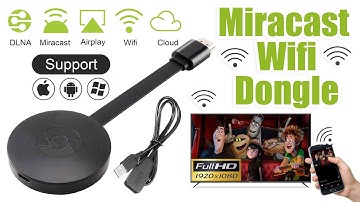
[Music] hello guys uh we are back with one of our new product and today we are going to check this ez chromecast it's a mirror cast device you can easily mirror with your phone to your tv wireless so let's see what we get inside first of all user manual we have main device it's uh actually my phone over here here you can see there is a power port and a reset button and here we can get one wireless receiver power adapter micro usb and usb port you can plug back to your tv or you can use uh adapter 5 volt adapter so it will be easy to get constant 5 for 5.0 volt power you can use this kind of adapter over here just plug it this way it's easy and connect this device to your easier cast and this one goes back to your tv and you can mirror from your phone directly to your tv okay guys so here we have a hdmi cable from back to our tv okay so what we're going to do we just connect it this devi


Similar products