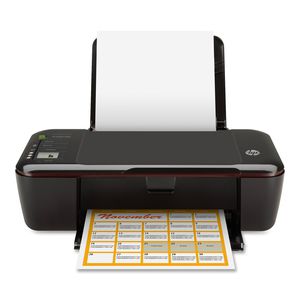
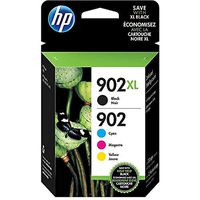
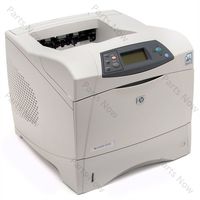
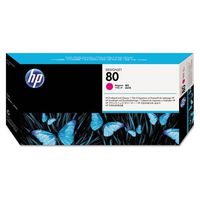
So you need to replace a cartridge in your HP printer. Let’s walk through the steps together. The first thing to do is turn the printer on, so press the Power button. Next, open the paper output tray and raise the paper input tray. Then, load paper into the input tray until it stops. Slide the paper width guide inward until it stops at the edge of the paper. Do not push the guide in so tightly that it starts to bend the paper. Open the cartridge access door. The carriage moves to the center of the printer. Allow the carriage to stop moving. Then, find the cartridge you want to replace and lightly press down on it to release it. Pull the cartridge out to remove it from the slot. Now, take the new cartridge out of its package. Pull the plastic tab from the new cartridge to remove it. When handling the cartridges, be aware of the electrical contacts and ink nozzles. Be careful not to touch
We use cookies to enhance your browsing experience, serve personalized ads or content, and analyze our traffic. By clicking "Accept All", you consent to our use of cookies.