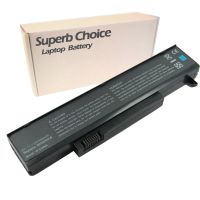
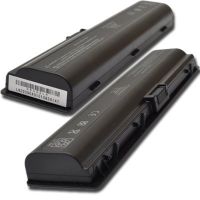
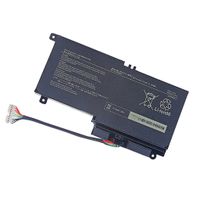
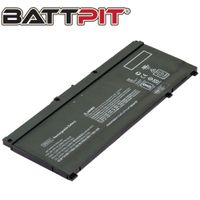
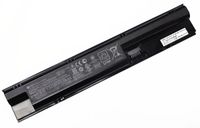
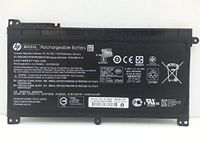
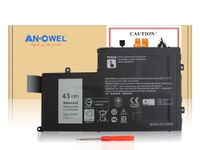
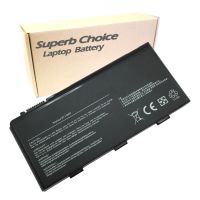
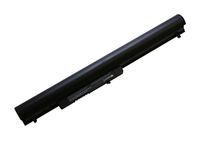
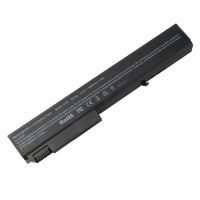
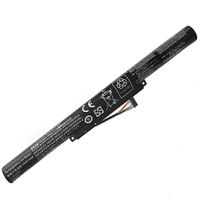
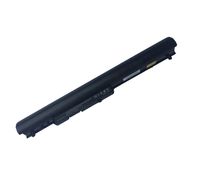
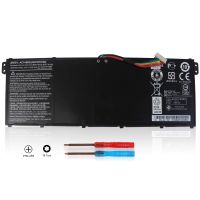
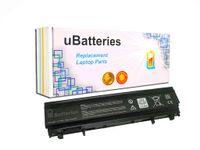
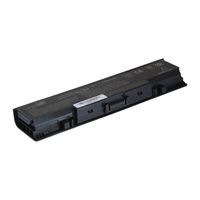
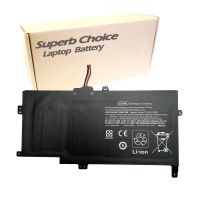
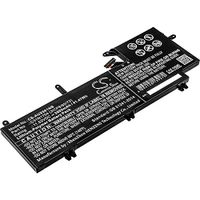
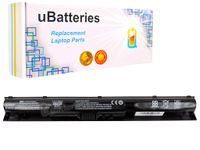
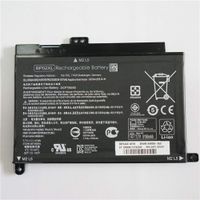
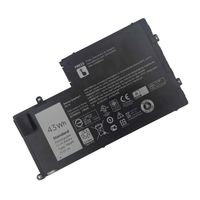
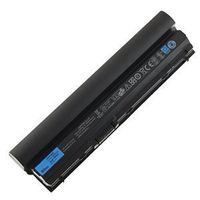
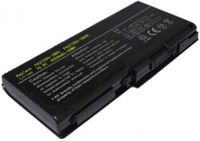
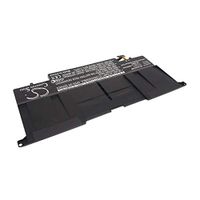
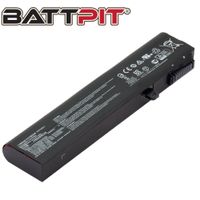
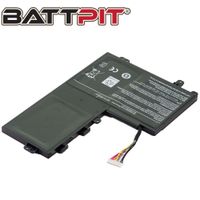
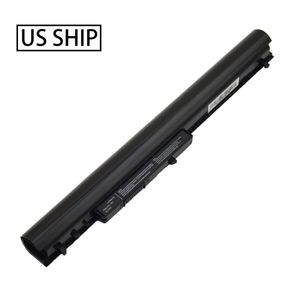
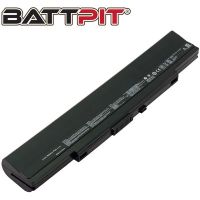
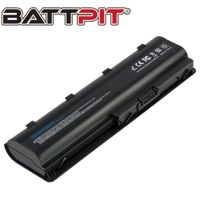
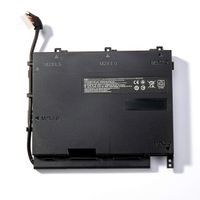
* Battery Type : Li-ion
* Voltage : 14.4V
* Capacity : 2600mAh
* Color: Black
* Cells: 4 Cells
* Condition: Brand New Replacement- Grade A cells
* Attention:
1.Li-Ion Laptop Battery 10.8V and 11.1V are in common use.
2.Li-Ion Laptop Battery 14.4V and 14.8V are in common use.
* Low power consumption IC design
* Over-charge/discharge protection
* Over-heat/current protection
* Short-circuit protection
* Fully compatible with the original laptops
* Tested with strict quality control standards
* Compatible Laptop Models:
HP
15-G073NR 15-G074NR 15-G075NR
15-G077NR 15-G078NR 15-G079NO
15-G080ND 15-G080NR 15-G081ND
15-G012DX 15-G019WM 15-R011DX
15-R029WM 15-R030WM 15-R063NR
* The following are troubleshooting methods:
1.Turn off the laptop.
2.Unplug AC power.
3.Remove the battery.
4.Replace AC power.
5.Turn on laptop,allow OS to boot.
6.Once logged in to the machine,perform a normal shut donw.
7.Unplug AC power.
8.Replace battery.
9.Turn on laptop,allow os to boot.
* To avoid possible injury, Please read it carefully :
1.Keep the battery pack away from fire.
2.Do not expose it to water or rain.
3.Do not attempt to disassemble it.
4.Do not short-circuit it.
5.Keep it away from children.
![New L12L4E01 G400S G500S Laptop Battery Compatible with Lenovo IdeaPad G405S G510S G505S G510S S410P S510P Touch Z710 Eraser G50-80 Series L12M4A02 L12M4E01 L12S4A02 [14.4V 2600mAh] Notebook Battery](https://use4coins.com/thumbs/rs:fit:200:200/plain/https://images-na.ssl-images-amazon.com/images/I/71V-xwYDU3L.jpg)