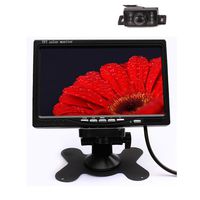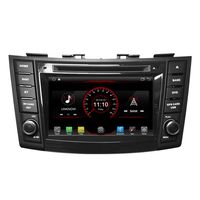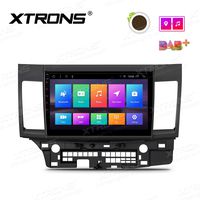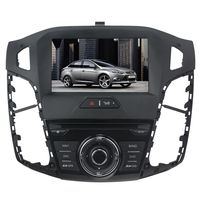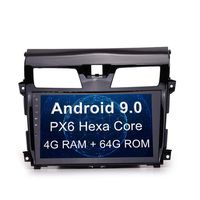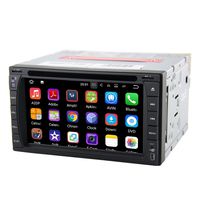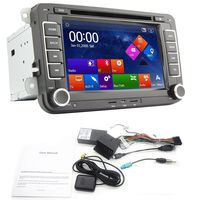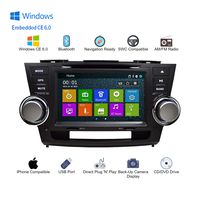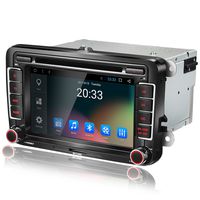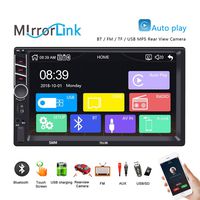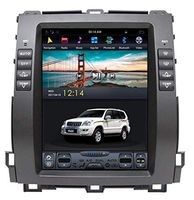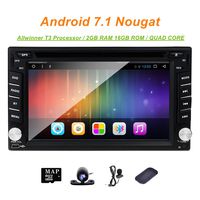
Applicable Models
Operation System: Android 8.1
RAM: LPDDR4 4GB
ROM: 64GB
CPU: Intel Airmont eight-core 1.8GHz SC9853i
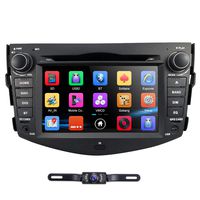
Resolution: 1024*600
Bluetooth: Bluetooth 4.2
Working Voltage: 10V-14V
Working Temperature: -40℃-80℃
Radio Chip: NXP TEF6686
Amplifier IC: TDA7851
Audio Power Output: 4X50W
4G SIM Standard & Frequency Supported
GSM: GSM850 EGSM900 DCS1800 PCS1900
WCDMA: BAND1 BAND2 BAND5 BAND8
TD-SCDMA: BAND34 BAND39
TDD-LTE: BAND34 BAND38 BAND39 BAND40 BAND41
FDD-LTE: BAND1 BAND2 BAND3 BAND5 BAND7 BAND8 BAND20 BAND29A
Not Supported
AT&T: BAND12 BAND14 BAND17 BAND29 BAND30 BAND66
Verizon Wireless: BAND13 BAND66
T-Mobile: BAND12 BAND66 BAND71
Sprint:BAND25 BAND26 BAND41
Digital SPDIF Audio Output
Connect your external amplifier / DSP to the SPDIF digital output directly for ultimate sound quality; If your external amplifier / DSP doesn't comes with SPDIF input, you will need to connect the amplifier / DSP via FL/FR out & RL/RR out.
How to connect the steering wheel control?
1) Key 1 and key 2 is for steering wheel control. You need to connect the key 1 or key 2 or key 1 and key 2 with your original steering wheel control wire, GND (black wire ) should be connected as well.
After connected, you should go"Setting-General-Steering wheel control" to learn.
2) "ILLUM" wire is for button light control wire. You need to connect this "ILLUM " wire with your original car headlight wire. Then button light works.
3) "back " wire offers power for your reverse camera.
4) "ACC" "BATT" "GND " wire is important on powering the head unit.
5) "ANT.CONT " wire offers power for your radio antenna.
6) Brake wire no need to be connected. The function has been built-in the head unit.
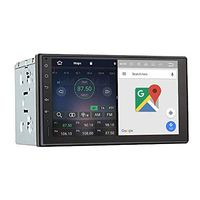
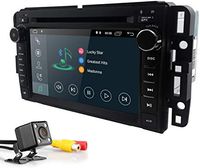
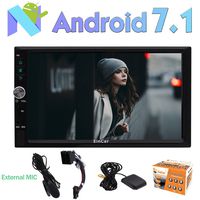
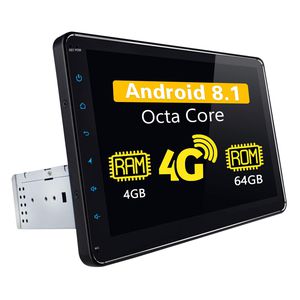
Android Car Stereo - JOYING Andorid 8.1 4GB RAM 64GB ROM 10.1 inch Single Din Car Radio LCD Touchscreen with 4G SIM Card Slot, Support Android Auto, SPDIF, DSP, DVR, Backup Camera
Applicable Models
Operation System: Android 8.1
RAM: LPDDR4 4GB
ROM: 64GB
CPU: Intel Airmont eight-core 1.8GHz SC9853i
Resolution: 1024*600
Bluetooth: Bluetooth 4.2
Working Voltage: 10V-14V
Working Temperature: -40℃-80℃
Radio Chip: NXP TEF6686
Amplifier IC: TDA7851
Audio Power Output: 4X50W
4G SIM Standard & Frequency Supported
GSM: GSM850 EGSM900 DCS1800 PCS1900
WCDMA: BAND1 BAND2 BAND5 BAND8
TD-SCDMA: BAND34 BAND39
TDD-LTE: BAND34 BAND38 BAND39 BAND40 BAND41
FDD-LTE: BAND1 BAND2 BAND3 BAND5 BAND7 BAND8 BAND20 BAND29A
Not Supported
AT&T: BAND12 BAND14 BAND17 BAND29 BAND30 BAND66
Verizon Wireless: BAND13 BAND66
T-Mobile: BAND12 BAND66 BAND71
Sprint:BAND25 BAND26 BAND41
Digital SPDIF Audio Output
Connect your external amplifier / DSP to the SPDIF digital output directly for ultimate sound quality; If your external amplifier / DSP doesn't comes with SPDIF input, you will need to connect the amplifier / DSP via FL/FR out & RL/RR out.
How to connect the steering wheel control?
1) Key 1 and key 2 is for steering wheel control. You need to connect the key 1 or key 2 or key 1 and key 2 with your original steering wheel control wire, GND (black wire ) should be connected as well.
After connected, you should go"Setting-General-Steering wheel control" to learn.
2) "ILLUM" wire is for button light control wire. You need to connect this "ILLUM " wire with your original car headlight wire. Then button light works.
3) "back " wire offers power for your reverse camera.
4) "ACC" "BATT" "GND " wire is important on powering the head unit.
5) "ANT.CONT " wire offers power for your radio antenna.
6) Brake wire no need to be connected. The function has been built-in the head unit.
in next 2 weeks