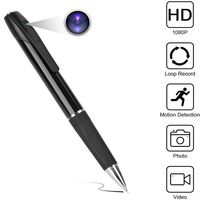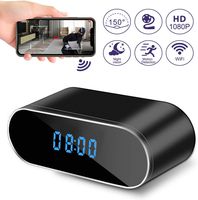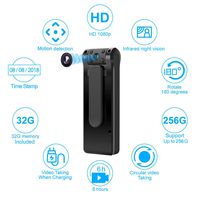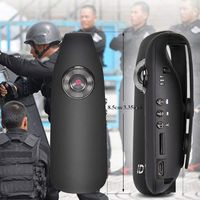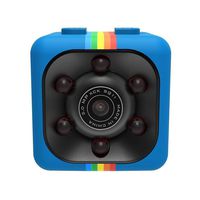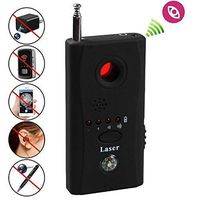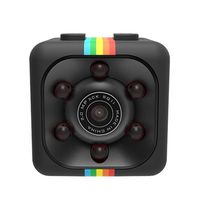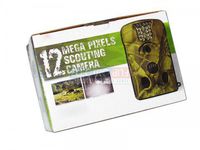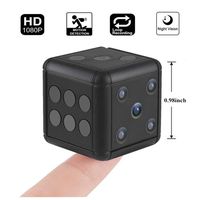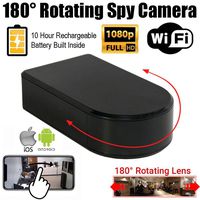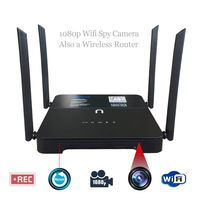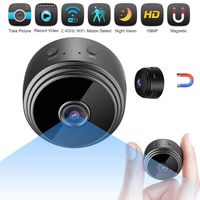
Product Features
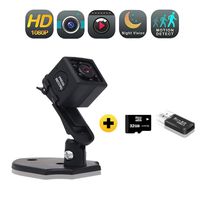
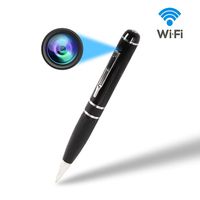
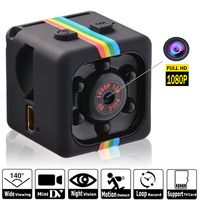
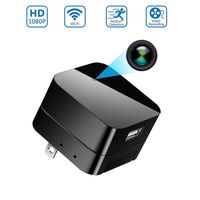
It works without any networks, "No Live Video" features and "No Wifi Needed"
Record videos with 2 modes ("L" for Loop recording, "M" for Motion detection), No Audio Recording
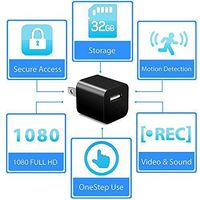
Support max 32GB SD card (10 class or higher)
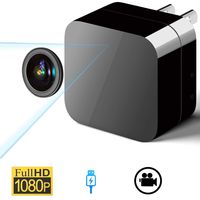
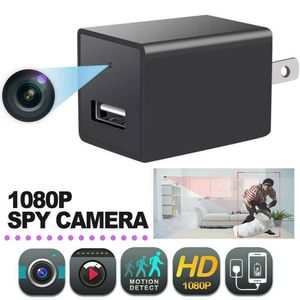
Full HD 1080P makes a perfect experience (No Night Vision)
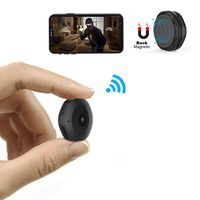
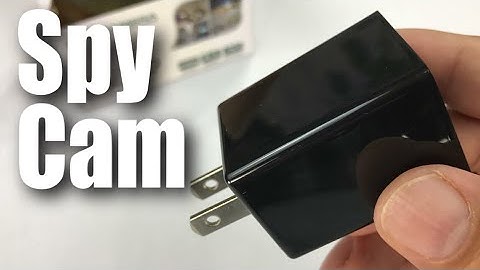
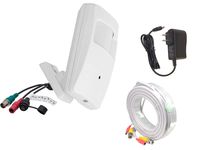
2 in 1 design makes it unnoticeable, spy when charging
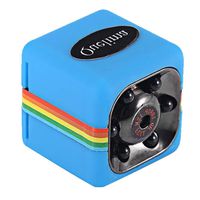
Small and portable and easy to use
Keep an eye on home, office or somewhere else
How To Use
Insert SD card (Max 128GB Not included)
Choose the model ("L" for Loop recording, "M" for Motion detection)
Cover SD card with sticker
Plug in and it will record automatically
Videos are recorded as a series of 5-minute video files (Format: AVI)
Copy video files to your computer and then view the videos
Please read the operating manual or view the 5th picture above before use
Advice & Tips
We suggest you to use a new Micro SD Card or format your Micro SD Card before insert it into the usb charger camera
If you can not open the video file, please confirm 3 things: the video format is AVI; format the micro sd card or use a new one; open the video file with another media player, we suggest you choose VLC media player
It will automatically cover the earliest 5-minutes video files when out of storage memory
Please copy video files to your computer before reviewing to increase the speed of access
Any questions or concerns, please tell us and we will try our best to help you in 24 hours
Spy Camera Charger | Hidden Camera | Premium Pack | Mini Spy Camera 1080p | USB Charger Camera | Hidden Spy Camera | Hidden Nanny Cam | Hidden Spy Cam | Hidden Cam | 1080 Full HD Camera
Product Features
It works without any networks, "No Live Video" features and "No Wifi Needed"
Record videos with 2 modes ("L" for Loop recording, "M" for Motion detection), No Audio Recording
Support max 32GB SD card (10 class or higher)
Full HD 1080P makes a perfect experience (No Night Vision)
2 in 1 design makes it unnoticeable, spy when charging
Small and portable and easy to use
Keep an eye on home, office or somewhere else
How To Use
Insert SD card (Max 128GB Not included)
Choose the model ("L" for Loop recording, "M" for Motion detection)
Cover SD card with sticker
Plug in and it will record automatically
Videos are recorded as a series of 5-minute video files (Format: AVI)
Copy video files to your computer and then view the videos
Please read the operating manual or view the 5th picture above before use
Advice & Tips
We suggest you to use a new Micro SD Card or format your Micro SD Card before insert it into the usb charger camera
If you can not open the video file, please confirm 3 things: the video format is AVI; format the micro sd card or use a new one; open the video file with another media player, we suggest you choose VLC media player
It will automatically cover the earliest 5-minutes video files when out of storage memory
Please copy video files to your computer before reviewing to increase the speed of access
Any questions or concerns, please tell us and we will try our best to help you in 24 hours
in next 2 weeks