Description
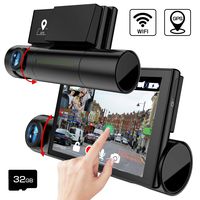
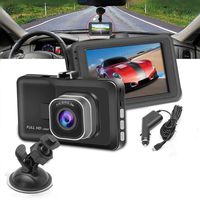
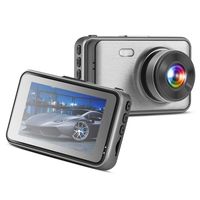
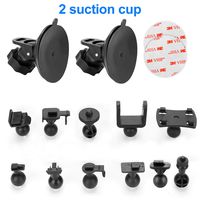
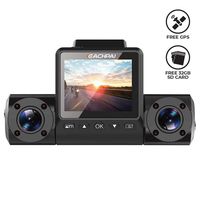
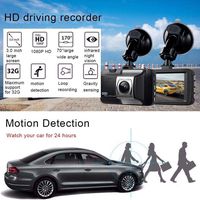
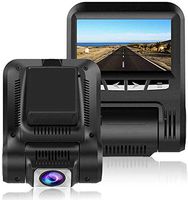
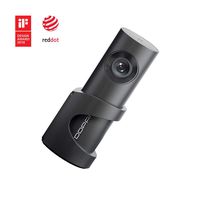
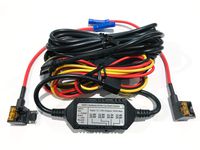
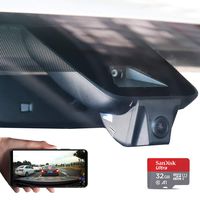
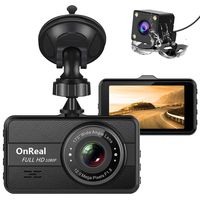
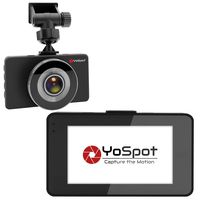
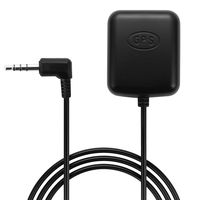
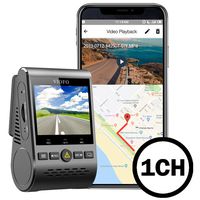
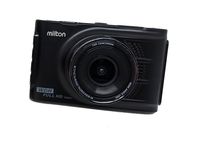
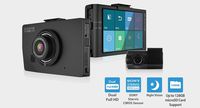
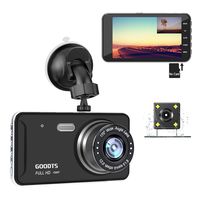
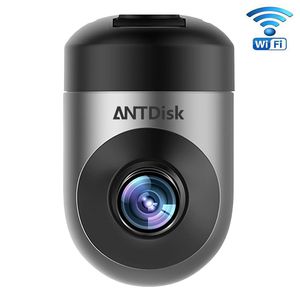
AntDisk Dash Cam provides Instant Capture of Amazing picture and video Wi-Fi Connection with Smartphone enabled for dashboard camera instant photo and video sharing. It can take a picture when you wave your hand across the lens area. Download the photo and video to your mobile phone and share to social media like Facebook,Twiter by one press. Record driving events─1080p HD loop recording. Replay videos through wireless mobile control. Emergency videos Accident Auto Detection Feature (G-Sensor) can locks data to memory, Built-in Microphone Speaker for records both audio & video. Automatically store videos in case of sudden braking and collisions. The GPS module is embedded in the power cable, which gets of the position and speed of vehicles and records the track of each traveling. Notice - The camera has an OTA updating system, you will receive the latest firmware by the AntDisk APP. Click the "Send Firmware and Upgrade" in the camera setting to complete the updating. Specification : Type: Full HD Dash camera Chip-set: Hisilicon 3516C_V200 Max External Card Supported: TF 64G (not included) Class Rating Requirements: Class 10 or Above Charge way: Car charger Wide Angle: 156 degree wide angle Decode Format: H.264 photography: Gesture photography Video format: MP4 Video Resolution: 1080P (1920 x 1080),720P (1280 x 720) Video Frame Rate : 30fps Video Processing: 3D- Denoising/Image Enhancement/LDC correction Image Format : JPEG GPS : Display the speed &Photo location information
Will also send you the operation steps by e-mail, if you have any question about the product, please feel free to contact with us
OPERATION
Insert TF card→Fix the camera→ Connect the camera to mobile phone→Take a photo or a short video→GPS→Video on live, playback and download→Updater→Other settings→Reset(password:12345678)
Will also send you the operation steps by e-mail, if you have any question about the product, please feel free to contact with us
OPERATION
Insert TF card→Fix the camera→ Connect the camera to mobile phone→Take a photo or a short video→GPS→Video on live, playback and download→Updater→Other settings→Reset(password:12345678)
HD Camera for Car Full HD 1080P with Super Night Vision Car DVR Dashboard Camera Recorder G-Sensor (Dash cam 2)
Price is below average
Current Price
$59.99
Average
$83.37
Min Price
$59.99
Max Price
$199.99
Price dynamics
28%
Description
AntDisk Dash Cam provides Instant Capture of Amazing picture and video Wi-Fi Connection with Smartphone enabled for dashboard camera instant photo and video sharing. It can take a picture when you wave your hand across the lens area. Download the photo and video to your mobile phone and share to social media like Facebook,Twiter by one press. Record driving events─1080p HD loop recording. Replay videos through wireless mobile control. Emergency videos Accident Auto Detection Feature (G-Sensor) can locks data to memory, Built-in Microphone Speaker for records both audio & video. Automatically store videos in case of sudden braking and collisions. The GPS module is embedded in the power cable, which gets of the position and speed of vehicles and records the track of each traveling. Notice - The camera has an OTA updating system, you will receive the latest firmware by the AntDisk APP. Click the "Send Firmware and Upgrade" in the camera setting to complete the updating. Specification : Type: Full HD Dash camera Chip-set: Hisilicon 3516C_V200 Max External Card Supported: TF 64G (not included) Class Rating Requirements: Class 10 or Above Charge way: Car charger Wide Angle: 156 degree wide angle Decode Format: H.264 photography: Gesture photography Video format: MP4 Video Resolution: 1080P (1920 x 1080),720P (1280 x 720) Video Frame Rate : 30fps Video Processing: 3D- Denoising/Image Enhancement/LDC correction Image Format : JPEG GPS : Display the speed &Photo location information
Will also send you the operation steps by e-mail, if you have any question about the product, please feel free to contact with us
OPERATION
Insert TF card→Fix the camera→ Connect the camera to mobile phone→Take a photo or a short video→GPS→Video on live, playback and download→Updater→Other settings→Reset(password:12345678)
Will also send you the operation steps by e-mail, if you have any question about the product, please feel free to contact with us
OPERATION
Insert TF card→Fix the camera→ Connect the camera to mobile phone→Take a photo or a short video→GPS→Video on live, playback and download→Updater→Other settings→Reset(password:12345678)
Price will be lower
in next 2 weeks
in next 2 weeks
According to the data, price will be lower in next two weeks, so not waste your money and track better price!
Product review & video
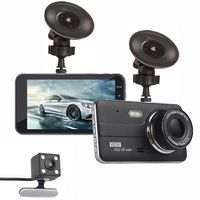
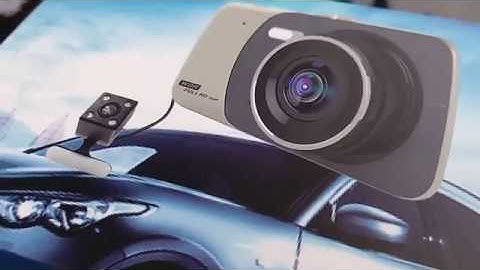
[Music] [Music] [Music] [Music] [Music] [Music] [Music] [Music] [Music] show you on does the power cable which is goes up so I will show you how to install it mode you can straightaway change the mode to dividual mode no files on the camera also if you want to change the camera view the reversing camera it's recording to the reversing camera I'll show you later on you can press up and you can see these two camera the monitor splits on to on to giving back reversing camera on the front camera if you break up again you're getting just the camera in the front so it's not recording on camera are you can do it like reversing cameras you can see completely whole screen is your arson when you press again so you getting play in the corner reversing camera yes also when you turn alone each stars automatically recording with [Music] [Music] it starts again with the corner camera on the main camer

Similar products