Description
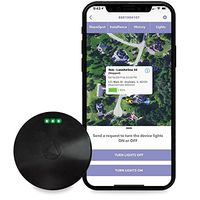
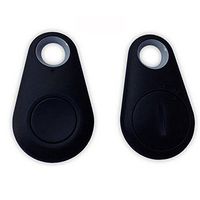
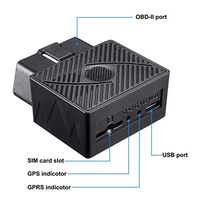
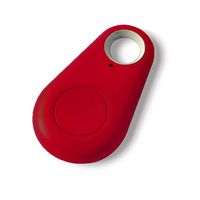
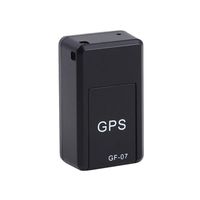
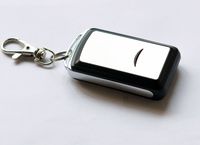
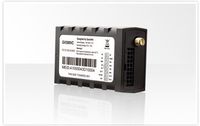
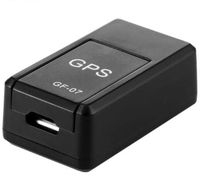
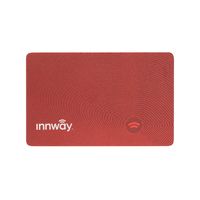
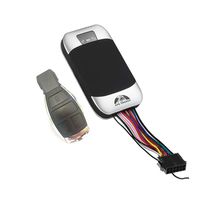
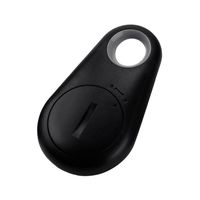
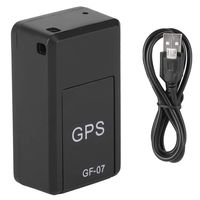
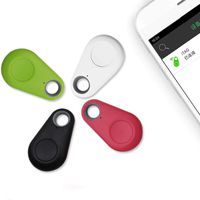
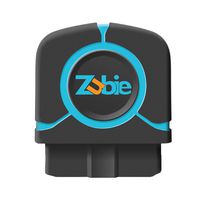
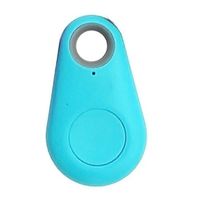
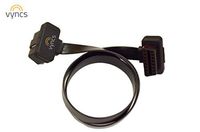
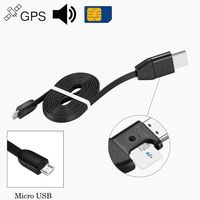
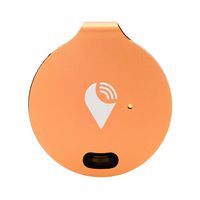
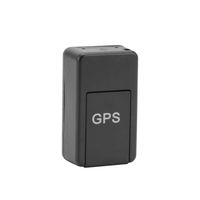
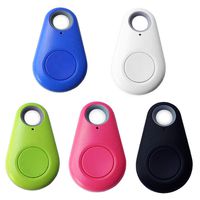
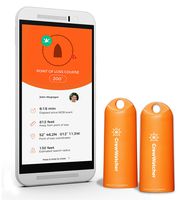
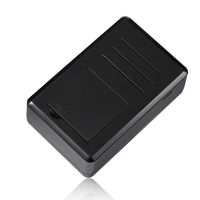
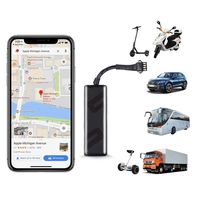
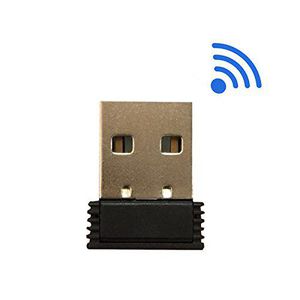
Mini Vehicle GPS Tracker.
How to install:
App store search for "iPark" download,or scan the QR code on the package, download and install the APP. Plug the device into the car's USB port and start the car, open the APP and search for the device, ready for use via Bluetooth connection successfully established.
How to find your car:
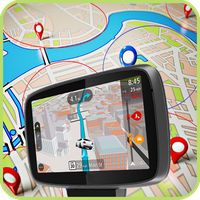
1. GPS signal on mobile phone is available: after your vehicle is turned off, the mobile APP locates the parking spot directly. Click "Find My Car" on APP, it'll directly generate a map and planning path to take you to the car park position.
2. GPS signal on mobile phone is unavailable: after your vehicle is turned off, the mobile APP will let you take a picture of the current parking location and set the parking location floor to help you remember the parking location, so that you can easily find your car.
Applicable Version:
This product is suitable for all iOS system and Android 4.4V or above.
How to install:
App store search for "iPark" download,or scan the QR code on the package, download and install the APP. Plug the device into the car's USB port and start the car, open the APP and search for the device, ready for use via Bluetooth connection successfully established.
How to find your car:
1. GPS signal on mobile phone is available: after your vehicle is turned off, the mobile APP locates the parking spot directly. Click "Find My Car" on APP, it'll directly generate a map and planning path to take you to the car park position.
2. GPS signal on mobile phone is unavailable: after your vehicle is turned off, the mobile APP will let you take a picture of the current parking location and set the parking location floor to help you remember the parking location, so that you can easily find your car.
Applicable Version:
This product is suitable for all iOS system and Android 4.4V or above.
Greshare GPS Tracker, Mini Portable Real Time Vehicle GPS Tracker.
Current Price
$14.98
Average
$14.15
Min Price
$8.99
Max Price
$16.99
Price dynamics
6%
Description
Mini Vehicle GPS Tracker.
How to install:
App store search for "iPark" download,or scan the QR code on the package, download and install the APP. Plug the device into the car's USB port and start the car, open the APP and search for the device, ready for use via Bluetooth connection successfully established.
How to find your car:
1. GPS signal on mobile phone is available: after your vehicle is turned off, the mobile APP locates the parking spot directly. Click "Find My Car" on APP, it'll directly generate a map and planning path to take you to the car park position.
2. GPS signal on mobile phone is unavailable: after your vehicle is turned off, the mobile APP will let you take a picture of the current parking location and set the parking location floor to help you remember the parking location, so that you can easily find your car.
Applicable Version:
This product is suitable for all iOS system and Android 4.4V or above.
How to install:
App store search for "iPark" download,or scan the QR code on the package, download and install the APP. Plug the device into the car's USB port and start the car, open the APP and search for the device, ready for use via Bluetooth connection successfully established.
How to find your car:
1. GPS signal on mobile phone is available: after your vehicle is turned off, the mobile APP locates the parking spot directly. Click "Find My Car" on APP, it'll directly generate a map and planning path to take you to the car park position.
2. GPS signal on mobile phone is unavailable: after your vehicle is turned off, the mobile APP will let you take a picture of the current parking location and set the parking location floor to help you remember the parking location, so that you can easily find your car.
Applicable Version:
This product is suitable for all iOS system and Android 4.4V or above.
Price will be lower
in next 2 weeks
in next 2 weeks
According to the data, price will be lower in next two weeks, so not waste your money and track better price!