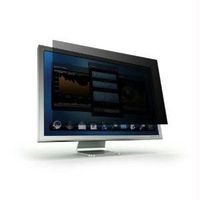
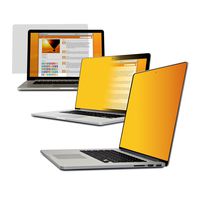
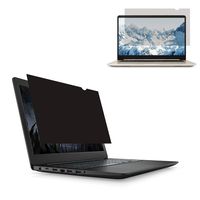
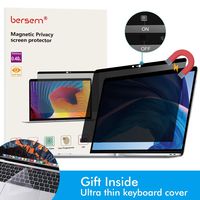
Features
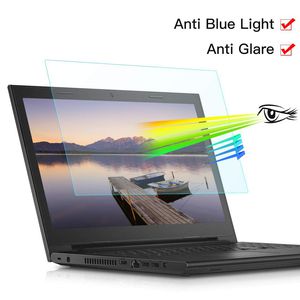
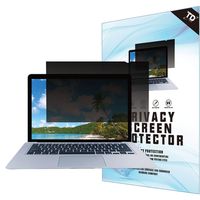
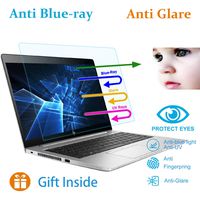
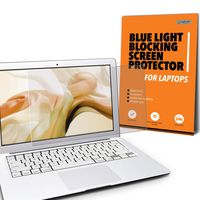
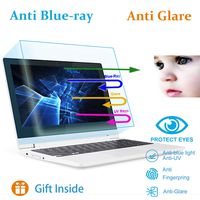
-Filter out Blue Light and relieve computer eye strain to help you sleep better
-Anti-fingerprint and grease dirt, extra sensitive touch screen.Excellent character recognition.
-Block 99% of UV and block 65% of harmful blue light between 380nm-490nm .
-Reduce-Glare, help minimize annoying surface glare under bright lights.
-High transmittance,The thickness of screen and the touch feeling have little change after installation.
-Uniform thickness, smooth surface.The picture can be showed incisively and vividly.
-Easy to install, also allows for easy removal. No bubbles, no fuzz.
How to install
Step 1.Use alcohol swab or microfiber cloth to clear the LCD screen before installation.
Step 2.Peel the protector layer off the adhesive side.
Step 3.Carefully align the glass to the screen and slowly apply it onto the screen.
Step 4.Lightly press the center of the glass then adhesive part will spread over all parts smoothly.
Step 5.Use the clean cloth or finger to remove any visible bubbles from the screen.
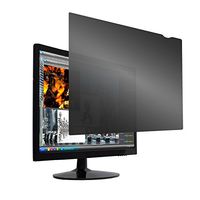
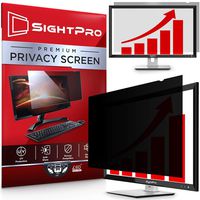
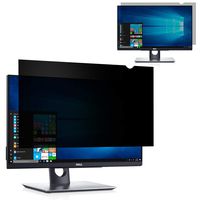
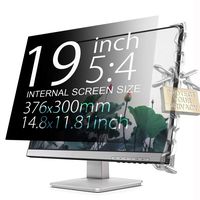
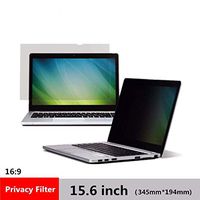
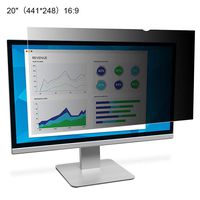
Diagonal Length: 17.3 inch
Width: 15 inches (38.2cm)
Height: 8.5 inches (21.5cm)
Screen Aspect Ratio: 16:9
Please allow the protector size with a tiny difference
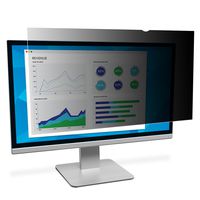
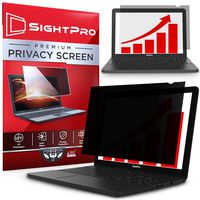
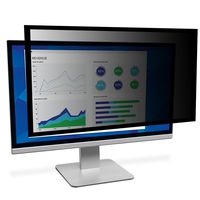
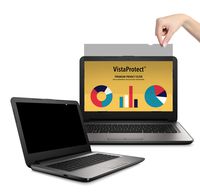
![Ovimir 22 Inch (Diagonally Measured) Computer Privacy Screen Filter, [16:10 Aspect Ratio] for Widescreen Monitors Anti-Glare - Anti-Scratch Screen Protector - (WxH:474.3mmx296mm)](https://use4coins.com/thumbs/unsafe/fit-in/200x200/https://images-na.ssl-images-amazon.com/images/I/51e8D2wI4-L.jpg)
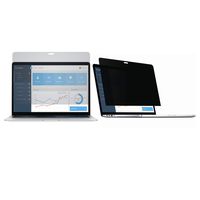
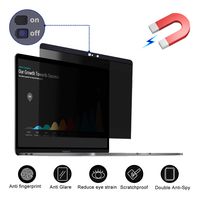
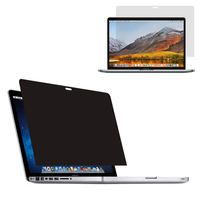
![Privacy Screen Protector,Cover Webcam-Magnetic Privacy Filter proterctor Compatible MacBook pro 15 inch[(2012-mid 2016) Model: A1398] - Anti Glare](https://use4coins.com/thumbs/unsafe/fit-in/200x200/https://images-na.ssl-images-amazon.com/images/I/61WCYuiAagL.jpg)
![ZOEGAA Surface Pro Privacy Screen for Surface Pro 3/4/5/6[Office Products][Removable] Privacy Screen Surface Pro Compatible with Surface Pro 4/5/6 2018 Release](https://use4coins.com/thumbs/unsafe/fit-in/200x200/https://images-na.ssl-images-amazon.com/images/I/510K%2BpvoVFL.jpg)
![24 Inch Monitor Privacy Filter -Anti Glare Screen Protector Compatible Diagonal 24" Widescreen Desktop and All-in-One Monitor with 16:9 Aspect Ratio Screen[20.9" W x 11.8" H]](https://use4coins.com/thumbs/unsafe/fit-in/200x200/https://images-na.ssl-images-amazon.com/images/I/71ed1JTZY5L.jpg)