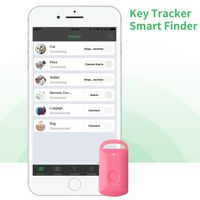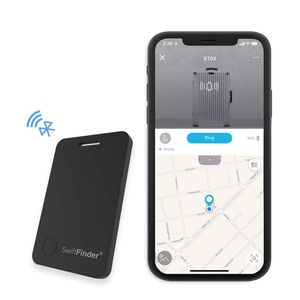
Description
Setting Up the App
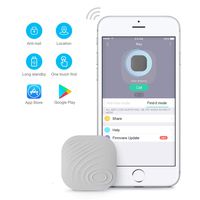
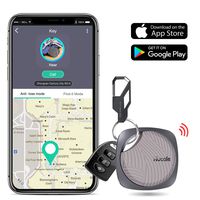
1.Download the Zenlyfe app from the Apple App Store or the Google Play Store
2.Make sure your Bluetooth on the phone is on
3.Open the Zenlyfe app
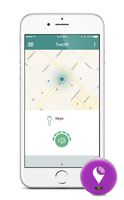
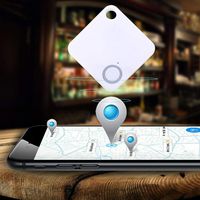
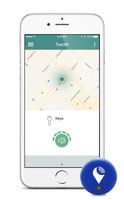
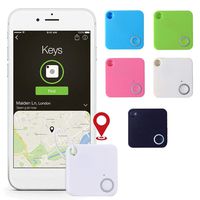
4.Follow the prompts to allow Zenlyfe access to Bluetooth and Location Service so you can see your things on a map
Activate Smart Luggage Tag
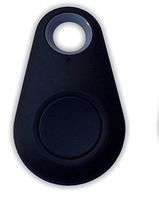
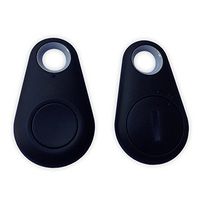
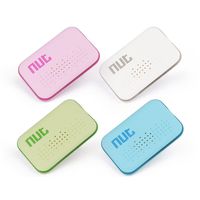
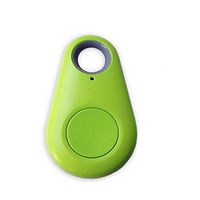
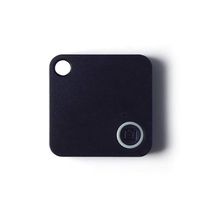
Your smart luggage tag is on the sleep mode when you open the packing box.You just quick press the button,it will ring and be activate.You should connect it with your phone in a minute.Or it will be on the sleep mode again automatic.
Attaching Your Smart Luggage Tags to Things
It can be anything that you want to track, luggage,suitcases, bags, etc. Linking Your Smart Tags to the App
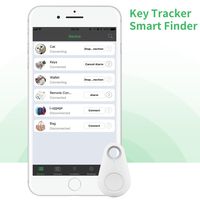
1.Tap the + button on the Things tab of the app
2.Wait for the app to discover and connect the smart tag
3.Tap the save button on upper right corner of the app
4.Optionally you can take a picture of the thing that the smart tag is attached to and name it
5.Be happy because now you can always find your stuff!
Package
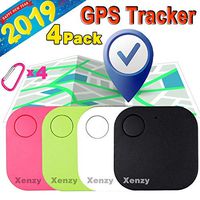
1* smart luggage tag
1* user manual
1.Download the Zenlyfe app from the Apple App Store or the Google Play Store
2.Make sure your Bluetooth on the phone is on
3.Open the Zenlyfe app
4.Follow the prompts to allow Zenlyfe access to Bluetooth and Location Service so you can see your things on a map
Activate Smart Luggage Tag
Your smart luggage tag is on the sleep mode when you open the packing box.You just quick press the button,it will ring and be activate.You should connect it with your phone in a minute.Or it will be on the sleep mode again automatic.
Attaching Your Smart Luggage Tags to Things
It can be anything that you want to track, luggage,suitcases, bags, etc. Linking Your Smart Tags to the App
1.Tap the + button on the Things tab of the app
2.Wait for the app to discover and connect the smart tag
3.Tap the save button on upper right corner of the app
4.Optionally you can take a picture of the thing that the smart tag is attached to and name it
5.Be happy because now you can always find your stuff!
Package
1* smart luggage tag
1* user manual
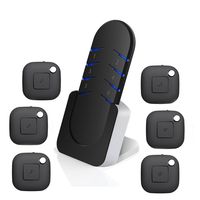
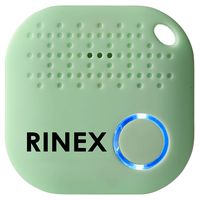
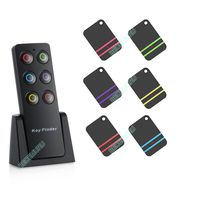
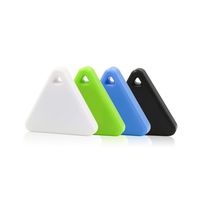
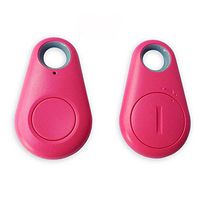
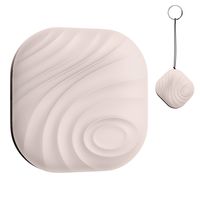
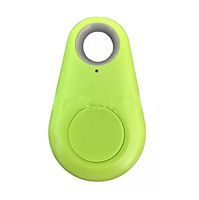
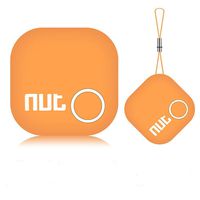
Bluetooth Tracker,SwiftFinder Item Locator Phone Finder Smart Luggage Tag Anti-Lost Alarm 5 Years Lasting Batteries for Luggage/Bag/Keys/Backpack/Phone
Price is below average
Current Price
$19.99
Average
$23.39
Min Price
$19.99
Max Price
$25.99
Price dynamics
15%
Description
Setting Up the App
1.Download the Zenlyfe app from the Apple App Store or the Google Play Store
2.Make sure your Bluetooth on the phone is on
3.Open the Zenlyfe app
4.Follow the prompts to allow Zenlyfe access to Bluetooth and Location Service so you can see your things on a map
Activate Smart Luggage Tag
Your smart luggage tag is on the sleep mode when you open the packing box.You just quick press the button,it will ring and be activate.You should connect it with your phone in a minute.Or it will be on the sleep mode again automatic.
Attaching Your Smart Luggage Tags to Things
It can be anything that you want to track, luggage,suitcases, bags, etc. Linking Your Smart Tags to the App
1.Tap the + button on the Things tab of the app
2.Wait for the app to discover and connect the smart tag
3.Tap the save button on upper right corner of the app
4.Optionally you can take a picture of the thing that the smart tag is attached to and name it
5.Be happy because now you can always find your stuff!
Package
1* smart luggage tag
1* user manual
1.Download the Zenlyfe app from the Apple App Store or the Google Play Store
2.Make sure your Bluetooth on the phone is on
3.Open the Zenlyfe app
4.Follow the prompts to allow Zenlyfe access to Bluetooth and Location Service so you can see your things on a map
Activate Smart Luggage Tag
Your smart luggage tag is on the sleep mode when you open the packing box.You just quick press the button,it will ring and be activate.You should connect it with your phone in a minute.Or it will be on the sleep mode again automatic.
Attaching Your Smart Luggage Tags to Things
It can be anything that you want to track, luggage,suitcases, bags, etc. Linking Your Smart Tags to the App
1.Tap the + button on the Things tab of the app
2.Wait for the app to discover and connect the smart tag
3.Tap the save button on upper right corner of the app
4.Optionally you can take a picture of the thing that the smart tag is attached to and name it
5.Be happy because now you can always find your stuff!
Package
1* smart luggage tag
1* user manual
Price will be lower
in next 2 weeks
in next 2 weeks
According to the data, price will be lower in next two weeks, so not waste your money and track better price!
Similar products