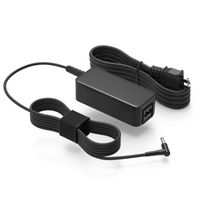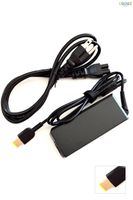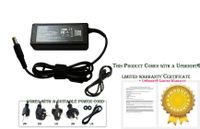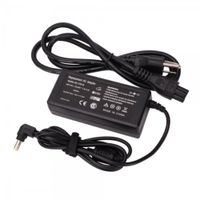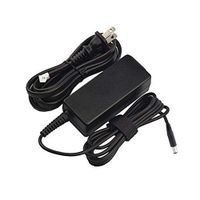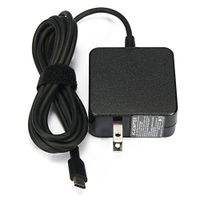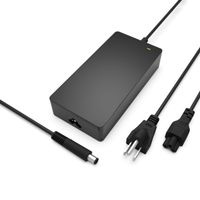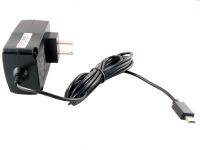
Description
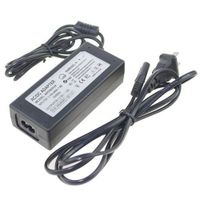
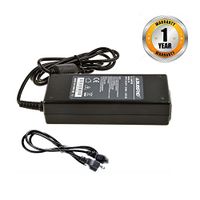
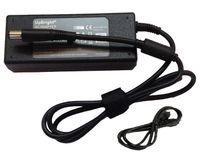
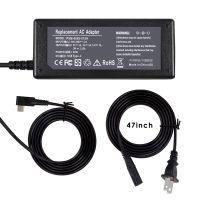
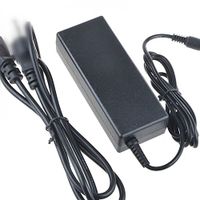
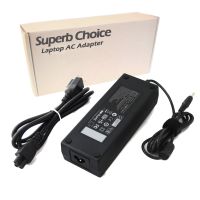
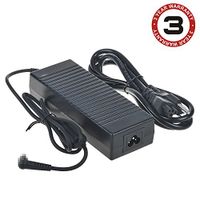
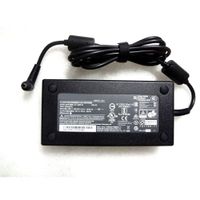
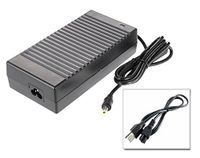
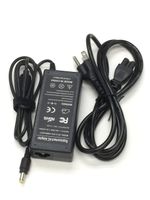
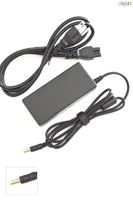
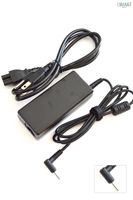
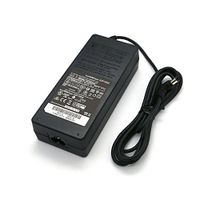
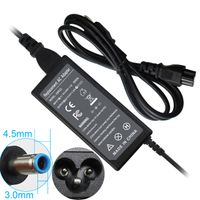
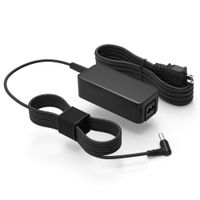
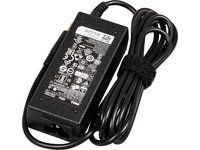
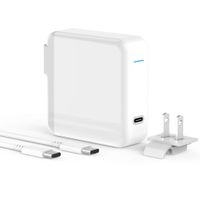
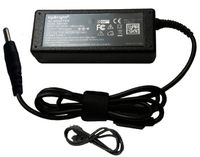
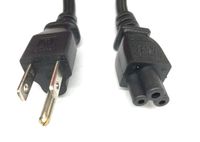
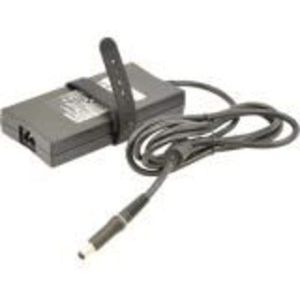
Stop lugging your AC adapter back and forth between home and office. Get a second AC adapter for your notebook and keep one in the office and one for home or travel. The 180-Watt AC Adapter from Dell trade; is specially designed to meet the power needs of your Dell trade; laptop. Packed with of 180-Watt power, this adapter enables you to simultaneously operate your system and charge its battery from electrical power outlets. It comes bundled with 6 ft power cord. Compatibility Genuine Dell-branded parts undergo rigorous testing by qualified engineers to ensure compatibility and reliability in your Dell system. Our sustaining qualification process allows for testing and certification of the newest technology on your Dell system. Quality Dell uses only OEM grade quality components. Warranty Our Limited One Year Warranty guarantees that if our Genuine Dell-branded parts should fail, we will replace them. Genuine Dell-branded parts mean that you will not need to worry about voiding your system #39; #39;s hardware warranty. Non-Dell parts are not covered and may void your system warranty. For more information about warranties, please click here: . Technical Support Our experienced technical support staff is available to answer any questions regarding your genuine Dell-branded parts upgrade. Parts purchased from other sources will not be supported by Dell. Offers 180-Watts enough to power and charge your laptop Comes bundled with 6 ft power cord Incorporates a rubber strap for easy cable management This product replaces the following SKU / Part Numbers: WW4XY / TW1P0 / F0G4K / JVF3V / 331-1469
Genuine Dell 180W Replacement AC Adapter for Dell Alienware 15, Alienware 17 R2, Alienware M17, Alienware M17x R4, Alienware X51, Alienware X51 R2.
Price is below average
Current Price
$63.99
Average
$71.97
Min Price
$59.95
Max Price
$89.99
Price dynamics
11%
Description
Stop lugging your AC adapter back and forth between home and office. Get a second AC adapter for your notebook and keep one in the office and one for home or travel. The 180-Watt AC Adapter from Dell trade; is specially designed to meet the power needs of your Dell trade; laptop. Packed with of 180-Watt power, this adapter enables you to simultaneously operate your system and charge its battery from electrical power outlets. It comes bundled with 6 ft power cord. Compatibility Genuine Dell-branded parts undergo rigorous testing by qualified engineers to ensure compatibility and reliability in your Dell system. Our sustaining qualification process allows for testing and certification of the newest technology on your Dell system. Quality Dell uses only OEM grade quality components. Warranty Our Limited One Year Warranty guarantees that if our Genuine Dell-branded parts should fail, we will replace them. Genuine Dell-branded parts mean that you will not need to worry about voiding your system #39; #39;s hardware warranty. Non-Dell parts are not covered and may void your system warranty. For more information about warranties, please click here: . Technical Support Our experienced technical support staff is available to answer any questions regarding your genuine Dell-branded parts upgrade. Parts purchased from other sources will not be supported by Dell. Offers 180-Watts enough to power and charge your laptop Comes bundled with 6 ft power cord Incorporates a rubber strap for easy cable management This product replaces the following SKU / Part Numbers: WW4XY / TW1P0 / F0G4K / JVF3V / 331-1469
Price will be lower
in next 2 weeks
in next 2 weeks
According to the data, price will be lower in next two weeks, so not waste your money and track better price!
Product review & video
hey what's up this is Ricardo and in this video I'll show you how to remove the CMOS battery from a Dell Alienware 17 version r2 if you're looking for parts for this laptop go to our website and use this coupon for a 5% off discount first unscrew and remove access door [Music] then disconnect battery cable now unscrew and remove solid-state drive now unscrew and remove Wireless bracket then disconnect antenna cables and remove wireless card now disconnect cables from motherboard then remove Palm risk groups [Music] now separate and turn over palm rest now disconnect and remove palm wrist [Music] next remove rear hinge screws then disconnect cables for motherboard now unscrew and remove display assembly then disconnect motherboard cables now unscrew and remove motherboard then disconnect and remove CMOS battery thanks for watching don't forget to Like and subscribe if you enjoyed this vi


Similar products