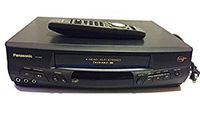
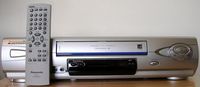
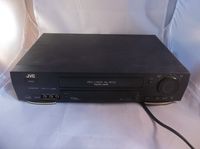
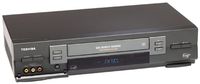
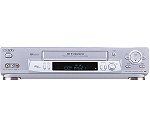
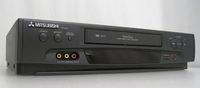
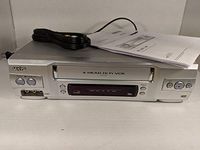
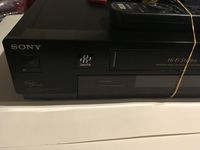
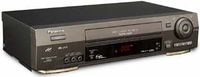
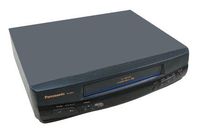
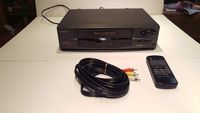
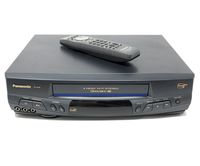
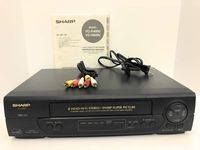
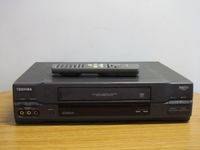
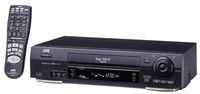
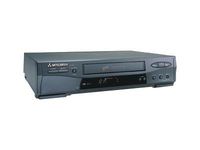
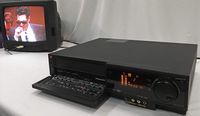
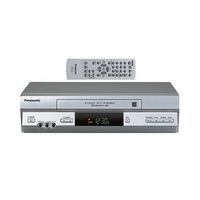
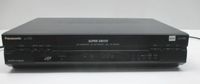
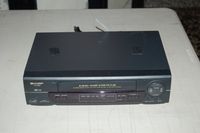
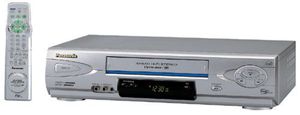
Affordable and loaded with features, Panasonic's PV-V4622 hi-fi VCR offers everything from 4-head playback and stereo sound to Commercial Advance, Movie Advance, 1-month/8-event advance programming, and front-panel audio/video inputs for your camcorder, gaming console, or second VCR--all in a stylish silver chassis designed to complement your other entertainment equipment. This PV-V4622's 4-head design ensures smooth slow-motion play (forward and reverse) and clear still-frame images, while hi-fi sound records and plays back stereo audio tracks. If you route the stereo output to an AV receiver, you can even enjoy four-channel (left, center, right, and monaural surround) Dolby Pro Logic mixes from TV and Dolby-encoded cassettes.
Movie Advance helps you locate certain parts of prerecorded movies (rented or purchased). The feature works in two ways: you can go to the beginning of the movie, or you can skip from one preview to the next. (This feature works only on tapes recorded in SP mode with the record tab removed.)
Commercial Advance, meanwhile, works during tape creation (initial recording) to detect and mark the beginning and end points of commercials on your tape for recordings over 15 minutes in duration. When the marked tape is played back, the VCR a automatically advances through the commercial segments at high speed. (You can manually adjust this feature to have more control over the advance process.)
Index search lets you zip right to your predefined index points, and tape-position display indicates how much room is left on your tape, before or during recording. Program end search lets you find the end of a recorded program without repeated button pushing and guesswork. By simply pressing the SEARCH button twice on the remote control, you can choose "Program End Search" from the onscreen menu to help find the desired tape location.
A feature called Digital Auto Picture minimizes noise in the video output signal, depending on the tape condition
![2 Pack-Apple Headphones Wired Earbuds with Lightning Connector Earphones with Built-in Microphone & Volume Control [Apple MFi Certified] Compatible with iPhone 13/12/11/XR/XS/X/8/7/SE](https://use4coins.com/thumbs/unsafe/fit-in/200x200/https://images-na.ssl-images-amazon.com/images/I/31OBTKLOiNL.jpg)