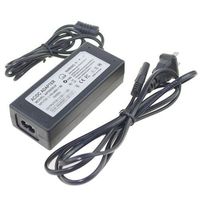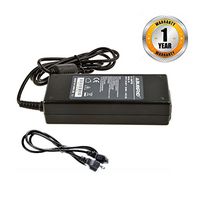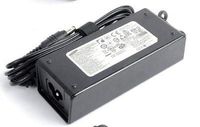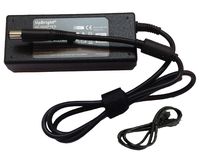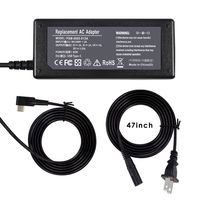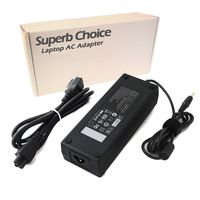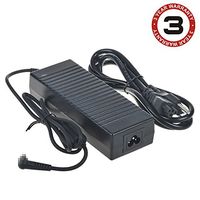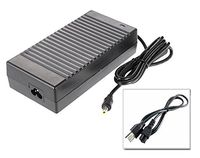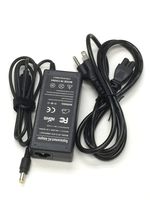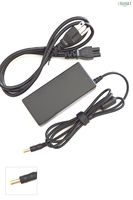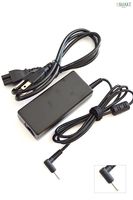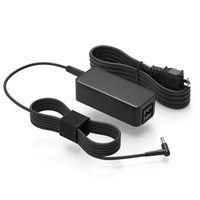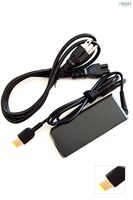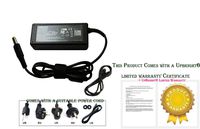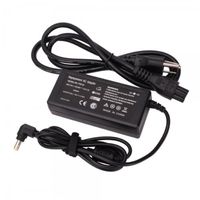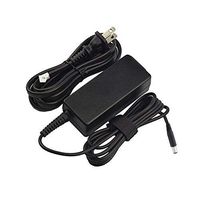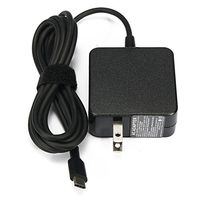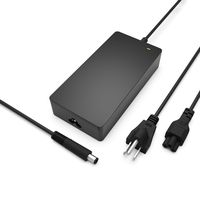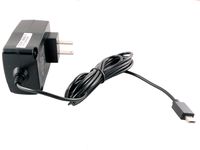
Description
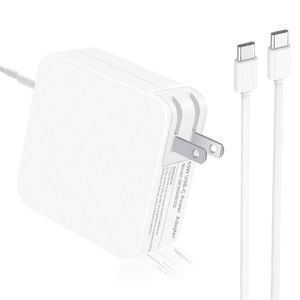
Specification:
Input: 100-240VAC 50/60Hz
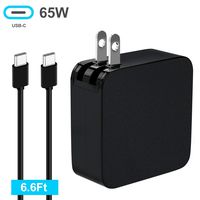
Output: 65W( technology which automatically detects and delivers 5V/3A, 9V/3A, 15V/3A or 20V/3.25A)
Connector size: USB Type-C OVP, OCP, SCP Protection
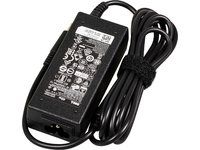
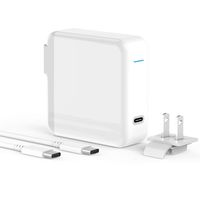
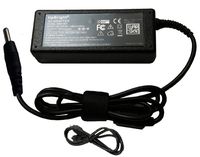
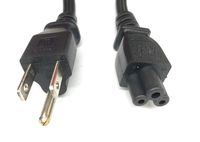
Item Includes : 1x AC Adapter & 1x Power Cable
Compatibility:
Compatible with USB type C phones, tablets, laptops
Nintendo Switch
Lenovo ADLX45YCC3A ADLX45UCCU2A 00HM651 5A10K34728 SA10E75829
Lenovo Models ThinkPad 13 (1st generation) Chrome
Lenovo ThinkPad 13 (1st generation) Windows
Lenovo ThinkPad 13 (2nd Gen) Windows, P51s, T470s, T470s, T570, X1 Tablet (1st Generation)
Lenovo ThinkPad Yoga (S Series)
Lenovo ThinkPad Yoga 370
Lenovo X1 Carbon (5th generation)
Lenovo X270
ASUS ZENBOOK 3 UX39UA, UX330UA-AH54
DELL Xps12, ChromeBook Google Pixel
Dell XPS 12 9250, Dell Latitude 11 5175, Dell Latitude 11 5175, Dell Latitude 11 5179, Dell
Latitude 11775, Dell Latitude 12 7275, Dell Latitude 13770, Dell XPS 12 9250, Dell P / N 689C4, 492-BBUU, LA45NM150, HDCY5, 30CD BA, 24YNH, 492-BBSP, 5FX88, 470-ABSF, LA65NM170, 2YKOF, 02YKOF
HP Pavilion x2: Pavilion x2 10-n054sa, HP Specter 13.3 ", Elitebook
Apple New Macbook 12 inch(2015)
Apple New Macbook 12 inch(2016)
Apple MacBook Pro 13 inch with Thunderbolt 3 port (USB-C)
Apple MacBook Pro 15 inch with Thunderbolt 3 port (USB-C)
Google Chromebook Pixel 2nd Generation
Google Nexus 6P / 5X
Nexus 6P
New Nokia N1 tablet
OnePlus 2
Chromebook Pixel 2 C1501W
Microsoft Lumia 950, Lumia 950XL
Nokia N1 Tablet
LeTV One Max, LeTV One Pro
LG G5
Samsung Galaxy S7
Sony Xpera Z5
Note: This adapter is NOT compatible with HP Elitebook Folio and Asus Q524UQ laptop.
Jeestam 65W USB Type-C AC Adapter Charger Power Replacement for Apple MacBook/Dell/Xiaomi air/Huawei Matebook/HP Spectre/Thinkpad Nintendo Switch/Lenovo/Acer Type C Laptops and Phones
Price is below average
Current Price
$20.99
Average
$21.24
Min Price
$16.99
Max Price
$23.99
Price dynamics
1%
Description
Specification:
Input: 100-240VAC 50/60Hz
Output: 65W( technology which automatically detects and delivers 5V/3A, 9V/3A, 15V/3A or 20V/3.25A)
Connector size: USB Type-C OVP, OCP, SCP Protection
Item Includes : 1x AC Adapter & 1x Power Cable
Compatibility:
Compatible with USB type C phones, tablets, laptops
Nintendo Switch
Lenovo ADLX45YCC3A ADLX45UCCU2A 00HM651 5A10K34728 SA10E75829
Lenovo Models ThinkPad 13 (1st generation) Chrome
Lenovo ThinkPad 13 (1st generation) Windows
Lenovo ThinkPad 13 (2nd Gen) Windows, P51s, T470s, T470s, T570, X1 Tablet (1st Generation)
Lenovo ThinkPad Yoga (S Series)
Lenovo ThinkPad Yoga 370
Lenovo X1 Carbon (5th generation)
Lenovo X270
ASUS ZENBOOK 3 UX39UA, UX330UA-AH54
DELL Xps12, ChromeBook Google Pixel
Dell XPS 12 9250, Dell Latitude 11 5175, Dell Latitude 11 5175, Dell Latitude 11 5179, Dell
Latitude 11775, Dell Latitude 12 7275, Dell Latitude 13770, Dell XPS 12 9250, Dell P / N 689C4, 492-BBUU, LA45NM150, HDCY5, 30CD BA, 24YNH, 492-BBSP, 5FX88, 470-ABSF, LA65NM170, 2YKOF, 02YKOF
HP Pavilion x2: Pavilion x2 10-n054sa, HP Specter 13.3 ", Elitebook
Apple New Macbook 12 inch(2015)
Apple New Macbook 12 inch(2016)
Apple MacBook Pro 13 inch with Thunderbolt 3 port (USB-C)
Apple MacBook Pro 15 inch with Thunderbolt 3 port (USB-C)
Google Chromebook Pixel 2nd Generation
Google Nexus 6P / 5X
Nexus 6P
New Nokia N1 tablet
OnePlus 2
Chromebook Pixel 2 C1501W
Microsoft Lumia 950, Lumia 950XL
Nokia N1 Tablet
LeTV One Max, LeTV One Pro
LG G5
Samsung Galaxy S7
Sony Xpera Z5
Note: This adapter is NOT compatible with HP Elitebook Folio and Asus Q524UQ laptop.
Price will be lower
in next 2 weeks
in next 2 weeks
According to the data, price will be lower in next two weeks, so not waste your money and track better price!
Product review & video
[Music] thus your computer refused to charge via USB C well then this is tutorial for you basically if you go to your computer and you plug it in with USB C you should see some LED lights lighting up there or here however this is not the case for this computer even though I plug it unplug it it will not charge doesn't matter so what can we do about it well we need to reset the battery so usually how you reset the battery is you take your on/off key you push it down and you hold it you hold it push down for about 15 to 20 seconds there then you release it you can see this light LED lighting up there which means it is resetting it's a little bit different on different models and now if you look I don't know you probably can't see it but there is a smaller light lighting up there and there it's actually charging now so now we can start the computer and I will show you that it is actually c


Similar products