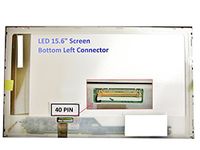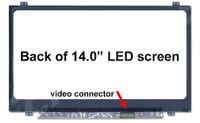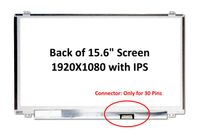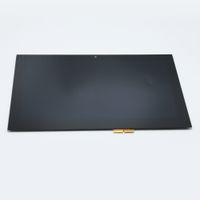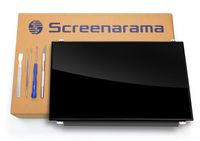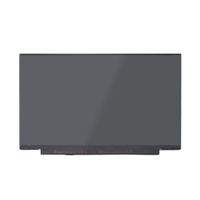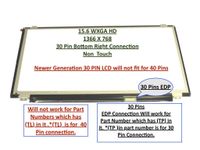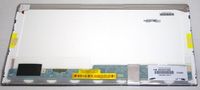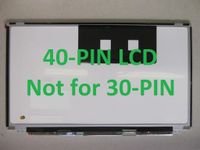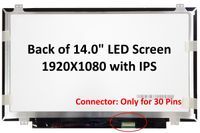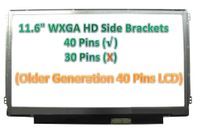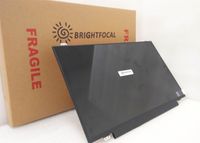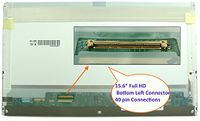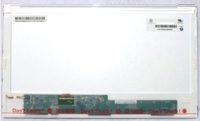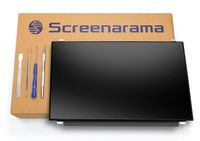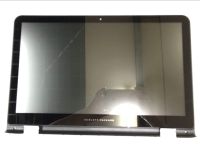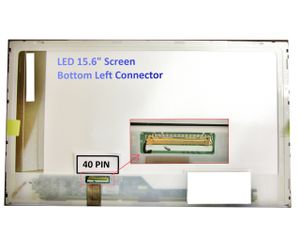
Asus F551 Series Laptop Screen 15.6 Slim LED Bottom Right WXGA HD
Price is below average
Current Price
$41.66
Average
$43.09
Min Price
$40.74
Max Price
$54.96
Price dynamics
3%
Price will be lower
in next 2 weeks
in next 2 weeks
According to the data, price will be lower in next two weeks, so not waste your money and track better price!
Product review & video
1) Make sure to unplug the AC adapter and take off the battery (I forgot to do it because I was in a hurry, but it's safer so you won't get an electric shock) 2) Take off the 2 screws cover at the bottom right and left of the screen by using a precision knife (X-ACTO) or flat screwdriver 3) Unscrew the 2 bottom screws 4) Pop off the screen bezel 5) Unscrew the 2 top screws that are holding the screen 6) Lay gently the screen down 7) Peel off carefully the tape and pull off gently the cable that connects the screen to the laptop. 8) Connect your new laptop screen (You should feel or hear 2 clicks) and stick back the tape gently 9) Lift the screen and screw back the 2 tops screws 10) Put back the screen bezel 11) Screw back the 2 bottom screws and cover them back. 12) Voilà!