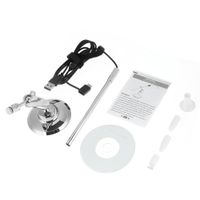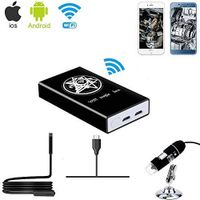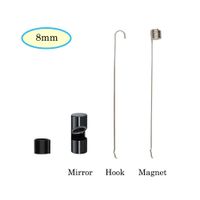
Packaging Content: 1 X Wireless Otoscope 1 X Charging Cable 1 X User Manual 1 X Phone Holder 4 X Protective Sleeves 1 X Ear Pick Sets
How to Use: 1. Download and install free app "OtoScope" from App Store or Google Play Store, do not open app yet; 2. Press the power button to start device, the green light and the camera lights is on; 3. Go to the "Setting" - "Wi-Fi"/"WLAN"setting on your phone or tablet, select more networks and wait for the WiFi name "Jetion_xxxxxxxx" network appear and select it; 4. Enter the password "12345678", after you see the connection is successful, go to the "OtoScope" app, then you can start use now.
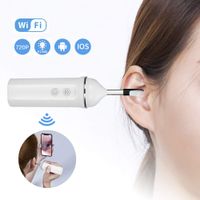
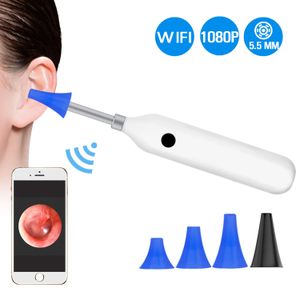
BlueFire Upgraded 1080P HD Wireless Ear Otoscope Digital WiFi Ear Scope IP68 Waterproof Ear Inspection Camera Ear Cleaning Endoscope with 6 Adjustable LED Lights for IOS and Android Smartphones,Tablet
Packaging Content: 1 X Wireless Otoscope 1 X Charging Cable 1 X User Manual 1 X Phone Holder 4 X Protective Sleeves 1 X Ear Pick Sets
How to Use: 1. Download and install free app "OtoScope" from App Store or Google Play Store, do not open app yet; 2. Press the power button to start device, the green light and the camera lights is on; 3. Go to the "Setting" - "Wi-Fi"/"WLAN"setting on your phone or tablet, select more networks and wait for the WiFi name "Jetion_xxxxxxxx" network appear and select it; 4. Enter the password "12345678", after you see the connection is successful, go to the "OtoScope" app, then you can start use now.
in next 2 weeks