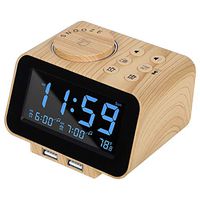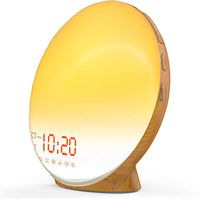
Description
HOW TO SET:
Setting The Date & Time
▶ 1.Press "SET" for 3 seconds then the "year" will flash, press "up" or "down" to set the year.
▶ 2.Follow the above method,Set the hours and minutes in turn.
Setting the Alarm
▶ 1.After setting the date & time, press "SET" to set the "alarm" display. It flashes and press the "SET" again, and then set the alarm time. You can set 3 different time at the same time.
Brightness Setting
Long press "up" for 3 seconds or press the lower right corner to change the brightness. You can choose the appropriate brightness according to the light.
Notes:
▶ 1. Clock is required to be fully charged when firstly used(when fully charged,the Red charging indicater light will turn to Green)
▶ 2. Each alarm can last 1 minute and make a loud voice"DI -DI -DI" to wake you up from dream.you can press any key to stop it.
▶ 3. Built in button cell,no time resetting needed when switching power supply mode,the time will always accurate.
▶ 4. Press the "UP"button can switch between Celsius degree and Fahrenheit degree.
▶ 5. Press the "SET"button can switch DP-01 and DP-02 modes,in DP-01 mode,time is displayed continually.In DP-02 mode,time is displayed for 10 seconds,then switch to date display for 3 seconds and then switching to temperature display for 3 seconds.
▶ 6. Brightness adjustable of the Clock Screen: 4 levels brightness. Long press the "UP"key can adjust the brightness,level 1 for the lowest brightness and level 4 for the highest brightness.Press"UP"and "DOWN"to adjust.
Specification:
Material: glass + ABS
Product size: 5.4'' x 5.4'' x 1.38''
Actual weight: 240g
Input:DC5V 500mA
Package Contents:
Alarm clock*1
Rechargeable cable*1
English manual*1
Setting The Date & Time
▶ 1.Press "SET" for 3 seconds then the "year" will flash, press "up" or "down" to set the year.
▶ 2.Follow the above method,Set the hours and minutes in turn.
Setting the Alarm
▶ 1.After setting the date & time, press "SET" to set the "alarm" display. It flashes and press the "SET" again, and then set the alarm time. You can set 3 different time at the same time.
Brightness Setting
Long press "up" for 3 seconds or press the lower right corner to change the brightness. You can choose the appropriate brightness according to the light.
Notes:
▶ 1. Clock is required to be fully charged when firstly used(when fully charged,the Red charging indicater light will turn to Green)
▶ 2. Each alarm can last 1 minute and make a loud voice"DI -DI -DI" to wake you up from dream.you can press any key to stop it.
▶ 3. Built in button cell,no time resetting needed when switching power supply mode,the time will always accurate.
▶ 4. Press the "UP"button can switch between Celsius degree and Fahrenheit degree.
▶ 5. Press the "SET"button can switch DP-01 and DP-02 modes,in DP-01 mode,time is displayed continually.In DP-02 mode,time is displayed for 10 seconds,then switch to date display for 3 seconds and then switching to temperature display for 3 seconds.
▶ 6. Brightness adjustable of the Clock Screen: 4 levels brightness. Long press the "UP"key can adjust the brightness,level 1 for the lowest brightness and level 4 for the highest brightness.Press"UP"and "DOWN"to adjust.
Specification:
Material: glass + ABS
Product size: 5.4'' x 5.4'' x 1.38''
Actual weight: 240g
Input:DC5V 500mA
Package Contents:
Alarm clock*1
Rechargeable cable*1
English manual*1
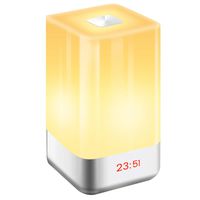
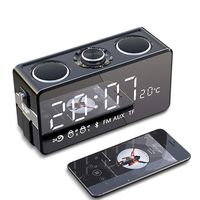
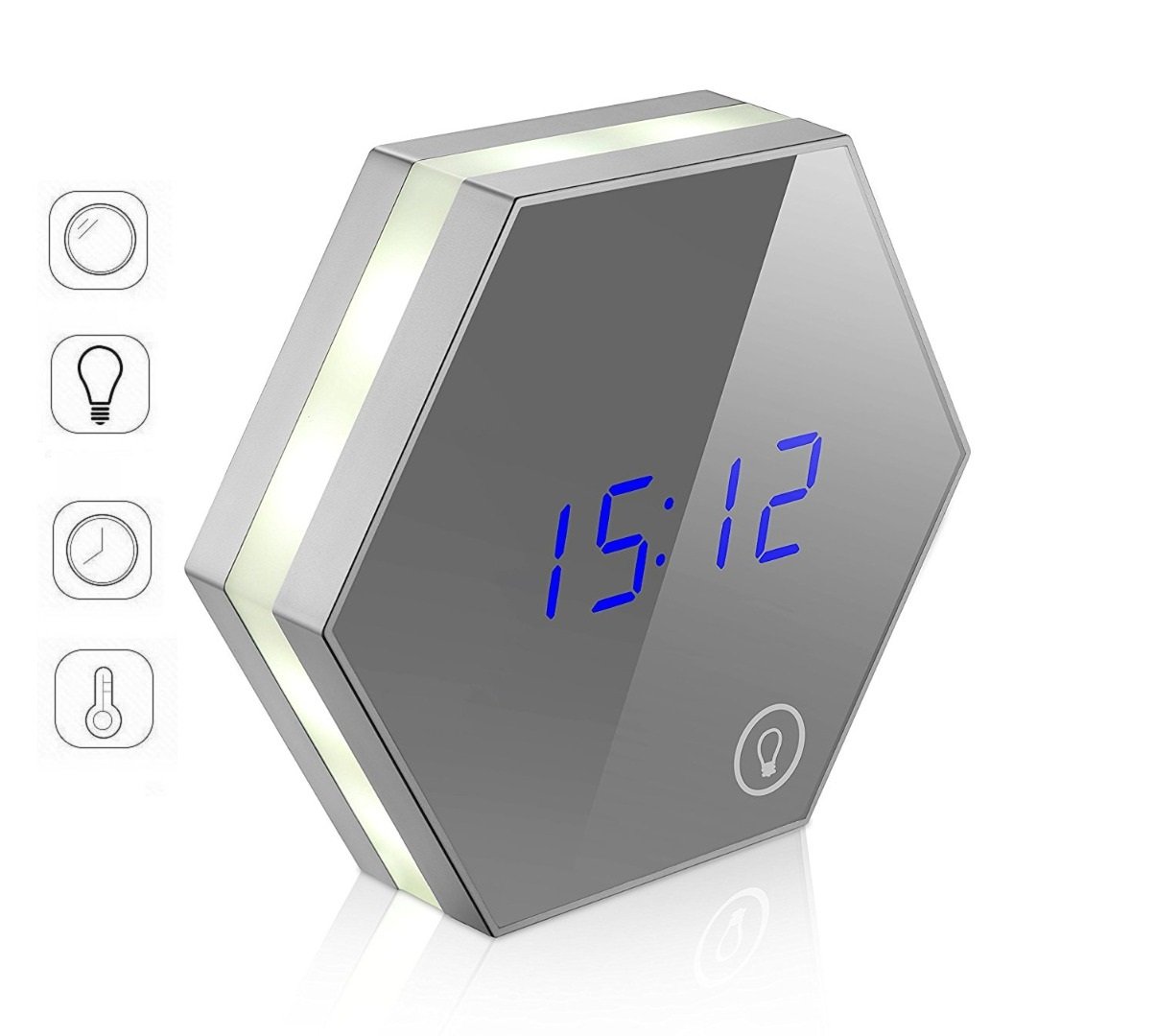
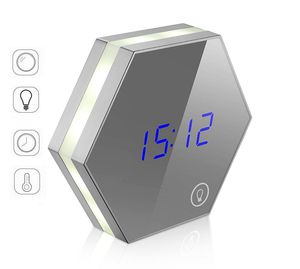
Mirror Alarm Clock Cosmetic Mirror with Night Light, Digital Thermometer Calendar and Bedside Clock, USB Charging for Home Bedroom Kitchen
Price is below average
Current Price
$20.99
Average
$27.41
Min Price
$20.99
Max Price
$29.99
Price dynamics
23%
Description
HOW TO SET:
Setting The Date & Time
▶ 1.Press "SET" for 3 seconds then the "year" will flash, press "up" or "down" to set the year.
▶ 2.Follow the above method,Set the hours and minutes in turn.
Setting the Alarm
▶ 1.After setting the date & time, press "SET" to set the "alarm" display. It flashes and press the "SET" again, and then set the alarm time. You can set 3 different time at the same time.
Brightness Setting
Long press "up" for 3 seconds or press the lower right corner to change the brightness. You can choose the appropriate brightness according to the light.
Notes:
▶ 1. Clock is required to be fully charged when firstly used(when fully charged,the Red charging indicater light will turn to Green)
▶ 2. Each alarm can last 1 minute and make a loud voice"DI -DI -DI" to wake you up from dream.you can press any key to stop it.
▶ 3. Built in button cell,no time resetting needed when switching power supply mode,the time will always accurate.
▶ 4. Press the "UP"button can switch between Celsius degree and Fahrenheit degree.
▶ 5. Press the "SET"button can switch DP-01 and DP-02 modes,in DP-01 mode,time is displayed continually.In DP-02 mode,time is displayed for 10 seconds,then switch to date display for 3 seconds and then switching to temperature display for 3 seconds.
▶ 6. Brightness adjustable of the Clock Screen: 4 levels brightness. Long press the "UP"key can adjust the brightness,level 1 for the lowest brightness and level 4 for the highest brightness.Press"UP"and "DOWN"to adjust.
Specification:
Material: glass + ABS
Product size: 5.4'' x 5.4'' x 1.38''
Actual weight: 240g
Input:DC5V 500mA
Package Contents:
Alarm clock*1
Rechargeable cable*1
English manual*1
Setting The Date & Time
▶ 1.Press "SET" for 3 seconds then the "year" will flash, press "up" or "down" to set the year.
▶ 2.Follow the above method,Set the hours and minutes in turn.
Setting the Alarm
▶ 1.After setting the date & time, press "SET" to set the "alarm" display. It flashes and press the "SET" again, and then set the alarm time. You can set 3 different time at the same time.
Brightness Setting
Long press "up" for 3 seconds or press the lower right corner to change the brightness. You can choose the appropriate brightness according to the light.
Notes:
▶ 1. Clock is required to be fully charged when firstly used(when fully charged,the Red charging indicater light will turn to Green)
▶ 2. Each alarm can last 1 minute and make a loud voice"DI -DI -DI" to wake you up from dream.you can press any key to stop it.
▶ 3. Built in button cell,no time resetting needed when switching power supply mode,the time will always accurate.
▶ 4. Press the "UP"button can switch between Celsius degree and Fahrenheit degree.
▶ 5. Press the "SET"button can switch DP-01 and DP-02 modes,in DP-01 mode,time is displayed continually.In DP-02 mode,time is displayed for 10 seconds,then switch to date display for 3 seconds and then switching to temperature display for 3 seconds.
▶ 6. Brightness adjustable of the Clock Screen: 4 levels brightness. Long press the "UP"key can adjust the brightness,level 1 for the lowest brightness and level 4 for the highest brightness.Press"UP"and "DOWN"to adjust.
Specification:
Material: glass + ABS
Product size: 5.4'' x 5.4'' x 1.38''
Actual weight: 240g
Input:DC5V 500mA
Package Contents:
Alarm clock*1
Rechargeable cable*1
English manual*1
Price will be lower
in next 2 weeks
in next 2 weeks
According to the data, price will be lower in next two weeks, so not waste your money and track better price!
Similar products