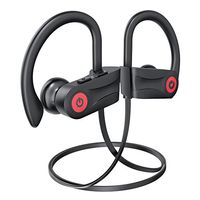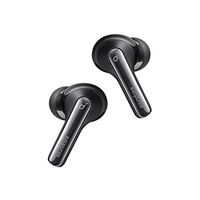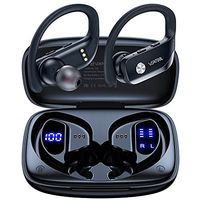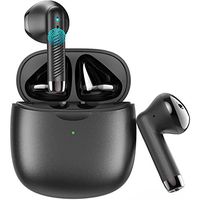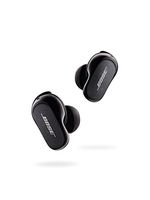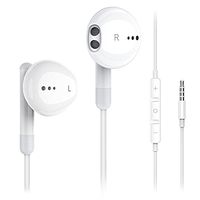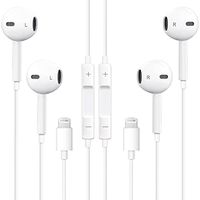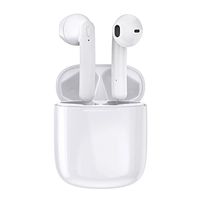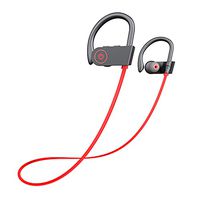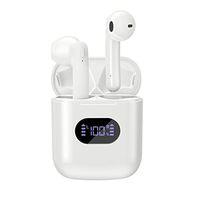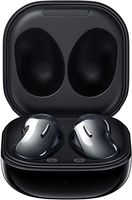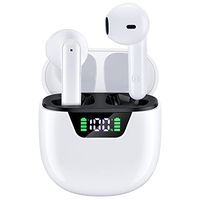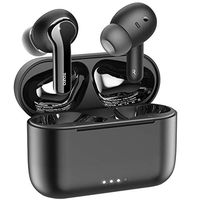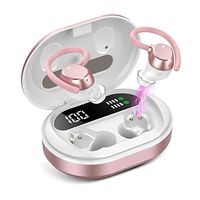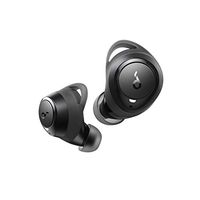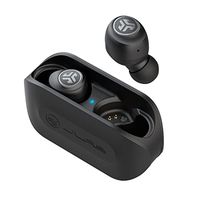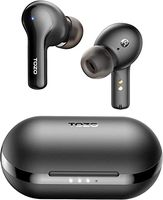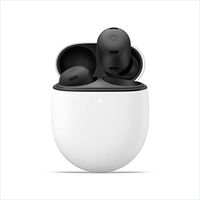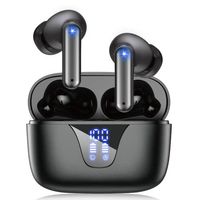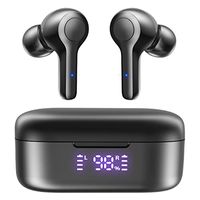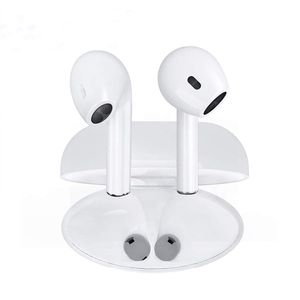
Description
No wires tangling
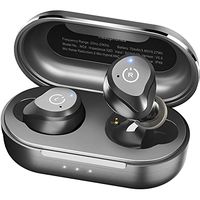
MULTIPOINT CONNECTION & SHARE MODE-Each Bluetooth earbud can work individually or in pair, wear one or both earbuds depending your own needs It can connect with 2 different devices simultaneously, and would connect automatically with a phone paired previously(33 feet). For the sake of your safety when you are driving, all earphones allow only one earbud has calling function. for the original version, it is the right earbud.
How to Sync Between Bluetooth Headphones?
Step 1. Press and hold the button for 3 seconds of either earbud and release after the LED flashes between Red and Blue. (Voice Prompts: Power on)
Step 2. Double tap any one of the earbuds, and wait for 3-5 seconds, the earbuds will search for each other, one of the earbuds will stop flashes when successfully (Voice Prompts: Your headset is connected)
Step 3. Pairing the earphone with your mobile phone, the product will be in standby status after pairing completed
How to The Wireless Earbuds Pair with Your Phone?
Step 1.For initial use, press and hold the button for 3 seconds of either earbud and release after the LED flashes between Red and Blue. (Voice Notice: Power on)
Step 2. Open the mobile phone Bluetooth and search, then connect it.
Step 3. Pairing the earphone with your mobile phone, the product will be in standby status after pairing completed, Blue LED flashes 5 seconds each time. (Voice Notice: Connected)
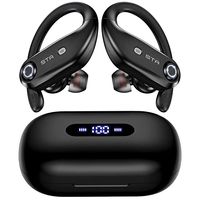
Package included: 2 x Bluetooth headphones 1 x Headset Charging Case 1 x Micro USB Charge Cable 1 x User Manual
MULTIPOINT CONNECTION & SHARE MODE-Each Bluetooth earbud can work individually or in pair, wear one or both earbuds depending your own needs It can connect with 2 different devices simultaneously, and would connect automatically with a phone paired previously(33 feet). For the sake of your safety when you are driving, all earphones allow only one earbud has calling function. for the original version, it is the right earbud.
How to Sync Between Bluetooth Headphones?
Step 1. Press and hold the button for 3 seconds of either earbud and release after the LED flashes between Red and Blue. (Voice Prompts: Power on)
Step 2. Double tap any one of the earbuds, and wait for 3-5 seconds, the earbuds will search for each other, one of the earbuds will stop flashes when successfully (Voice Prompts: Your headset is connected)
Step 3. Pairing the earphone with your mobile phone, the product will be in standby status after pairing completed
How to The Wireless Earbuds Pair with Your Phone?
Step 1.For initial use, press and hold the button for 3 seconds of either earbud and release after the LED flashes between Red and Blue. (Voice Notice: Power on)
Step 2. Open the mobile phone Bluetooth and search, then connect it.
Step 3. Pairing the earphone with your mobile phone, the product will be in standby status after pairing completed, Blue LED flashes 5 seconds each time. (Voice Notice: Connected)
Package included: 2 x Bluetooth headphones 1 x Headset Charging Case 1 x Micro USB Charge Cable 1 x User Manual
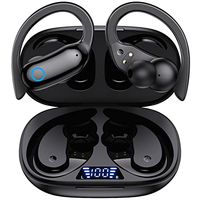
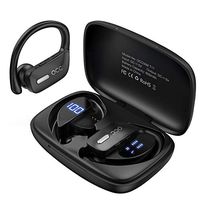
Aapoou Bluetooth Wireless Headphones Earbuds Earphones in-Ear for Sport Bluetooth Earphones Stereo Sound Noise Cancelling 2 Built-in Mic Earphones
Price is below average
Current Price
$12.95
Average
$14.77
Min Price
$9.99
Max Price
$43.99
Price dynamics
12%
Description
No wires tangling
MULTIPOINT CONNECTION & SHARE MODE-Each Bluetooth earbud can work individually or in pair, wear one or both earbuds depending your own needs It can connect with 2 different devices simultaneously, and would connect automatically with a phone paired previously(33 feet). For the sake of your safety when you are driving, all earphones allow only one earbud has calling function. for the original version, it is the right earbud.
How to Sync Between Bluetooth Headphones?
Step 1. Press and hold the button for 3 seconds of either earbud and release after the LED flashes between Red and Blue. (Voice Prompts: Power on)
Step 2. Double tap any one of the earbuds, and wait for 3-5 seconds, the earbuds will search for each other, one of the earbuds will stop flashes when successfully (Voice Prompts: Your headset is connected)
Step 3. Pairing the earphone with your mobile phone, the product will be in standby status after pairing completed
How to The Wireless Earbuds Pair with Your Phone?
Step 1.For initial use, press and hold the button for 3 seconds of either earbud and release after the LED flashes between Red and Blue. (Voice Notice: Power on)
Step 2. Open the mobile phone Bluetooth and search, then connect it.
Step 3. Pairing the earphone with your mobile phone, the product will be in standby status after pairing completed, Blue LED flashes 5 seconds each time. (Voice Notice: Connected)
Package included: 2 x Bluetooth headphones 1 x Headset Charging Case 1 x Micro USB Charge Cable 1 x User Manual
MULTIPOINT CONNECTION & SHARE MODE-Each Bluetooth earbud can work individually or in pair, wear one or both earbuds depending your own needs It can connect with 2 different devices simultaneously, and would connect automatically with a phone paired previously(33 feet). For the sake of your safety when you are driving, all earphones allow only one earbud has calling function. for the original version, it is the right earbud.
How to Sync Between Bluetooth Headphones?
Step 1. Press and hold the button for 3 seconds of either earbud and release after the LED flashes between Red and Blue. (Voice Prompts: Power on)
Step 2. Double tap any one of the earbuds, and wait for 3-5 seconds, the earbuds will search for each other, one of the earbuds will stop flashes when successfully (Voice Prompts: Your headset is connected)
Step 3. Pairing the earphone with your mobile phone, the product will be in standby status after pairing completed
How to The Wireless Earbuds Pair with Your Phone?
Step 1.For initial use, press and hold the button for 3 seconds of either earbud and release after the LED flashes between Red and Blue. (Voice Notice: Power on)
Step 2. Open the mobile phone Bluetooth and search, then connect it.
Step 3. Pairing the earphone with your mobile phone, the product will be in standby status after pairing completed, Blue LED flashes 5 seconds each time. (Voice Notice: Connected)
Package included: 2 x Bluetooth headphones 1 x Headset Charging Case 1 x Micro USB Charge Cable 1 x User Manual
Price will be lower
in next 2 weeks
in next 2 weeks
According to the data, price will be lower in next two weeks, so not waste your money and track better price!
Product review & video
every so often I go on the hunt looking for value for you of course so you can get more for your money all right hard-earned dollars those are and today I feel like I hope that I've uncovered some value in the tech world this thing here the mpow sport wireless earphones these are the best-selling wireless earbuds on Amazon and they have a four star review with eleven thousand is it 11,000 reviews well 11,000 reviews holy moly I mean I haven't tried of yet but this is the best part these things are like 17 or $18 wireless fully wireless 17 or 18 dog plus IP rating waterproof for the fitness folks ipx7 waterproof rating for the fitness what 17 or 18 bucks what's going on here man people are spending hundreds of dollars on wireless earbuds do they need to be should they be I don't know I've tried them all you know I have but the thing is 100 200 $300 earbuds or headphones are not a reality


Similar products