Description
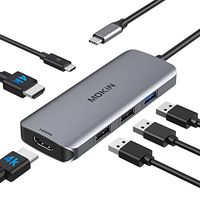
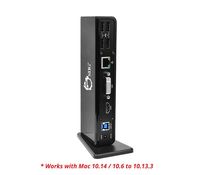
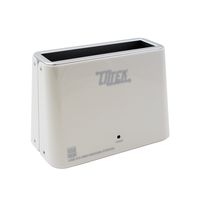
Take control of your workspace. With the Anker USB 3.0 Docking Station, coordination has never been easier: route your peripherals through one device, so you can come and go as you please.
Work at the helm.
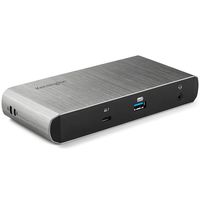
The mother of all hubs. Bring your printers, scanners, storage devices, monitors, speakers, routers, keyboards, mice, and webcams together, so that all you have to do is worry about one cable. Turn your laptop into a command center, then, once you're finished, unplug for instant portability. Our promise to you is convenience - how you use it is up to you.
A multitasker's dream.
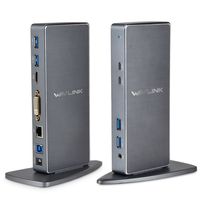
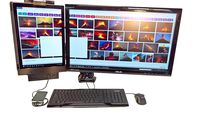
Add up to two monitors, expanding your control over active applications. High-resolution displays (both HDMI and DVI) will change the way you stream video, surf the web, and manage operation. Perfect for traders, gamers, and business professionals, but adaptable for use in any environment. Don't confine yourself to one screen. Go out and expand your horizons.
Dynamic design.
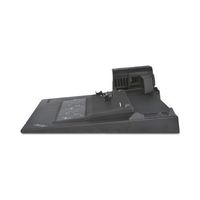
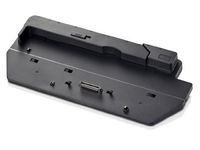
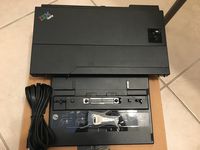
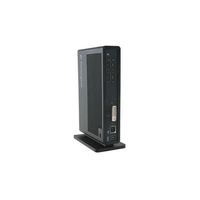
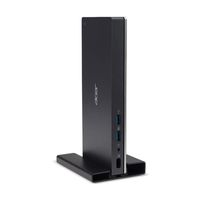
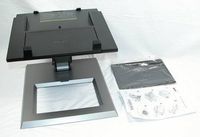
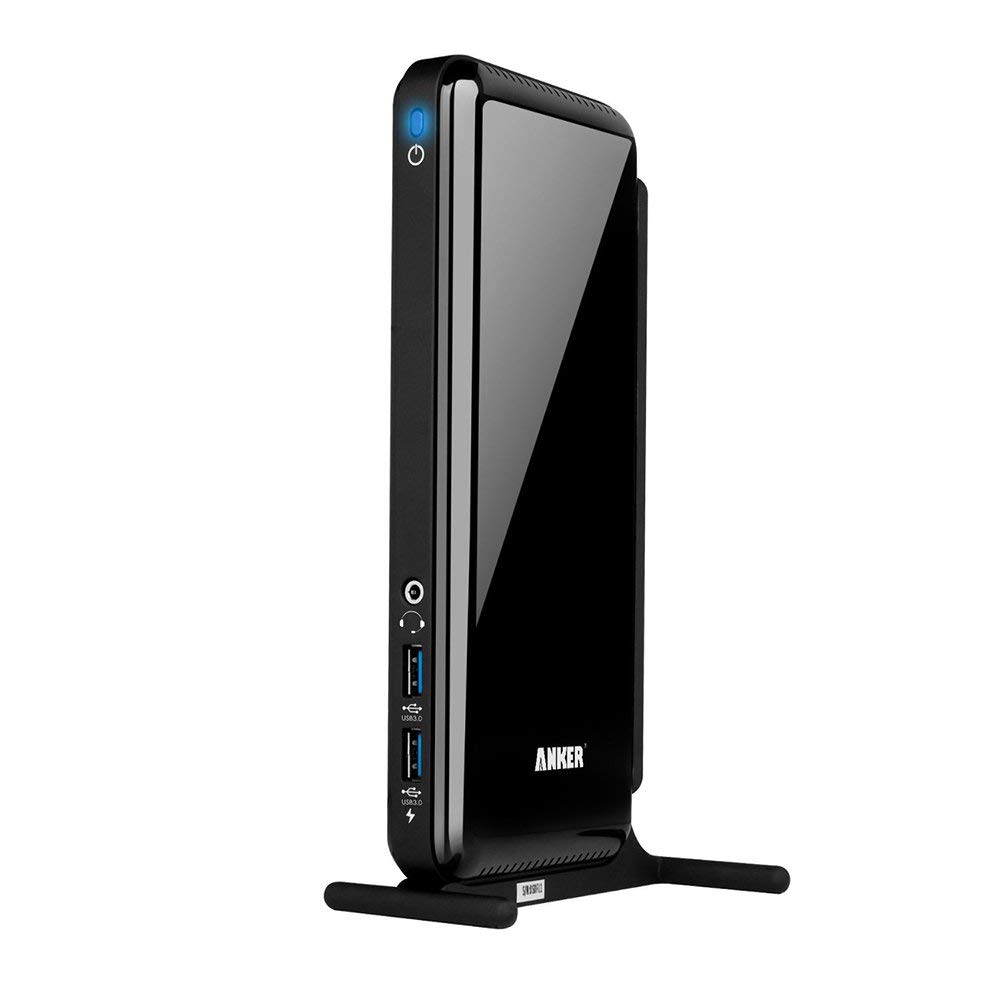
Not only does this docking station consolidate your devices, it manages their performance, too. A smart chip prioritizes bandwidth usage, so even when running at full capacity, you get smooth, stable connections. With a sturdy, zinc-alloy base stand, the docking station slips easily into any upright space. If one is not available, remove the stand for even tighter, horizontal placement.
Note:
If you encounter compatibility problems with your current driver, please go to the official Displaylink website to download the latest driver.
2.4Ghz wireless devices (keyboards, mice, etc.) may not work around USB 3.0 ports. Try using a USB 2.0 connection.
Work at the helm.
The mother of all hubs. Bring your printers, scanners, storage devices, monitors, speakers, routers, keyboards, mice, and webcams together, so that all you have to do is worry about one cable. Turn your laptop into a command center, then, once you're finished, unplug for instant portability. Our promise to you is convenience - how you use it is up to you.
A multitasker's dream.
Add up to two monitors, expanding your control over active applications. High-resolution displays (both HDMI and DVI) will change the way you stream video, surf the web, and manage operation. Perfect for traders, gamers, and business professionals, but adaptable for use in any environment. Don't confine yourself to one screen. Go out and expand your horizons.
Dynamic design.
Not only does this docking station consolidate your devices, it manages their performance, too. A smart chip prioritizes bandwidth usage, so even when running at full capacity, you get smooth, stable connections. With a sturdy, zinc-alloy base stand, the docking station slips easily into any upright space. If one is not available, remove the stand for even tighter, horizontal placement.
Note:
If you encounter compatibility problems with your current driver, please go to the official Displaylink website to download the latest driver.
2.4Ghz wireless devices (keyboards, mice, etc.) may not work around USB 3.0 ports. Try using a USB 2.0 connection.
Anker AK-68ANDOCKS-BEA 6 USB Ports Dual Display Universal Docking Station with DVI/HDMI, 2048 x 1152, 38W Adapter (Renewed)
Current Price
$63.99
Average
$59.76
Min Price
$30.4
Max Price
$71.99
Price dynamics
7%
Description
Take control of your workspace. With the Anker USB 3.0 Docking Station, coordination has never been easier: route your peripherals through one device, so you can come and go as you please.
Work at the helm.
The mother of all hubs. Bring your printers, scanners, storage devices, monitors, speakers, routers, keyboards, mice, and webcams together, so that all you have to do is worry about one cable. Turn your laptop into a command center, then, once you're finished, unplug for instant portability. Our promise to you is convenience - how you use it is up to you.
A multitasker's dream.
Add up to two monitors, expanding your control over active applications. High-resolution displays (both HDMI and DVI) will change the way you stream video, surf the web, and manage operation. Perfect for traders, gamers, and business professionals, but adaptable for use in any environment. Don't confine yourself to one screen. Go out and expand your horizons.
Dynamic design.
Not only does this docking station consolidate your devices, it manages their performance, too. A smart chip prioritizes bandwidth usage, so even when running at full capacity, you get smooth, stable connections. With a sturdy, zinc-alloy base stand, the docking station slips easily into any upright space. If one is not available, remove the stand for even tighter, horizontal placement.
Note:
If you encounter compatibility problems with your current driver, please go to the official Displaylink website to download the latest driver.
2.4Ghz wireless devices (keyboards, mice, etc.) may not work around USB 3.0 ports. Try using a USB 2.0 connection.
Work at the helm.
The mother of all hubs. Bring your printers, scanners, storage devices, monitors, speakers, routers, keyboards, mice, and webcams together, so that all you have to do is worry about one cable. Turn your laptop into a command center, then, once you're finished, unplug for instant portability. Our promise to you is convenience - how you use it is up to you.
A multitasker's dream.
Add up to two monitors, expanding your control over active applications. High-resolution displays (both HDMI and DVI) will change the way you stream video, surf the web, and manage operation. Perfect for traders, gamers, and business professionals, but adaptable for use in any environment. Don't confine yourself to one screen. Go out and expand your horizons.
Dynamic design.
Not only does this docking station consolidate your devices, it manages their performance, too. A smart chip prioritizes bandwidth usage, so even when running at full capacity, you get smooth, stable connections. With a sturdy, zinc-alloy base stand, the docking station slips easily into any upright space. If one is not available, remove the stand for even tighter, horizontal placement.
Note:
If you encounter compatibility problems with your current driver, please go to the official Displaylink website to download the latest driver.
2.4Ghz wireless devices (keyboards, mice, etc.) may not work around USB 3.0 ports. Try using a USB 2.0 connection.
Price will be lower
in next 2 weeks
in next 2 weeks
According to the data, price will be lower in next two weeks, so not waste your money and track better price!
Product review & video
[Music] hello everyone welcome to our Channel today I'll show you guys how to easily set up a dual monitor system for a laptop with a single USBC port which is the case with most of the slim laptops nowadays so let's get started if you're someone new to our channel please consider subscribing to our channel is you do regular reduce for very smart watches and smartphones tech tutorials like this one and much more also check out our playlist ape to find categorized videos for various content we post on this channel ok let's start with a situation if you have a laptop like I do which is the Asus Zenbook 3 this has only one USB type-c port this can be the case with most of the laptops which are ultra-thin and portable as to save space the manufacturer compromises with the i/o right off the back such situation can be very tricky as you need to charge the device and attach accessories like a


Similar products