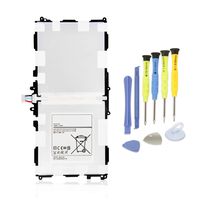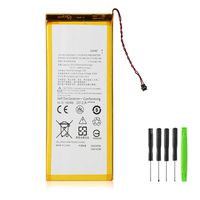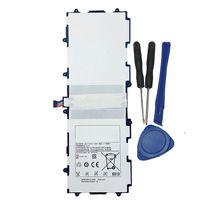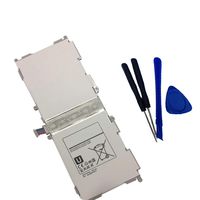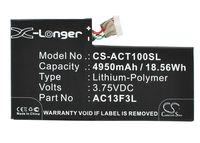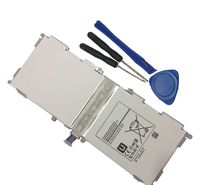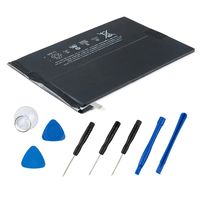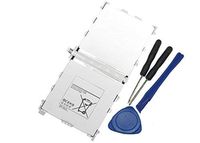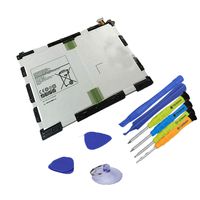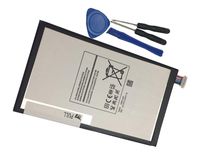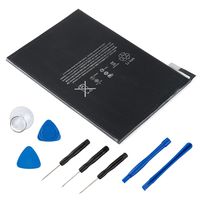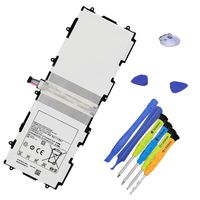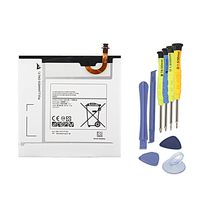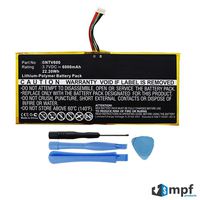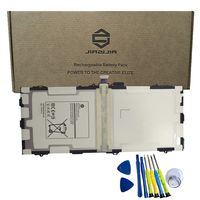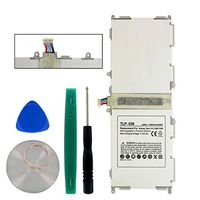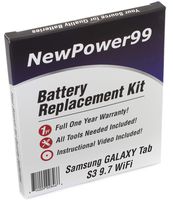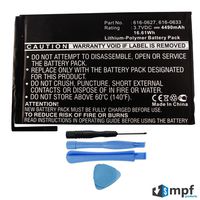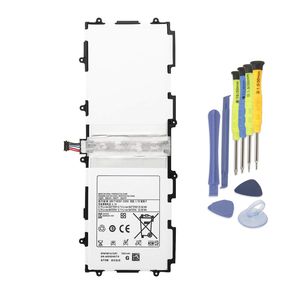
Description
About us:
ANTIEE specialize in Laptop Batteries, Samsung Tablet Battery, Electronics.
We provide products of great value for our customers and designed to develop a large client base.
Safety and Excellence Features:
Efficient and Reliable
Grade A Cells
FCC / CE / RoHS Certified
More Charging Cycles
Long Lasting Performance
Specification:
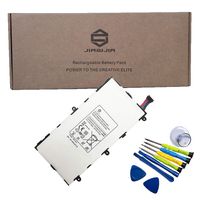
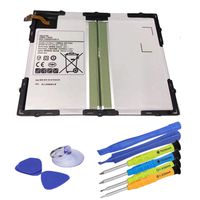
Voltage:3.7V
Capacity:25.9Wh / 7000mAh
Condition: Brand New.
Battery Type:li-ion polymer.
Replace Part Number:
SP3676B1A(1S2P)
Fit for:(Use "Ctrl"+"F" to find your laptop model)
Samsung Galaxy Tab 10.1 GT-P7500
Samsung Galaxy Tab 10.1 GT-P7510 P7510ma
Samsung Galaxy Tab 2 10.1 Series Tablet:
Samsung Galaxy Tab 2 10.1 GT-P5100
Samsung Galaxy Tab 2 10.1 GT-P5110
Samsung Galaxy Tab 2 10.1 GT-P5113
Samsung Galaxy Tab 2 10.1 SCH-I915 (Verizon)
Samsung Galaxy Tab 2 10.1 SGH-I497 (AT&T)
Samsung Galaxy Note 10.1 Series Tablet:
Samsung Galaxy Note 10.1 GT-N8000 (3G & Wifi)
Samsung Galaxy Note 10.1 GT-N8005 (GT-N8000 TR-Model, no voice-calls)
Samsung Galaxy Note 10.1 GT-N8010 (Wifi)
Samsung Galaxy Note 10.1 GT-N8013 (Wifi)
Samsung Galaxy Note 10.1 GT-N8020 (LTE, 3G & Wifi)
To fix the Samsung battery problem of not working or charging:
1,Disconnect charger
2,Hold power button and volume up button for 30 seconds
3,Keep holding buttons while plugging in charger
4,Hold buttons for another 30 secs
5,Release power button keeping volume button pressed
6,Tab starts to charge
ANTIEE specialize in Laptop Batteries, Samsung Tablet Battery, Electronics.
We provide products of great value for our customers and designed to develop a large client base.
Safety and Excellence Features:
Efficient and Reliable
Grade A Cells
FCC / CE / RoHS Certified
More Charging Cycles
Long Lasting Performance
Specification:
Voltage:3.7V
Capacity:25.9Wh / 7000mAh
Condition: Brand New.
Battery Type:li-ion polymer.
Replace Part Number:
SP3676B1A(1S2P)
Fit for:(Use "Ctrl"+"F" to find your laptop model)
Samsung Galaxy Tab 10.1 GT-P7500
Samsung Galaxy Tab 10.1 GT-P7510 P7510ma
Samsung Galaxy Tab 2 10.1 Series Tablet:
Samsung Galaxy Tab 2 10.1 GT-P5100
Samsung Galaxy Tab 2 10.1 GT-P5110
Samsung Galaxy Tab 2 10.1 GT-P5113
Samsung Galaxy Tab 2 10.1 SCH-I915 (Verizon)
Samsung Galaxy Tab 2 10.1 SGH-I497 (AT&T)
Samsung Galaxy Note 10.1 Series Tablet:
Samsung Galaxy Note 10.1 GT-N8000 (3G & Wifi)
Samsung Galaxy Note 10.1 GT-N8005 (GT-N8000 TR-Model, no voice-calls)
Samsung Galaxy Note 10.1 GT-N8010 (Wifi)
Samsung Galaxy Note 10.1 GT-N8013 (Wifi)
Samsung Galaxy Note 10.1 GT-N8020 (LTE, 3G & Wifi)
To fix the Samsung battery problem of not working or charging:
1,Disconnect charger
2,Hold power button and volume up button for 30 seconds
3,Keep holding buttons while plugging in charger
4,Hold buttons for another 30 secs
5,Release power button keeping volume button pressed
6,Tab starts to charge
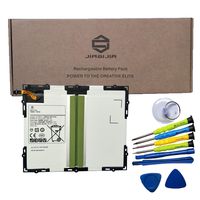
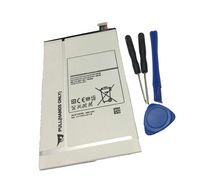
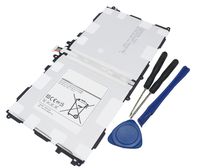
ANTIEE 7000mAh SP3676B1A(1S2P) Tablet Battery for Samsung Galaxy Tab 2 10.1 GT-N8000 GT-N8010 GT-N8013 GT-P5100 (3G) GT-P5110(WiFi) GT-P5113(WiFi) GT-P7510 GT-P7500 GT-7511 SCH-I915(Verizon) with Tool
Current Price
$17.99
Average
$16.82
Min Price
$12.99
Max Price
$19.88
Price dynamics
7%
Description
About us:
ANTIEE specialize in Laptop Batteries, Samsung Tablet Battery, Electronics.
We provide products of great value for our customers and designed to develop a large client base.
Safety and Excellence Features:
Efficient and Reliable
Grade A Cells
FCC / CE / RoHS Certified
More Charging Cycles
Long Lasting Performance
Specification:
Voltage:3.7V
Capacity:25.9Wh / 7000mAh
Condition: Brand New.
Battery Type:li-ion polymer.
Replace Part Number:
SP3676B1A(1S2P)
Fit for:(Use "Ctrl"+"F" to find your laptop model)
Samsung Galaxy Tab 10.1 GT-P7500
Samsung Galaxy Tab 10.1 GT-P7510 P7510ma
Samsung Galaxy Tab 2 10.1 Series Tablet:
Samsung Galaxy Tab 2 10.1 GT-P5100
Samsung Galaxy Tab 2 10.1 GT-P5110
Samsung Galaxy Tab 2 10.1 GT-P5113
Samsung Galaxy Tab 2 10.1 SCH-I915 (Verizon)
Samsung Galaxy Tab 2 10.1 SGH-I497 (AT&T)
Samsung Galaxy Note 10.1 Series Tablet:
Samsung Galaxy Note 10.1 GT-N8000 (3G & Wifi)
Samsung Galaxy Note 10.1 GT-N8005 (GT-N8000 TR-Model, no voice-calls)
Samsung Galaxy Note 10.1 GT-N8010 (Wifi)
Samsung Galaxy Note 10.1 GT-N8013 (Wifi)
Samsung Galaxy Note 10.1 GT-N8020 (LTE, 3G & Wifi)
To fix the Samsung battery problem of not working or charging:
1,Disconnect charger
2,Hold power button and volume up button for 30 seconds
3,Keep holding buttons while plugging in charger
4,Hold buttons for another 30 secs
5,Release power button keeping volume button pressed
6,Tab starts to charge
ANTIEE specialize in Laptop Batteries, Samsung Tablet Battery, Electronics.
We provide products of great value for our customers and designed to develop a large client base.
Safety and Excellence Features:
Efficient and Reliable
Grade A Cells
FCC / CE / RoHS Certified
More Charging Cycles
Long Lasting Performance
Specification:
Voltage:3.7V
Capacity:25.9Wh / 7000mAh
Condition: Brand New.
Battery Type:li-ion polymer.
Replace Part Number:
SP3676B1A(1S2P)
Fit for:(Use "Ctrl"+"F" to find your laptop model)
Samsung Galaxy Tab 10.1 GT-P7500
Samsung Galaxy Tab 10.1 GT-P7510 P7510ma
Samsung Galaxy Tab 2 10.1 Series Tablet:
Samsung Galaxy Tab 2 10.1 GT-P5100
Samsung Galaxy Tab 2 10.1 GT-P5110
Samsung Galaxy Tab 2 10.1 GT-P5113
Samsung Galaxy Tab 2 10.1 SCH-I915 (Verizon)
Samsung Galaxy Tab 2 10.1 SGH-I497 (AT&T)
Samsung Galaxy Note 10.1 Series Tablet:
Samsung Galaxy Note 10.1 GT-N8000 (3G & Wifi)
Samsung Galaxy Note 10.1 GT-N8005 (GT-N8000 TR-Model, no voice-calls)
Samsung Galaxy Note 10.1 GT-N8010 (Wifi)
Samsung Galaxy Note 10.1 GT-N8013 (Wifi)
Samsung Galaxy Note 10.1 GT-N8020 (LTE, 3G & Wifi)
To fix the Samsung battery problem of not working or charging:
1,Disconnect charger
2,Hold power button and volume up button for 30 seconds
3,Keep holding buttons while plugging in charger
4,Hold buttons for another 30 secs
5,Release power button keeping volume button pressed
6,Tab starts to charge
Price will be lower
in next 2 weeks
in next 2 weeks
According to the data, price will be lower in next two weeks, so not waste your money and track better price!
Product review & video
hi everyone my name is Ivan I'm from the
dtechguide channel so in this video I'm going to show you how to upgrade your old
Samsung tablet more exactly, I'm here with a Samsung Galaxy Note version 10.1 and one of
the big problem that we have with this model is that a lot of application are not working
anymore. Let me show you, for example youtube, when I try to open youtube, I'm going to receive
this message about I need to update the app and when I "click and update it" and try
to update it from the play store, I'm going to I'm going to receive a new screen
with only two options: uninstall or open. let's open the app again and we're
going to receive again the same screen as the beginning so, as you can see we are
in a kind of looping here with youtube. but also if you try to install new apps like for
example: zoom or a meet or classroom or team, it doesn't al


Similar products