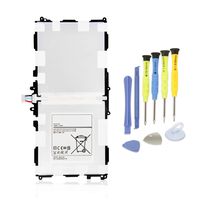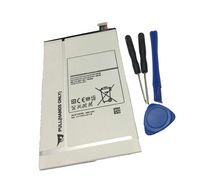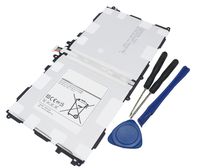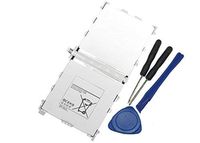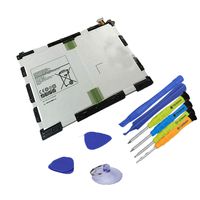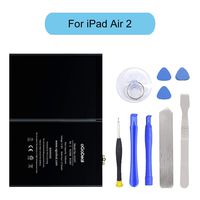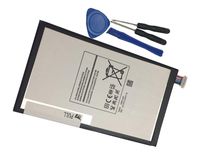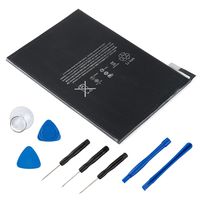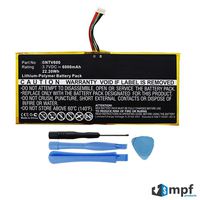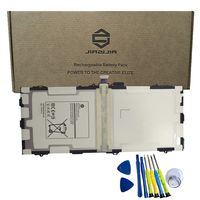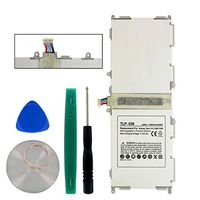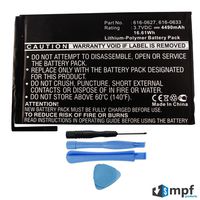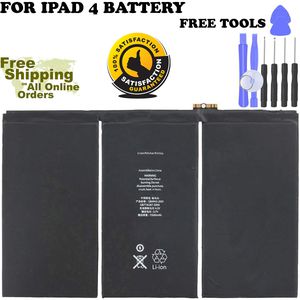
Description
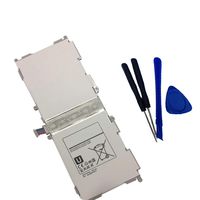
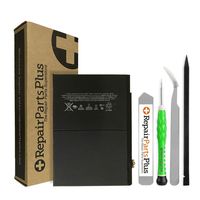
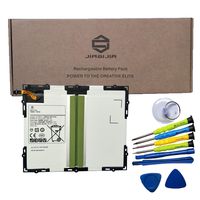
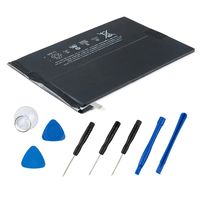
NOTICE! When opening the ipad, do not damage the lcd, the touch glass and the cable inside, a very important step. Before reseal your iPad, test the battery with the original data cable and charger (surpport 5V, 2.1A). Packing List -1 x Brand New Replacement Battey iPad 4 generation Battery -1 x 9pcs Free Tools Instruction If you have questions about the installation, we will help you in the email. -Kindly Note: After the battery installed inside iPad,we suggest you full charge 100% and use the power to about 2% 3 times, then the battery will became more excellent. If your iPad 3 / iPad 4 Touch Screen Glass Digitizer is broken, you can replace them at the same time. ^ v ^ This battery only for iPad 3/4. Q: iPad can't start? A: Check the LCD cable and battery cable, connect the original data cable; check whether the iPad is charging,if charging,reseal iPad. Q: The iPad can be power on, but no charging; when using it for a few hours, the electricity number is not reduced? A: Restart the iPad, or use the iPad power to 1% and try charging again. Q: No charging, but showing"charging icon"? A: Please use a charger that supports 5V 2.1A, and the original data cable. Customer Service Guarantee: 24-Hour Reply 365 DAYS Warranty Note: We are not responsible for any damage caused by installing battery without the help of professional, we always recommend to use professionals to replace the battery.
Battery Replacement Compatible for iPad 4 A1458, A1459, A1460(4th Generation Battery) Replacement iPad Battery with Set Repair Tool
Price is below average
Current Price
$17.99
Average
$21.66
Min Price
$17.99
Max Price
$26.99
Price dynamics
17%
Description
NOTICE! When opening the ipad, do not damage the lcd, the touch glass and the cable inside, a very important step. Before reseal your iPad, test the battery with the original data cable and charger (surpport 5V, 2.1A). Packing List -1 x Brand New Replacement Battey iPad 4 generation Battery -1 x 9pcs Free Tools Instruction If you have questions about the installation, we will help you in the email. -Kindly Note: After the battery installed inside iPad,we suggest you full charge 100% and use the power to about 2% 3 times, then the battery will became more excellent. If your iPad 3 / iPad 4 Touch Screen Glass Digitizer is broken, you can replace them at the same time. ^ v ^ This battery only for iPad 3/4. Q: iPad can't start? A: Check the LCD cable and battery cable, connect the original data cable; check whether the iPad is charging,if charging,reseal iPad. Q: The iPad can be power on, but no charging; when using it for a few hours, the electricity number is not reduced? A: Restart the iPad, or use the iPad power to 1% and try charging again. Q: No charging, but showing"charging icon"? A: Please use a charger that supports 5V 2.1A, and the original data cable. Customer Service Guarantee: 24-Hour Reply 365 DAYS Warranty Note: We are not responsible for any damage caused by installing battery without the help of professional, we always recommend to use professionals to replace the battery.
Price will be lower
in next 2 weeks
in next 2 weeks
According to the data, price will be lower in next two weeks, so not waste your money and track better price!
Product review & video
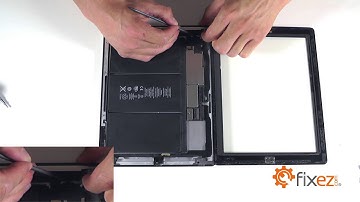
Fix easy calm bringing you another repair video today looks like we're going to be working on an Apple iPad 4 in today's video we're going to show you the steps necessary to remove and replace your iPad's battery before we get started with our disassemble let's review our suggested tools plastic triangle opening tools metal opening tool small phillips screwdriver plastic opening tools a spudger fine tip curved tweezers a heat gun or a blow-dryer let's go ahead and start the disassemble on our ipad 4 by first peeling back our touchscreen so that we can access all the internal components or replacement we are going to start off first with our heat gun or blow dryer and heat up the outside perimeter of our touchscreen to soften up the adhesive so that we can separate the touchscreen from the base of our iPad one to two minutes of the heat should suffice let's grab our plastic opening tool

Similar products