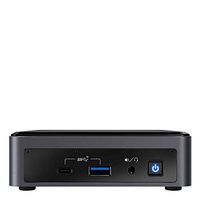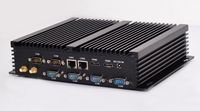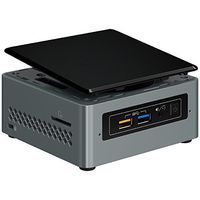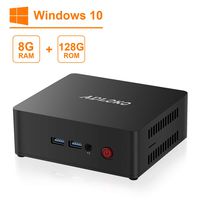
Description
Beelink BT3-X Beelink BT3-X Mini PC Common Problems and Solutions
1. Blue screen:
System reason, reset system 2.Normal shutdown method:
Click win, select power, select shut down/win+x, select shut down or sign out, select shut down 3.System update failure:
First check whether the storage space has 40GB of available space. If not enough, you can't finish the online update, or you can choose to update by phone. 4.Unable to activate:
Contact customer service and need new Windows key activation. 5.Connect the monitor not working, or stop working after a period of use: It is caused by abnormal power outages of customers. Treatment methods:
(1): Hold the reset button (the small hole behind the machine interface) for more than 5 seconds without power supply, release the power and switch on again;
(2): Disassemble the RTC battery on the motherboard of the bottom shell and unplug it for a few seconds, then plug it into the bottom shell Product Specification
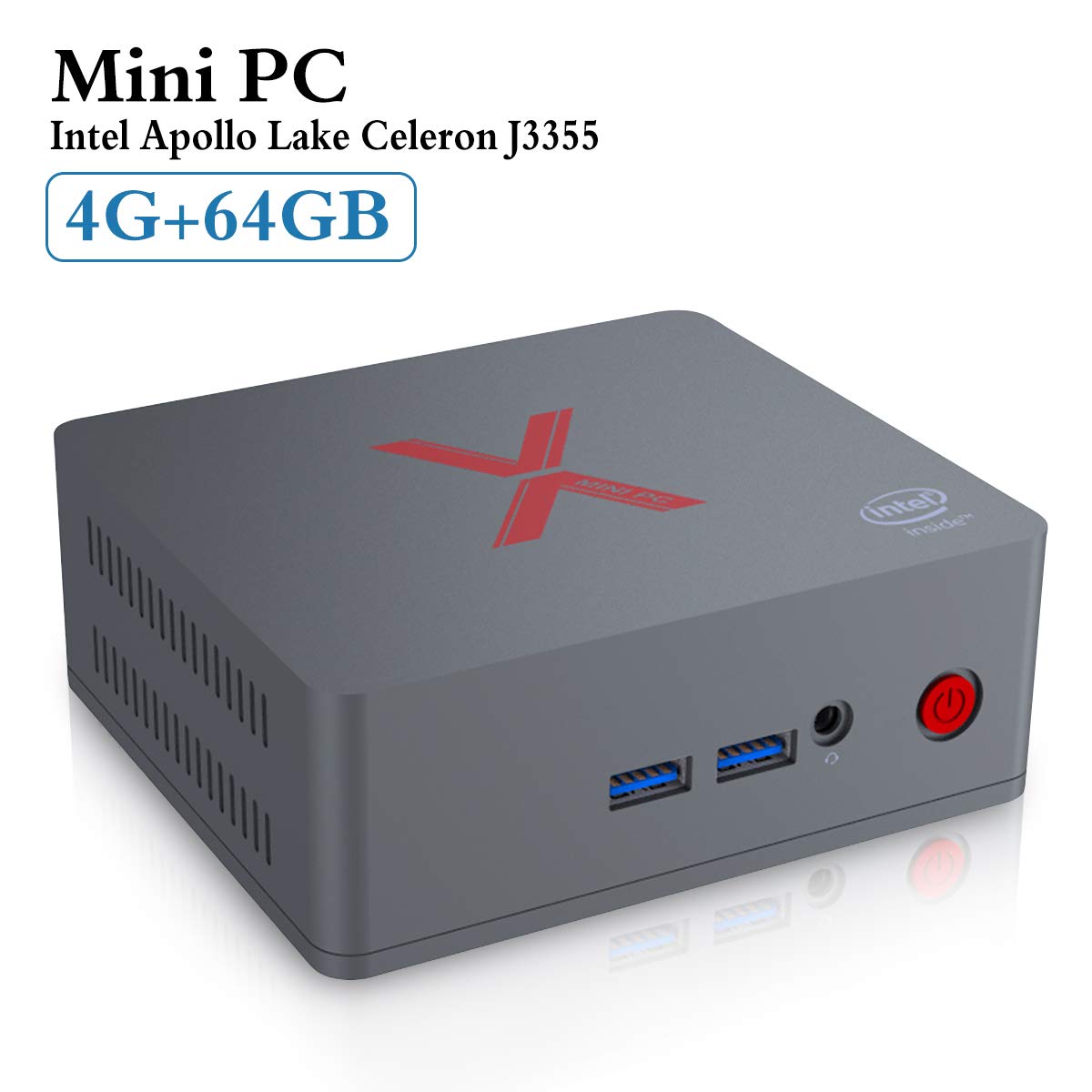
Model: Beelink BT3-X 4G/64G
Dimension: 115*102*45mm System Config
DDR: LPDDR4 4G
Storage: Emmc 64G/MSATA SSD 128G
Operating System: Windows 10, ubuntu
CPU: Intel Apollo Celeron Processor J3355 (2M Cache, 2.0GHz up to 2.5GHz)
Wireless Function: BT 4.0, Dual Band 2.4G+5.8G
Ethernet: 1000Mbps LAN
Graphics: Intel HD Graphics 500 Interface
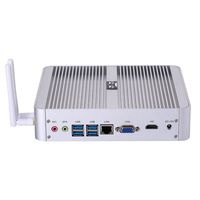
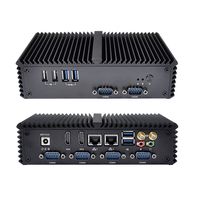
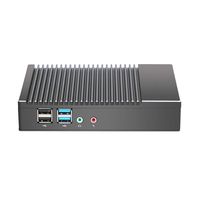
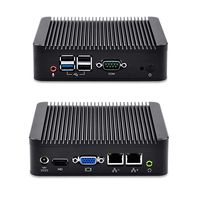
1*DC-Jack
4*USB3.0 Port
2* HDMI 1.4b Port
1* RJ45 (1000Mbps) Port
1*TF cardreader
1*Audio Jack (HP&MIC) Package Included
1*Mini PC
1*US Power Plug
2* HDMI Cable
1* Wall-mounted Bracket
1* Service Card & User Help Card
1*English User Manual
1. Blue screen:
System reason, reset system 2.Normal shutdown method:
Click win, select power, select shut down/win+x, select shut down or sign out, select shut down 3.System update failure:
First check whether the storage space has 40GB of available space. If not enough, you can't finish the online update, or you can choose to update by phone. 4.Unable to activate:
Contact customer service and need new Windows key activation. 5.Connect the monitor not working, or stop working after a period of use: It is caused by abnormal power outages of customers. Treatment methods:
(1): Hold the reset button (the small hole behind the machine interface) for more than 5 seconds without power supply, release the power and switch on again;
(2): Disassemble the RTC battery on the motherboard of the bottom shell and unplug it for a few seconds, then plug it into the bottom shell Product Specification
Model: Beelink BT3-X 4G/64G
Dimension: 115*102*45mm System Config
DDR: LPDDR4 4G
Storage: Emmc 64G/MSATA SSD 128G
Operating System: Windows 10, ubuntu
CPU: Intel Apollo Celeron Processor J3355 (2M Cache, 2.0GHz up to 2.5GHz)
Wireless Function: BT 4.0, Dual Band 2.4G+5.8G
Ethernet: 1000Mbps LAN
Graphics: Intel HD Graphics 500 Interface
1*DC-Jack
4*USB3.0 Port
2* HDMI 1.4b Port
1* RJ45 (1000Mbps) Port
1*TF cardreader
1*Audio Jack (HP&MIC) Package Included
1*Mini PC
1*US Power Plug
2* HDMI Cable
1* Wall-mounted Bracket
1* Service Card & User Help Card
1*English User Manual
Beelink BT3-X Mini PC Windows 10, 4GB RAM LPDDR4 64GB eMMC, Apollo Celeron J3355, Intel HD Graphics 500, Support 4K/Dual HDMI/2.5'SATA/Dual WiFi/BT4.0/US Plug/Gigabit LAN, Desktop PC, Mini Computer
Current Price
$159.95
Average
$154.54
Min Price
$135.99
Max Price
$159.99
Price dynamics
3%
Description
Beelink BT3-X Beelink BT3-X Mini PC Common Problems and Solutions
1. Blue screen:
System reason, reset system 2.Normal shutdown method:
Click win, select power, select shut down/win+x, select shut down or sign out, select shut down 3.System update failure:
First check whether the storage space has 40GB of available space. If not enough, you can't finish the online update, or you can choose to update by phone. 4.Unable to activate:
Contact customer service and need new Windows key activation. 5.Connect the monitor not working, or stop working after a period of use: It is caused by abnormal power outages of customers. Treatment methods:
(1): Hold the reset button (the small hole behind the machine interface) for more than 5 seconds without power supply, release the power and switch on again;
(2): Disassemble the RTC battery on the motherboard of the bottom shell and unplug it for a few seconds, then plug it into the bottom shell Product Specification
Model: Beelink BT3-X 4G/64G
Dimension: 115*102*45mm System Config
DDR: LPDDR4 4G
Storage: Emmc 64G/MSATA SSD 128G
Operating System: Windows 10, ubuntu
CPU: Intel Apollo Celeron Processor J3355 (2M Cache, 2.0GHz up to 2.5GHz)
Wireless Function: BT 4.0, Dual Band 2.4G+5.8G
Ethernet: 1000Mbps LAN
Graphics: Intel HD Graphics 500 Interface
1*DC-Jack
4*USB3.0 Port
2* HDMI 1.4b Port
1* RJ45 (1000Mbps) Port
1*TF cardreader
1*Audio Jack (HP&MIC) Package Included
1*Mini PC
1*US Power Plug
2* HDMI Cable
1* Wall-mounted Bracket
1* Service Card & User Help Card
1*English User Manual
1. Blue screen:
System reason, reset system 2.Normal shutdown method:
Click win, select power, select shut down/win+x, select shut down or sign out, select shut down 3.System update failure:
First check whether the storage space has 40GB of available space. If not enough, you can't finish the online update, or you can choose to update by phone. 4.Unable to activate:
Contact customer service and need new Windows key activation. 5.Connect the monitor not working, or stop working after a period of use: It is caused by abnormal power outages of customers. Treatment methods:
(1): Hold the reset button (the small hole behind the machine interface) for more than 5 seconds without power supply, release the power and switch on again;
(2): Disassemble the RTC battery on the motherboard of the bottom shell and unplug it for a few seconds, then plug it into the bottom shell Product Specification
Model: Beelink BT3-X 4G/64G
Dimension: 115*102*45mm System Config
DDR: LPDDR4 4G
Storage: Emmc 64G/MSATA SSD 128G
Operating System: Windows 10, ubuntu
CPU: Intel Apollo Celeron Processor J3355 (2M Cache, 2.0GHz up to 2.5GHz)
Wireless Function: BT 4.0, Dual Band 2.4G+5.8G
Ethernet: 1000Mbps LAN
Graphics: Intel HD Graphics 500 Interface
1*DC-Jack
4*USB3.0 Port
2* HDMI 1.4b Port
1* RJ45 (1000Mbps) Port
1*TF cardreader
1*Audio Jack (HP&MIC) Package Included
1*Mini PC
1*US Power Plug
2* HDMI Cable
1* Wall-mounted Bracket
1* Service Card & User Help Card
1*English User Manual
Price will be lower
in next 2 weeks
in next 2 weeks
According to the data, price will be lower in next two weeks, so not waste your money and track better price!
Product review & video
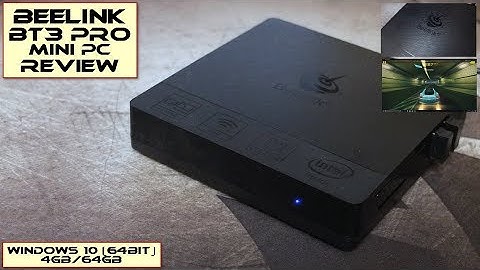
[Music] welcome back to another review I have the B link BT 3 Pro in for review and a couple years ago I looked at the original B link BT 3 so I was a curious to see what exactly is changed with this Windows mini PC you can also get this in Linux as well and I am looking at the 64 gigabyte version you can't get a 32 gigabyte both of them are running with 4 gigabytes of RAM so just to look at the spec we have dual band Wi-Fi Bluetooth built in the 4 gig of ram and the z8 350 processor which is a slight upgrade over the original VT 3 although as we go into the test later on it's not a massive update there's two HDMI cables included a short one and a long one 28 and 80 centimeters respectively the idea with that is the short one can go if your VESA mounting it behind the monitor there's your 12 volt power supply and you get just a very basic guide giving you the setup and the port and the

Similar products