Description
Why choose GPED wireless earbuds?
Advanced Bluetooth 5.0 technology & Latest Bluetooth Chip
STABLE CONNECTIVITY- Never disconnect during use
LONGER BATTERY LIFE-Up to 30 Hours
Supports both earbuds for phone calls.
30 DAYS NO REASON MOENY-BACK GUARANTEE
How to Operate Function Button?
Pick Up Call: Press your earbuds function button once
Reject Call: Press the function button twice to reject calls
Play/ Pause: Press function button once while playing
Previous Song: Press and hold 2s for Left earbud button
Next Song: Press and hold 2s for Right earbud button
Volume +: Press function button of Left earbud twice
Volume -: Press function button of Right earbud twice
Activate Siri: Press function button three times
Manual Pairing?
1.make sure the earbuds don't connect any bluetooth devices.
2.put two earbuds close within 10cm and press&hold two function buttons for 2s to power on both earbuds.
3.press either function button twice,auto pairing completed when one LED flashes between red&blue.the other one is off.
4.press&hold either function button for 5s.two earbuds turn off at the same timw,manual pairing completed.
Important Notice for Single Earbud using
a.The earbuds can be used individually (each earbud pairs to separate cellphone)
b.Open charging Dock cap,take out either earbuds,wait for 10s,and then open cellphone bluetooth and set it as open detection,when ''M10 appears in available devices,press to connect.The LED flash in Blue continuously.(Voice Notice: power on--->Pairing)
c.It will automatically connected previously.
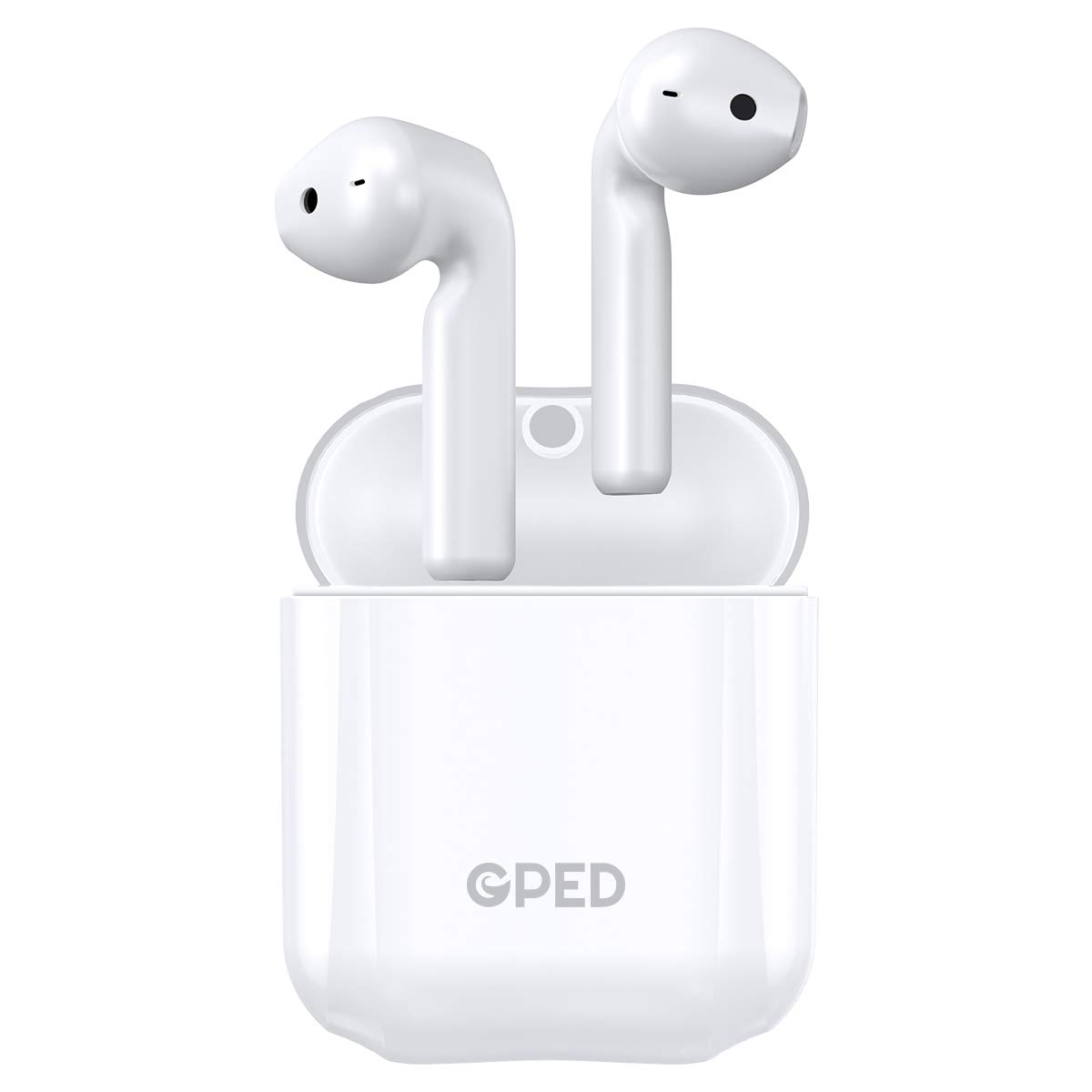
Bluetooth Earbuds Wireless Earbuds Bluetooth Headphones Earphones with 30H Playtime HiFi 3D Stereo Sound,IPX5 Waterproof Built-in Mic Earphones CVC8.0 Apt-X with Charging Case for Sports
Current Price
$29.99
Average
$24.9
Min Price
$11.99
Max Price
$39.99
Price dynamics
17%
Description
Why choose GPED wireless earbuds?
Advanced Bluetooth 5.0 technology & Latest Bluetooth Chip
STABLE CONNECTIVITY- Never disconnect during use
LONGER BATTERY LIFE-Up to 30 Hours
Supports both earbuds for phone calls.
30 DAYS NO REASON MOENY-BACK GUARANTEE
How to Operate Function Button?
Pick Up Call: Press your earbuds function button once
Reject Call: Press the function button twice to reject calls
Play/ Pause: Press function button once while playing
Previous Song: Press and hold 2s for Left earbud button
Next Song: Press and hold 2s for Right earbud button
Volume +: Press function button of Left earbud twice
Volume -: Press function button of Right earbud twice
Activate Siri: Press function button three times
Manual Pairing?
1.make sure the earbuds don't connect any bluetooth devices.
2.put two earbuds close within 10cm and press&hold two function buttons for 2s to power on both earbuds.
3.press either function button twice,auto pairing completed when one LED flashes between red&blue.the other one is off.
4.press&hold either function button for 5s.two earbuds turn off at the same timw,manual pairing completed.
Important Notice for Single Earbud using
a.The earbuds can be used individually (each earbud pairs to separate cellphone)
b.Open charging Dock cap,take out either earbuds,wait for 10s,and then open cellphone bluetooth and set it as open detection,when ''M10 appears in available devices,press to connect.The LED flash in Blue continuously.(Voice Notice: power on--->Pairing)
c.It will automatically connected previously.
Price will be lower
in next 2 weeks
in next 2 weeks
According to the data, price will be lower in next two weeks, so not waste your money and track better price!
Product review & video
hey guys digital David its I'm excited to be unboxing or viewing for you also wireless earbuds right here they do connect via bluetooth so this is really cool I did receive these products to review my channel but any opinion expressed in this video is truly my own so that being said this is feel the music it's the tws dual ear training wireless earbuds and this is how they come packaged tree from amazon go ahead I'll throw a link in my video scription below go ahead check it out let me know what you think you can go see photos read some more tech details on these earbuds from Amazon and see the most accurate price so these are definitely for somebody that's on a budget and they're really cool so it's wireless earbuds seriously no ear no wire between the two buds it's truly wireless so they sync to each other than they seem to your phone and it has that charging case built-in which is re



Similar products