- HomeElectronicsPortable Audio & VideoMP3 & MP4 Player AccessoriesBluetooth & FM TransmittersFM Transmitters
Description
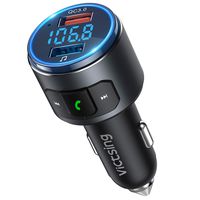
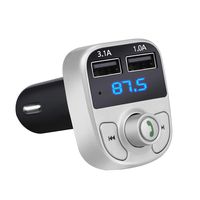
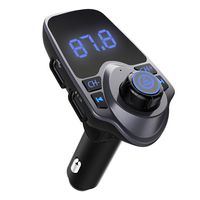
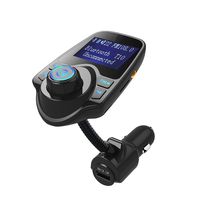
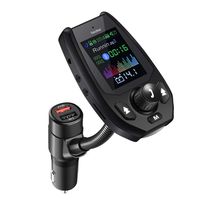
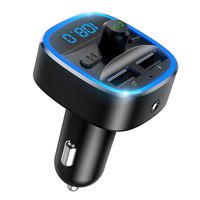
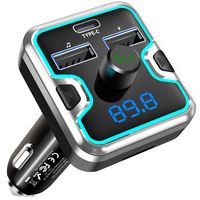
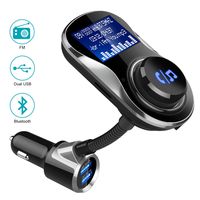
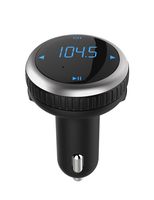
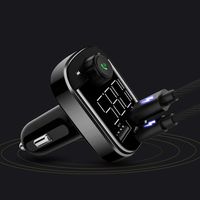
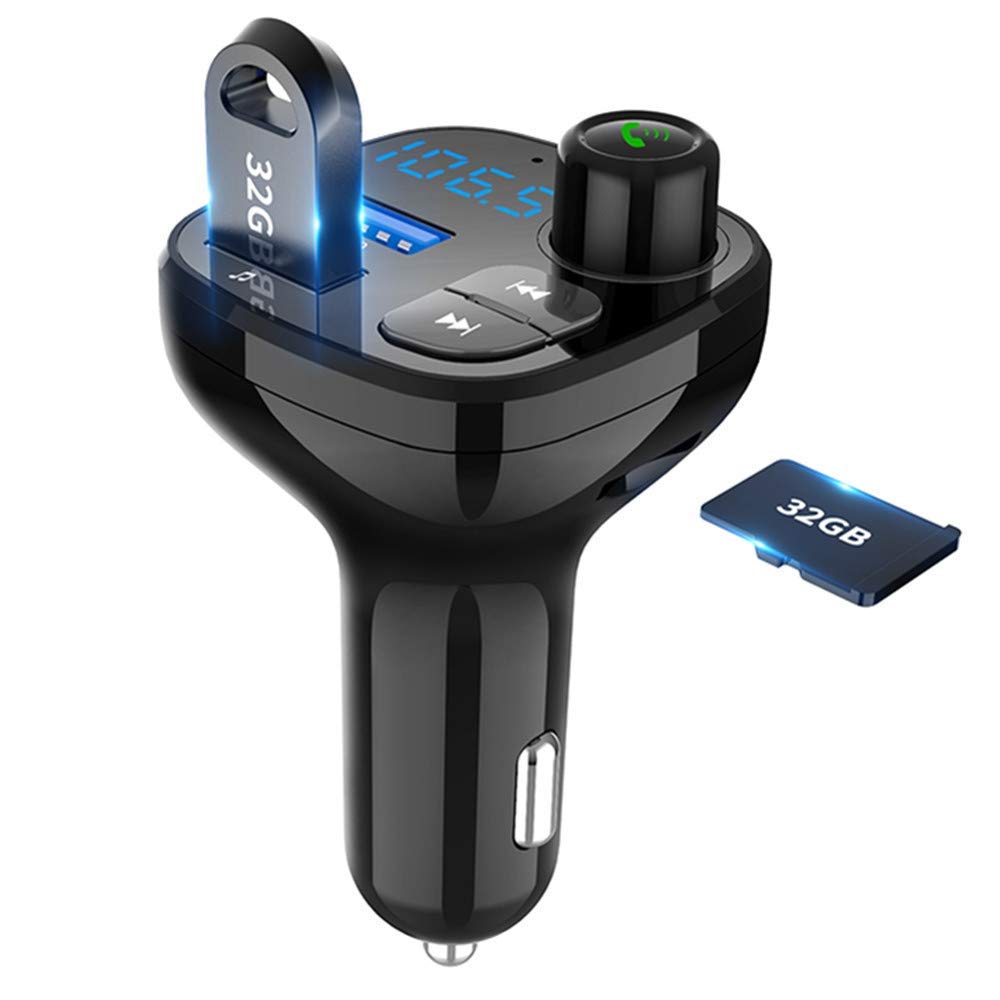
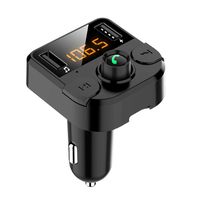
Aloxim Bluetooth Car Kit brings Bluetooth connectivity to any car. Broadcast audio from your phone on an FM bandwidth and hear it through your car's sound system. Enjoy your music and make hands-free calls and fast charge your devices while you drive.
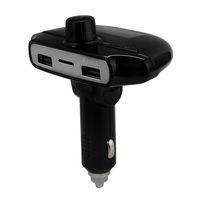
Wireless music streaming: Connect via Bluetooth to play your favorite songs or playlist on App such as Amazon music/Pandora/Tunein/iHeartRADIO /Spotify/SiriusXM over FM frequency, also play MP3 /WMA format songs stored on USB flash drive.
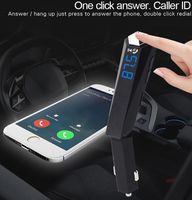
Playing Auto-Switch: Automatically transfer from music streaming to incoming phone calls and switch back after hanging up.
Car Battery Monitor: Real time detecting your car battery voltage condition and warning the abnormality by display flashing.
Important Operation Steps (users must read):
1. Plug the car kit into your car cigarette lighter socket to power on.
2. Set your car FM radio to a vacant radio channel/station/frequency.
3. Press the knob till the LED screen blinks.
4. Turn the knob to tune the FM transmitter to that same vacant radio channel/station/frequency as your car FM radio.
5. Pair your cellphone's Bluetooth with the Bluetooth FM transmitter.
6. To get the best audio quality, please set the volume of your phone to maximum and then adjust the volume of your car stereo. You are not suggested to adjust the volume of your car speaker to maximum (this will bring too much noise).
7. Play music on your cell phone or make phone calls, then you will hear sound coming out from your car radio.
Note:
1. If there is a lot of static due to frequency conflict, please set car FM radio to another empty/vacant radio channel/frequency.
Wireless music streaming: Connect via Bluetooth to play your favorite songs or playlist on App such as Amazon music/Pandora/Tunein/iHeartRADIO /Spotify/SiriusXM over FM frequency, also play MP3 /WMA format songs stored on USB flash drive.
Playing Auto-Switch: Automatically transfer from music streaming to incoming phone calls and switch back after hanging up.
Car Battery Monitor: Real time detecting your car battery voltage condition and warning the abnormality by display flashing.
Important Operation Steps (users must read):
1. Plug the car kit into your car cigarette lighter socket to power on.
2. Set your car FM radio to a vacant radio channel/station/frequency.
3. Press the knob till the LED screen blinks.
4. Turn the knob to tune the FM transmitter to that same vacant radio channel/station/frequency as your car FM radio.
5. Pair your cellphone's Bluetooth with the Bluetooth FM transmitter.
6. To get the best audio quality, please set the volume of your phone to maximum and then adjust the volume of your car stereo. You are not suggested to adjust the volume of your car speaker to maximum (this will bring too much noise).
7. Play music on your cell phone or make phone calls, then you will hear sound coming out from your car radio.
Note:
1. If there is a lot of static due to frequency conflict, please set car FM radio to another empty/vacant radio channel/frequency.
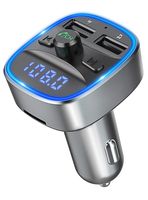
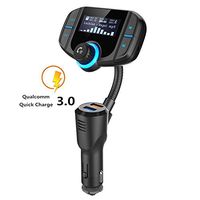
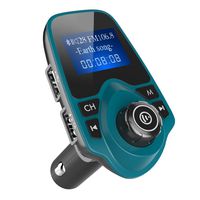
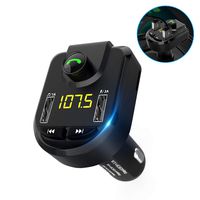
Bluetooth FM Transmitter for Car, Wireless Radio Transmitter Adapter with Hands Free Calls for iPhone, Quick Charge 3.0 USB Car Charger for Samsung, Good Gift (Black)
Current Price
$15.99
Average
$14.78
Min Price
$10.99
Max Price
$19.99
Price dynamics
8%
Description
Aloxim Bluetooth Car Kit brings Bluetooth connectivity to any car. Broadcast audio from your phone on an FM bandwidth and hear it through your car's sound system. Enjoy your music and make hands-free calls and fast charge your devices while you drive.
Wireless music streaming: Connect via Bluetooth to play your favorite songs or playlist on App such as Amazon music/Pandora/Tunein/iHeartRADIO /Spotify/SiriusXM over FM frequency, also play MP3 /WMA format songs stored on USB flash drive.
Playing Auto-Switch: Automatically transfer from music streaming to incoming phone calls and switch back after hanging up.
Car Battery Monitor: Real time detecting your car battery voltage condition and warning the abnormality by display flashing.
Important Operation Steps (users must read):
1. Plug the car kit into your car cigarette lighter socket to power on.
2. Set your car FM radio to a vacant radio channel/station/frequency.
3. Press the knob till the LED screen blinks.
4. Turn the knob to tune the FM transmitter to that same vacant radio channel/station/frequency as your car FM radio.
5. Pair your cellphone's Bluetooth with the Bluetooth FM transmitter.
6. To get the best audio quality, please set the volume of your phone to maximum and then adjust the volume of your car stereo. You are not suggested to adjust the volume of your car speaker to maximum (this will bring too much noise).
7. Play music on your cell phone or make phone calls, then you will hear sound coming out from your car radio.
Note:
1. If there is a lot of static due to frequency conflict, please set car FM radio to another empty/vacant radio channel/frequency.
Wireless music streaming: Connect via Bluetooth to play your favorite songs or playlist on App such as Amazon music/Pandora/Tunein/iHeartRADIO /Spotify/SiriusXM over FM frequency, also play MP3 /WMA format songs stored on USB flash drive.
Playing Auto-Switch: Automatically transfer from music streaming to incoming phone calls and switch back after hanging up.
Car Battery Monitor: Real time detecting your car battery voltage condition and warning the abnormality by display flashing.
Important Operation Steps (users must read):
1. Plug the car kit into your car cigarette lighter socket to power on.
2. Set your car FM radio to a vacant radio channel/station/frequency.
3. Press the knob till the LED screen blinks.
4. Turn the knob to tune the FM transmitter to that same vacant radio channel/station/frequency as your car FM radio.
5. Pair your cellphone's Bluetooth with the Bluetooth FM transmitter.
6. To get the best audio quality, please set the volume of your phone to maximum and then adjust the volume of your car stereo. You are not suggested to adjust the volume of your car speaker to maximum (this will bring too much noise).
7. Play music on your cell phone or make phone calls, then you will hear sound coming out from your car radio.
Note:
1. If there is a lot of static due to frequency conflict, please set car FM radio to another empty/vacant radio channel/frequency.
Price will be lower
in next 2 weeks
in next 2 weeks
According to the data, price will be lower in next two weeks, so not waste your money and track better price!
Product review & video
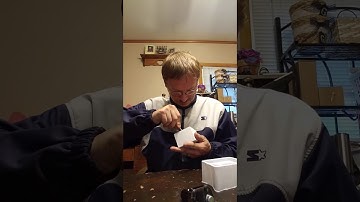
hello everybody and today we're doing another unboxing there are two items in this box but I'm only gonna be showing off one at a time so first I'm gonna be showing off oh hello is the Bluetooth hands-free car kit it's an FM transmitter and it's got the click charge 3.0 on it so as you see here's the box it can play music hands-free voice prompts q-see 3.0 and it also plays music from a USB flash drive so that's cool so as you see here it's packaged like so paper and stuff now this does not have any cords I do believe included as you see here it's got this function right here this is for charging as well this one's charging now this one is for USB flash drives you can play it as well it does got a push button to answer calls it does got a dial to turn the volume up and down or change the stations this once it's connected to your phone it is bluetooth so once it's connected to your phone

Similar products