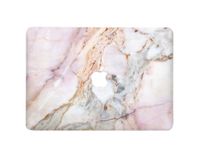
Description
Product Compatibility:
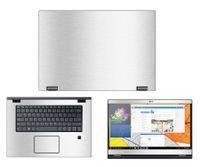
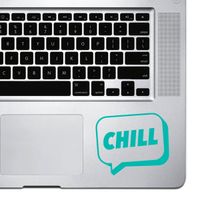
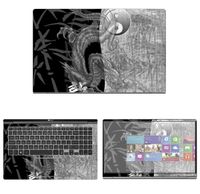
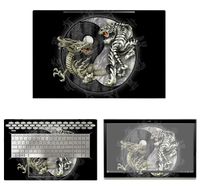
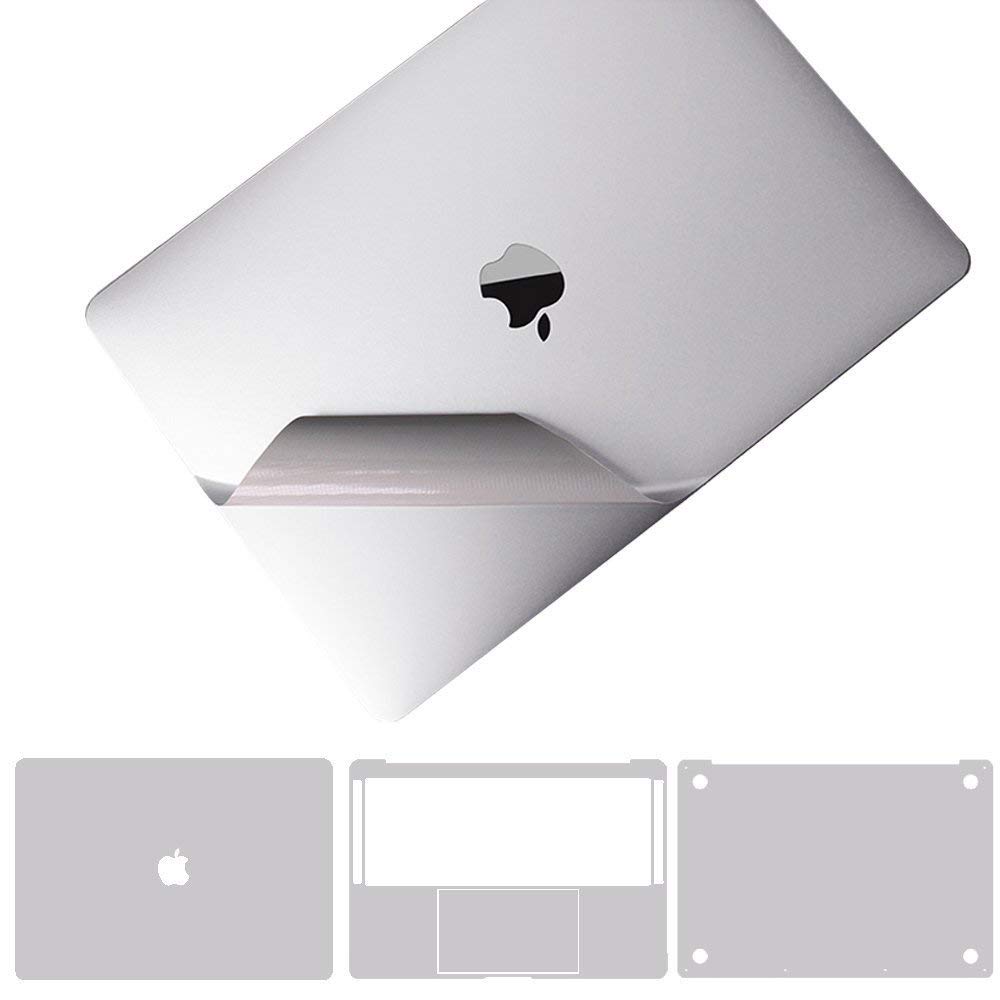
5-in-1 full-sized stickers supports for MacBook Pro 15.4" with Retina Display Model A1398 Only
Product Purpose:
Protective Skin Decals Stickers for MacBook Pro 15.4" with Retina Display can prevent laptop from scratch, water, beer, cigarette ash, biscuit crumbs...ect; preserve original look of MacBook, but not with a thick protective shell.
Package Contents:
1x HD Screen Protector
1x Upper Body Skin Cover
1x Bottom Body Skin Cover
1x Full size Palm Rest Cover Skin
1x Trackpad Protector Skin
1x Wiping cloth
Warm Note:
1. Once upper and bottom skin be finished completely, we suggest do not remove. Otherwise, the skins would be damaged.
2. About curve fitting design, a reasonable 1 mm gap to edge ensures stickers won`t curl during usage. Please take care of its placeholder.
Pasting Instruction:
1. Please use wiping cloth to clean surface before pasting stickers.
2. Align UPPER sticker APPLE LOGO hole>edges>corners to the laptop body.
3. Peel off and cut half side of backing paper; Align upper sticker to APPLE LOGO hole mainly, then edges/corners of laptop body, paste it on laptop easily.
4. Slowly peel off the rest of backing paper, paste the other half skin at the same time.
4-1.If the alignment process is not good, you can slowly take it away, then re-alignment, paste again.
5. Use the wiping cloth wipe the laptop and squeeze out bubbles. Finally, Bubbles be disappeared; sticker fit APPLE LOGO hole and laptop UPPER side well.
6. Paste another stickers in the same way.
7. If stickers do not paste well, please contact us at the first time. We can help you to solve it soon.
5-in-1 full-sized stickers supports for MacBook Pro 15.4" with Retina Display Model A1398 Only
Product Purpose:
Protective Skin Decals Stickers for MacBook Pro 15.4" with Retina Display can prevent laptop from scratch, water, beer, cigarette ash, biscuit crumbs...ect; preserve original look of MacBook, but not with a thick protective shell.
Package Contents:
1x HD Screen Protector
1x Upper Body Skin Cover
1x Bottom Body Skin Cover
1x Full size Palm Rest Cover Skin
1x Trackpad Protector Skin
1x Wiping cloth
Warm Note:
1. Once upper and bottom skin be finished completely, we suggest do not remove. Otherwise, the skins would be damaged.
2. About curve fitting design, a reasonable 1 mm gap to edge ensures stickers won`t curl during usage. Please take care of its placeholder.
Pasting Instruction:
1. Please use wiping cloth to clean surface before pasting stickers.
2. Align UPPER sticker APPLE LOGO hole>edges>corners to the laptop body.
3. Peel off and cut half side of backing paper; Align upper sticker to APPLE LOGO hole mainly, then edges/corners of laptop body, paste it on laptop easily.
4. Slowly peel off the rest of backing paper, paste the other half skin at the same time.
4-1.If the alignment process is not good, you can slowly take it away, then re-alignment, paste again.
5. Use the wiping cloth wipe the laptop and squeeze out bubbles. Finally, Bubbles be disappeared; sticker fit APPLE LOGO hole and laptop UPPER side well.
6. Paste another stickers in the same way.
7. If stickers do not paste well, please contact us at the first time. We can help you to solve it soon.
Premium 5-in-1 MacBook Full Body 3M Protective Skin Decals Stickers for MacBook Pro 15.4" with Retina Display Model A1398 - Sliver
Current Price
$24.99
Average
$24.99
Min Price
$24.99
Max Price
$24.99
Description
Product Compatibility:
5-in-1 full-sized stickers supports for MacBook Pro 15.4" with Retina Display Model A1398 Only
Product Purpose:
Protective Skin Decals Stickers for MacBook Pro 15.4" with Retina Display can prevent laptop from scratch, water, beer, cigarette ash, biscuit crumbs...ect; preserve original look of MacBook, but not with a thick protective shell.
Package Contents:
1x HD Screen Protector
1x Upper Body Skin Cover
1x Bottom Body Skin Cover
1x Full size Palm Rest Cover Skin
1x Trackpad Protector Skin
1x Wiping cloth
Warm Note:
1. Once upper and bottom skin be finished completely, we suggest do not remove. Otherwise, the skins would be damaged.
2. About curve fitting design, a reasonable 1 mm gap to edge ensures stickers won`t curl during usage. Please take care of its placeholder.
Pasting Instruction:
1. Please use wiping cloth to clean surface before pasting stickers.
2. Align UPPER sticker APPLE LOGO hole>edges>corners to the laptop body.
3. Peel off and cut half side of backing paper; Align upper sticker to APPLE LOGO hole mainly, then edges/corners of laptop body, paste it on laptop easily.
4. Slowly peel off the rest of backing paper, paste the other half skin at the same time.
4-1.If the alignment process is not good, you can slowly take it away, then re-alignment, paste again.
5. Use the wiping cloth wipe the laptop and squeeze out bubbles. Finally, Bubbles be disappeared; sticker fit APPLE LOGO hole and laptop UPPER side well.
6. Paste another stickers in the same way.
7. If stickers do not paste well, please contact us at the first time. We can help you to solve it soon.
5-in-1 full-sized stickers supports for MacBook Pro 15.4" with Retina Display Model A1398 Only
Product Purpose:
Protective Skin Decals Stickers for MacBook Pro 15.4" with Retina Display can prevent laptop from scratch, water, beer, cigarette ash, biscuit crumbs...ect; preserve original look of MacBook, but not with a thick protective shell.
Package Contents:
1x HD Screen Protector
1x Upper Body Skin Cover
1x Bottom Body Skin Cover
1x Full size Palm Rest Cover Skin
1x Trackpad Protector Skin
1x Wiping cloth
Warm Note:
1. Once upper and bottom skin be finished completely, we suggest do not remove. Otherwise, the skins would be damaged.
2. About curve fitting design, a reasonable 1 mm gap to edge ensures stickers won`t curl during usage. Please take care of its placeholder.
Pasting Instruction:
1. Please use wiping cloth to clean surface before pasting stickers.
2. Align UPPER sticker APPLE LOGO hole>edges>corners to the laptop body.
3. Peel off and cut half side of backing paper; Align upper sticker to APPLE LOGO hole mainly, then edges/corners of laptop body, paste it on laptop easily.
4. Slowly peel off the rest of backing paper, paste the other half skin at the same time.
4-1.If the alignment process is not good, you can slowly take it away, then re-alignment, paste again.
5. Use the wiping cloth wipe the laptop and squeeze out bubbles. Finally, Bubbles be disappeared; sticker fit APPLE LOGO hole and laptop UPPER side well.
6. Paste another stickers in the same way.
7. If stickers do not paste well, please contact us at the first time. We can help you to solve it soon.
Price will be lower
in next 2 weeks
in next 2 weeks
According to the data, price will be lower in next two weeks, so not waste your money and track better price!
Product review & video
[Music] hi everyone in today's video I'm gonna unbox apply and also reveal full-body scans for my macbook pro 2019 and this is the silver model I bought the skin on Thomas and they also had the space gray color available and can you tell there is the skin on it looks pretty good huh like the color it's pretty much like exactly the same the only difference is that obviously it reflects light differently than you know original aluminum so does the only difference so if you use this thing for example it's not gonna look exactly the same depends on the light basically but I mean looks incredible like you can you can tell that there was skin on it even though it's not cut perfectly I mean to be honest like I maybe didn't do the best shell pop like the de wrap divine will scan let's say you can see like around applo gets it's not perfectly applied but you know I just if I would want this to b


Similar products