Package Include:
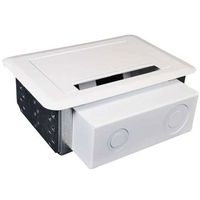
5.25"x 6.2" x 16" CableBox (1 pc)
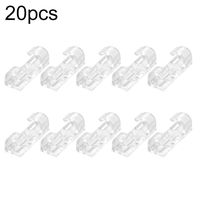
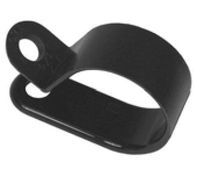
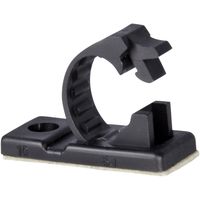
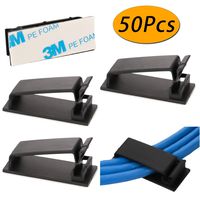
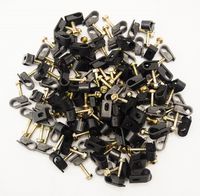
0.55"x 0.75" CableClips (100 pc)
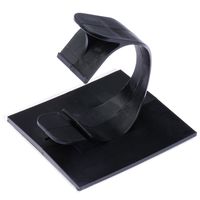
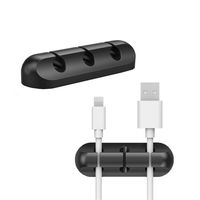
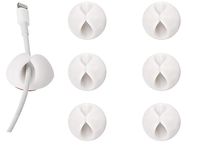
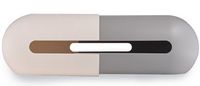
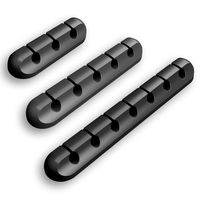
1.11" CableThere (6 pc)
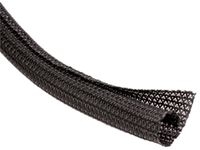
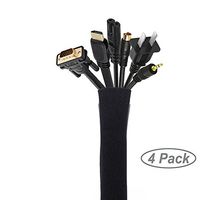
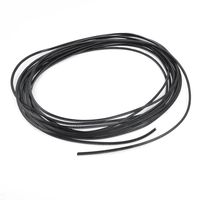
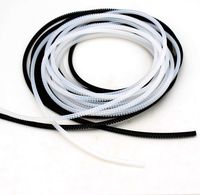
19" CableSleeve (4 pc)
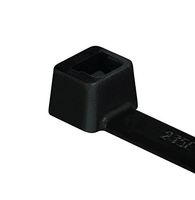
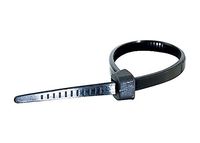
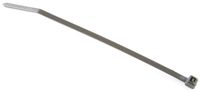
7" CableTie (50 pc)
How to build a wireless and comfy home entertainment environment?
Step1: Get a MyDeskLife Cable Management System.
Step2: Wiring cable with CableFix to make sure all the cable in perfect length.Carding all the main
cords (power cable, chassis, cooler, VGA, HDMI, keyboard &mouse)from play station, speaker, PC
and display device, plug in powerstrip. Wrap them up by CableSleeve. (CableSleeve can be wider
if zip up 2pc CableSleeve.) The rest of cable tie up with CableTie until no cable is showing off.
Step3: Put the power strip and all the power adapter into CableBox and close the box lid.Hide your
CableBox in some place.
Step4: Stick CableThere on the surface of your desk, put in your everyday use charging cable.
Step5: Enjoy your new wireless and easy charge working/living environment!
Warranty We Offer
We have 90 days money back and 1 year manufactured warranty on this product. If there is any
issue about the item you received, please spend a little time and email us at the first time. We
promise you will enjoy our world-class customer service on Amazon and solve the issues for you
within 24 hours!
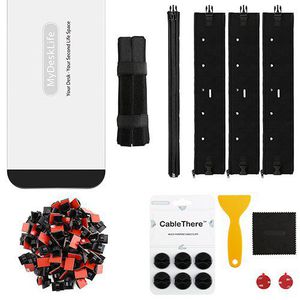
Cable Management Kit for Office/Home Space, MyDeskLife, Full Set with 16" Cable Box, 4pcs 19" Sleeves, 100pcs Adhesive Cord Clips, 50pcs 7" Cable Ties & A Set of 3M TPU CableThere
Package Include:
5.25"x 6.2" x 16" CableBox (1 pc)
0.55"x 0.75" CableClips (100 pc)
1.11" CableThere (6 pc)
19" CableSleeve (4 pc)
7" CableTie (50 pc)
How to build a wireless and comfy home entertainment environment?
Step1: Get a MyDeskLife Cable Management System.
Step2: Wiring cable with CableFix to make sure all the cable in perfect length.Carding all the main
cords (power cable, chassis, cooler, VGA, HDMI, keyboard &mouse)from play station, speaker, PC
and display device, plug in powerstrip. Wrap them up by CableSleeve. (CableSleeve can be wider
if zip up 2pc CableSleeve.) The rest of cable tie up with CableTie until no cable is showing off.
Step3: Put the power strip and all the power adapter into CableBox and close the box lid.Hide your
CableBox in some place.
Step4: Stick CableThere on the surface of your desk, put in your everyday use charging cable.
Step5: Enjoy your new wireless and easy charge working/living environment!
Warranty We Offer
We have 90 days money back and 1 year manufactured warranty on this product. If there is any
issue about the item you received, please spend a little time and email us at the first time. We
promise you will enjoy our world-class customer service on Amazon and solve the issues for you
within 24 hours!
in next 2 weeks