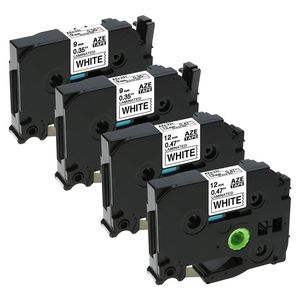
Description
Printers available: Brother P-Touch PT-D200, PT-D210, PT-D400, PT-D400AD, PT-1280, PT-1700, PT-1750, PT-1880, PT-D600, PT-P900, PT-P900W, PT-P950NW, GL-100, PT-D400VP, PT-D450, PT-E100, PT-E300, PT-E500, PT-H100, PT-E550W, PT-H300, PT-H300LI, PT-H500LI, PT-P700, PT-18R, PT-200, PT-300, PT-310, PT-300B, PT-310B, PT-320, PT-330, PT-340, PT-350, PT-520, PT-530, PT-540, PT-550, PT-580C, PT-1000, PT-1010, PT-1090, PT-1090BK, PT-1100, PT-1100s, PT-1120, PT-1130, PT-1160, PT-1170S, PT-1180, PT-1190, PT-1200, PT-1290, PT-1300, PT-2030, PT-1400, PT-1500PC, PT-1600, PT-1650, PT-1760, PT-1800, PT-1810, PT-1830, PT-1890W, PT-1900, PT-1910, PT-1950, PT-1960, PT-1230PC, PT-2030AD, PT-2030VP, PT-2100, PT-2110, PT-2200, PT-2210, PT-2300, PT-2310, PT-2400, PT-2600, PT-2410, PT-2610, PT-2700, PT-P750W, PT-2430PC, PT-2500PC, PT-2710, PT-2730, PT-2730VP, PT-3600, PT-6100, PT-7100, PT-7500, PT-7600, PT-9200DX, PT-9200PC, PT-9400, PT-9500PC, PT-9600, PT-9700PC, PT-9800PCN, ST-1150, ST-1150DX, ST-5, PT-11Q, P-touch CUBE Blue, P-touch CUBE White Tips: 1. Please turn the carbon gear on the label tape counterclockwise to tighten the tapes before installing the tape into the label makers and avoid any breakage or any jamming of the tape. 2. If you need to print several labels and want to reduce the amount of tape wastage. You can printing a long label that include all the word you want, use a few space characters to separate the phrases, and then use a scissors to cut out the individual phrase. 3. 100% Quality Guarantee: All products are certified in conformity with ISO9001 and ISO14001. Markurlife offer 24-month Replacement Warranty. If you meet any problem, feel free to contact us first.
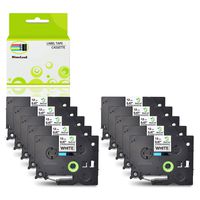
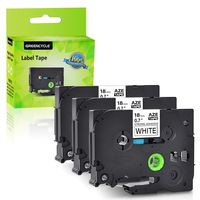
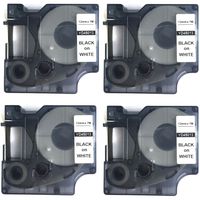
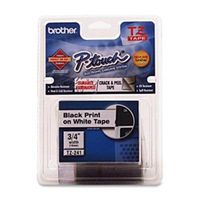
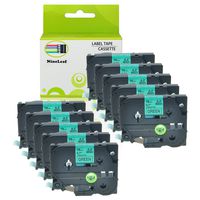
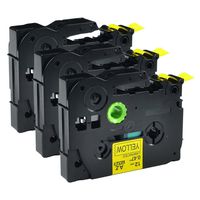
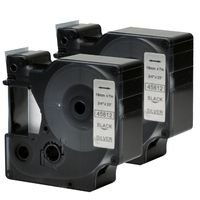
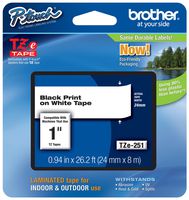
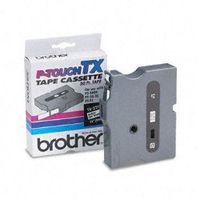
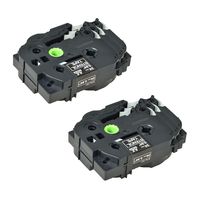
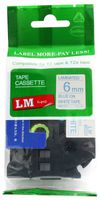
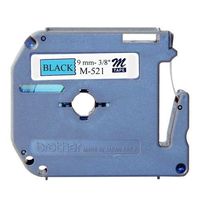
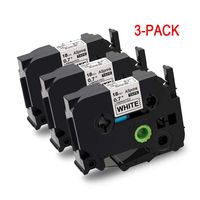
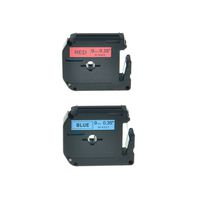
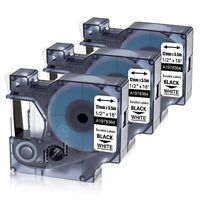
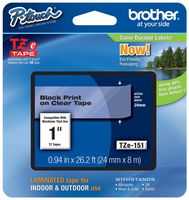
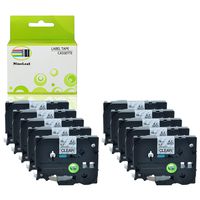
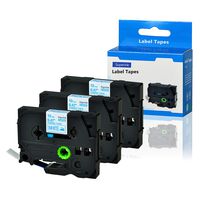
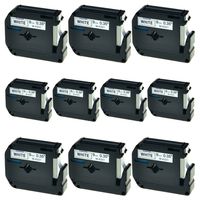
Compatible with P-Touch Label Tape TZe-231(0.47 Inch) TZe-221(0.35 Inch) Laminated White, for Brother Ptouch D210, PTH110, PT-1880, 4-Pack, by Markurlife
Price is below average
Current Price
$13.21
Average
$13.71
Min Price
$13.21
Max Price
$14.68
Price dynamics
4%
Description
Printers available: Brother P-Touch PT-D200, PT-D210, PT-D400, PT-D400AD, PT-1280, PT-1700, PT-1750, PT-1880, PT-D600, PT-P900, PT-P900W, PT-P950NW, GL-100, PT-D400VP, PT-D450, PT-E100, PT-E300, PT-E500, PT-H100, PT-E550W, PT-H300, PT-H300LI, PT-H500LI, PT-P700, PT-18R, PT-200, PT-300, PT-310, PT-300B, PT-310B, PT-320, PT-330, PT-340, PT-350, PT-520, PT-530, PT-540, PT-550, PT-580C, PT-1000, PT-1010, PT-1090, PT-1090BK, PT-1100, PT-1100s, PT-1120, PT-1130, PT-1160, PT-1170S, PT-1180, PT-1190, PT-1200, PT-1290, PT-1300, PT-2030, PT-1400, PT-1500PC, PT-1600, PT-1650, PT-1760, PT-1800, PT-1810, PT-1830, PT-1890W, PT-1900, PT-1910, PT-1950, PT-1960, PT-1230PC, PT-2030AD, PT-2030VP, PT-2100, PT-2110, PT-2200, PT-2210, PT-2300, PT-2310, PT-2400, PT-2600, PT-2410, PT-2610, PT-2700, PT-P750W, PT-2430PC, PT-2500PC, PT-2710, PT-2730, PT-2730VP, PT-3600, PT-6100, PT-7100, PT-7500, PT-7600, PT-9200DX, PT-9200PC, PT-9400, PT-9500PC, PT-9600, PT-9700PC, PT-9800PCN, ST-1150, ST-1150DX, ST-5, PT-11Q, P-touch CUBE Blue, P-touch CUBE White Tips: 1. Please turn the carbon gear on the label tape counterclockwise to tighten the tapes before installing the tape into the label makers and avoid any breakage or any jamming of the tape. 2. If you need to print several labels and want to reduce the amount of tape wastage. You can printing a long label that include all the word you want, use a few space characters to separate the phrases, and then use a scissors to cut out the individual phrase. 3. 100% Quality Guarantee: All products are certified in conformity with ISO9001 and ISO14001. Markurlife offer 24-month Replacement Warranty. If you meet any problem, feel free to contact us first.
Price will be lower
in next 2 weeks
in next 2 weeks
According to the data, price will be lower in next two weeks, so not waste your money and track better price!
Product review & video
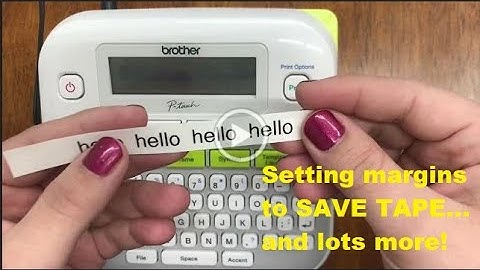
[Music] hi everyone welcome back to our channel for today's video we're going to continue with our ptd 210 labeling series this is basic usage part two so to start with printing labels before you can print you have to have a label to put in your machine so this machine can take the tce tape up to a half of an inch for a side note this is how you can purchase this label for your machine if you go to our website ptouchdirect.com in the upper left-hand corner you'll see brother p-touch go ahead and click that then you'll select shop for labels once you get to that next screen in blue you'll see shop by printer model go ahead and select the ptd 210 from the drop down it should be one of the first options and you'll view our online catalog specifically for this machine so fast forward you've already got your label this is how you'll put it into your machine another way to see the sizes you'l