Description
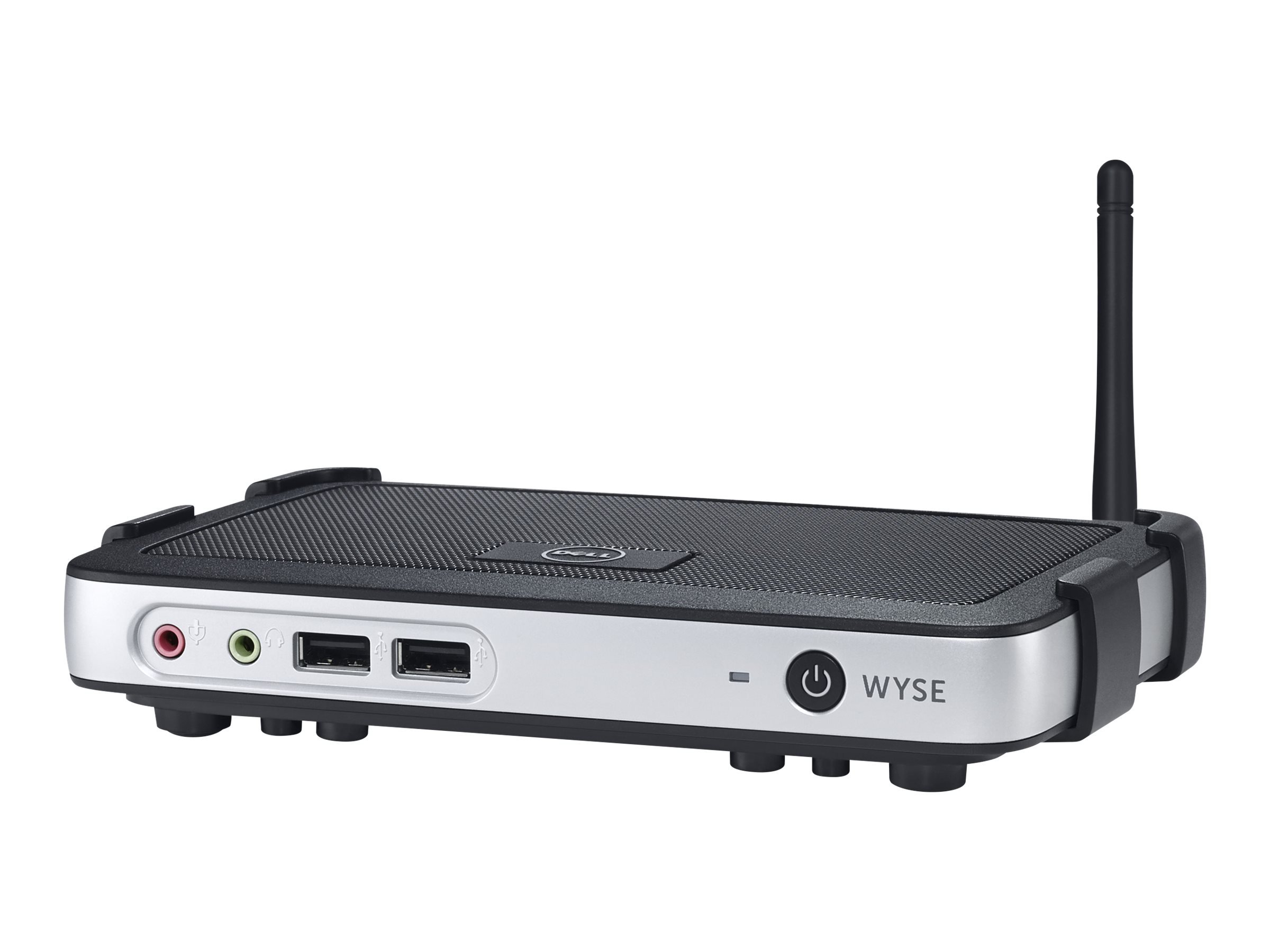
Build out a simple or vast virtual desktop infrastructure (vdi) and stay within your budget using Wyse 3000 series thin clients. This easy-to-use family of clients for citrix, Microsoft, VMware or Wyse workspace environments includes models that are available with virus-immune Wyse thin OS or Wyse enhanced Ubuntu Linux. All offer vibrant multimedia performance, system-on-chip (soc) processors and hands-off Wyse automated management capability. Empower your team with enterprise-class thin clients on an entry-level budget. 3000 series thin clients feature a wealth of premium Wyse cloud client features, and unlike traditional budget clients, 3000 series thin clients are ready to connect to almost any environment, including Web-based applications and services. 3000 series thin clients can quickly process virtually any daily task with powerful system-on-chip (soc) processors. A built-in hardware media processor helps deliver smooth imagery, bi-directional audio and Flash playback performance. The 3020 thin client offers even greater functionality with support for up to two digital displays, a Dual-Band Wi-Fi option and Microsoft RemoteFX certification for high-end graphics. Designed for cost-effective virtual desktop deployments, the Wyse 3000 series thin clients deliver great value from day one with minimal initial investment and power-efficient operation that help lower your cost of ownership. Additionally, Dell practices environmentally aware design with an ISO 14001-based Environmental management system and WEEE recycling processes.
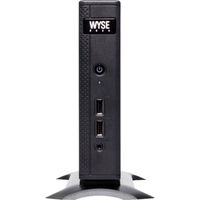
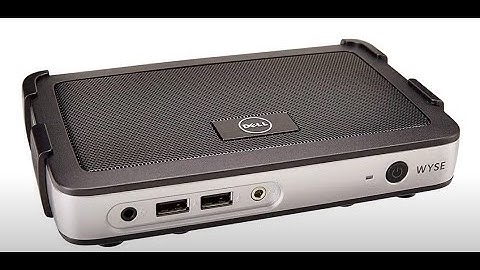
Dell Wyse K2TT8 3010 Mini Desktop, 1 GB RAM, 1 GB Flash, Black/Silver
Price is below average
Current Price
$84.84
Average
$88.66
Min Price
$69.89
Max Price
$135.05
Price dynamics
4%
Description
Build out a simple or vast virtual desktop infrastructure (vdi) and stay within your budget using Wyse 3000 series thin clients. This easy-to-use family of clients for citrix, Microsoft, VMware or Wyse workspace environments includes models that are available with virus-immune Wyse thin OS or Wyse enhanced Ubuntu Linux. All offer vibrant multimedia performance, system-on-chip (soc) processors and hands-off Wyse automated management capability. Empower your team with enterprise-class thin clients on an entry-level budget. 3000 series thin clients feature a wealth of premium Wyse cloud client features, and unlike traditional budget clients, 3000 series thin clients are ready to connect to almost any environment, including Web-based applications and services. 3000 series thin clients can quickly process virtually any daily task with powerful system-on-chip (soc) processors. A built-in hardware media processor helps deliver smooth imagery, bi-directional audio and Flash playback performance. The 3020 thin client offers even greater functionality with support for up to two digital displays, a Dual-Band Wi-Fi option and Microsoft RemoteFX certification for high-end graphics. Designed for cost-effective virtual desktop deployments, the Wyse 3000 series thin clients deliver great value from day one with minimal initial investment and power-efficient operation that help lower your cost of ownership. Additionally, Dell practices environmentally aware design with an ISO 14001-based Environmental management system and WEEE recycling processes.
Price will be lower
in next 2 weeks
in next 2 weeks
According to the data, price will be lower in next two weeks, so not waste your money and track better price!
Product review & video
okay so this is the dull Weiss terminal and what we're doing is kind of showing you what it is they're the that and you can see all the ports on the back supports so we have network port the DVI to USB ports power and that's the display port it should be down there right so when you do is you plug all that in and we're gonna turn it on and then we're gonna go right to the screen here so you can kind of see what's going on and and be able to go into the BIOS and kind of show you how you can set this thing up to boot to different kinds of servers terminal server pixie server whatever you want so go ahead and go to the options there Pete just kind of show all the different optical different configurations that you can all the different types of communication audio access there's a default password on all these will give you that that way you can go and manipulate DHCP all that kind of stuf

Similar products