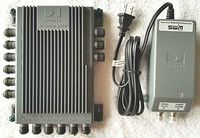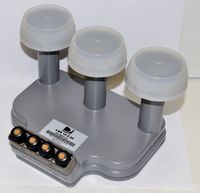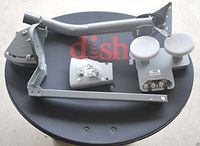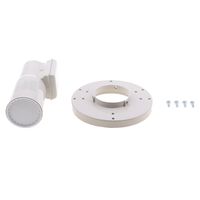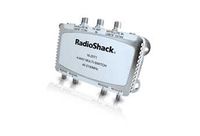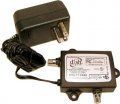
Dish Network Dish Pro Legacy Adapter
Current Price
$19.5
Average
$14.6
Min Price
$3.5
Max Price
$48.95
Price dynamics
25%
Price will be lower
in next 2 weeks
in next 2 weeks
According to the data, price will be lower in next two weeks, so not waste your money and track better price!
Product review & video
Hi, I’m Nadine. In this video, I am going to show you how
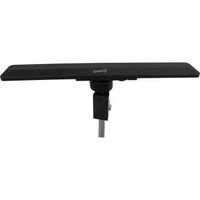
to set up your DISH dual-tuner over-the-air, or OTA, adapter. Let’s get started! The first step is to position and secure your
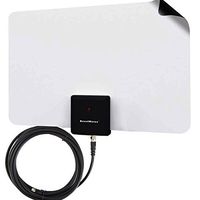
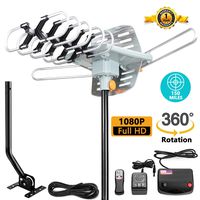
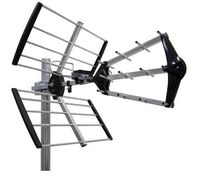
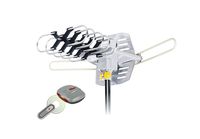
OTA antenna in your home. To do this properly, reference the instructions
that came with your antenna. Next, you’ll need to connect your OTA adapter
to the antenna and your receiver. To do this, connect the coax cable from your
OTA antenna to the adapter. Then connect the adapter to the USB port on
the front or back of your receiver. Turn on your TV. This popup should display. Select “Yes,” and then your receiver will
reboot. It could take several minutes for your receiver
to come back on. Once it does, you should see this popup onscreen. Select “Yes” to scan for OTA channels. Select “Find Channels,” and then “Scan.” Your receiver will scan for all available
OTA channels. Once the scan is complete, select