- HomeElectronicsComputers & AccessoriesComputer Accessories & PeripheralsCleaning & RepairComputer Vacuums
Description
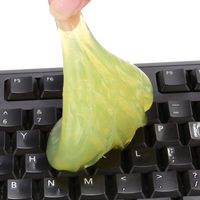
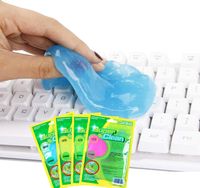
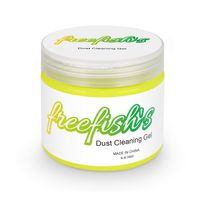
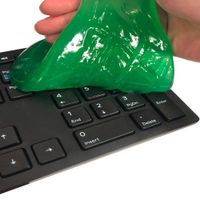
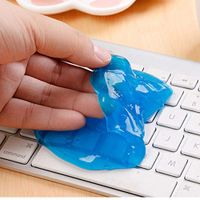
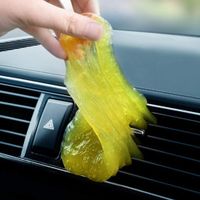
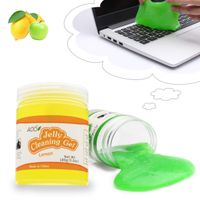
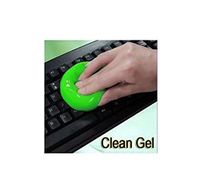
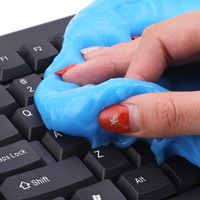
Precautions 1. Remove the cleaning glue from the can, don't rush on the keyboard first. Gently knead a few times on the palm to keep the cleaning glue too thin. 2. Spread the glue on the surface of the object to be cleaned and uncover it with a single tap. 3, it is not suitable to press the surface of the keyboard, etc. for a long time. 4, not suitable for textile cleaning. 5, when there is too much sweat or dust in the palm, it is recommended to wash your hands first. 6. The temperature in winter is relatively low. The clean mud will harden due to the influence of temperature. Before using the clean mud, it will take a dozen seconds to restore the indoor temperature and then use it. 7. The product can be reused. If the cleaning mud is found to be discolored, it indicates that the product has lost its cleaning effect and needs to be replaced. 8, when cleaning electronic products, you need to turn off the power to avoid short circuit!
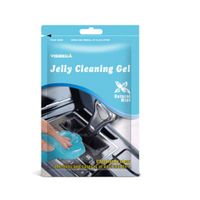
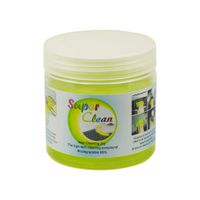
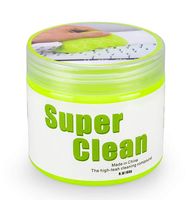
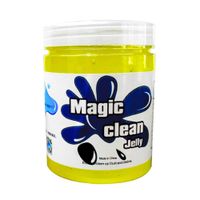
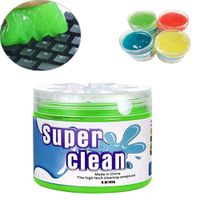
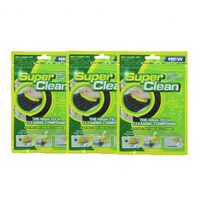
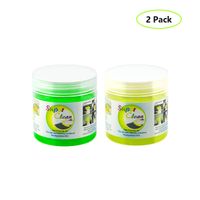
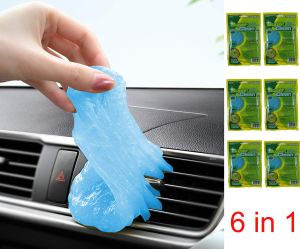
EnjoyULife 6 pcs Car Keyboard Cleaning Mud, 6in1 Car Cleaning Glue Gel, Keyboard Cleaning Mud, For Remove Stains On Keyboards, Car Vents
Current Price
$12.98
Average
$10.59
Min Price
$6.99
Max Price
$12.99
Price dynamics
18%
Description
Precautions 1. Remove the cleaning glue from the can, don't rush on the keyboard first. Gently knead a few times on the palm to keep the cleaning glue too thin. 2. Spread the glue on the surface of the object to be cleaned and uncover it with a single tap. 3, it is not suitable to press the surface of the keyboard, etc. for a long time. 4, not suitable for textile cleaning. 5, when there is too much sweat or dust in the palm, it is recommended to wash your hands first. 6. The temperature in winter is relatively low. The clean mud will harden due to the influence of temperature. Before using the clean mud, it will take a dozen seconds to restore the indoor temperature and then use it. 7. The product can be reused. If the cleaning mud is found to be discolored, it indicates that the product has lost its cleaning effect and needs to be replaced. 8, when cleaning electronic products, you need to turn off the power to avoid short circuit!
Price will be lower
in next 2 weeks
in next 2 weeks
According to the data, price will be lower in next two weeks, so not waste your money and track better price!
Product review & video
Do you clean your keyboard? Maybe you should! A keyboard has 60 times more bacteria than
a toilet seat! I will show you three incredible methods to
clean your keyboard. Really clean, cheap and fast using things you might already have in your
home, supermarket or buying online. Can you guess which is the best way? Every day, our hands produce around 20mg of
a natural oil called “sebum” great for your skin, not so much for your
keyboard! In just a few weeks the keycaps become greasy, trapping dust, hair and food particles… And for this test, that’s what I needed:
a really dirty keyboard! That’s not… oh yeah! For the past two years I didn’t clean my
Apple Wireless Keyboard. Three cleaning options, tested in the same
disgusting keyboard. To be clear: these methods are pretty much
safe I won’t show you anything that is risky
for you or your keyboard. Also, I discarded everything that is com


Similar products