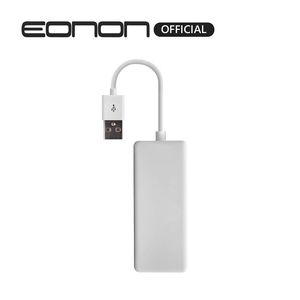
Description
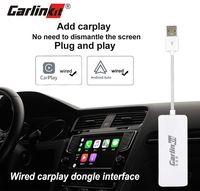
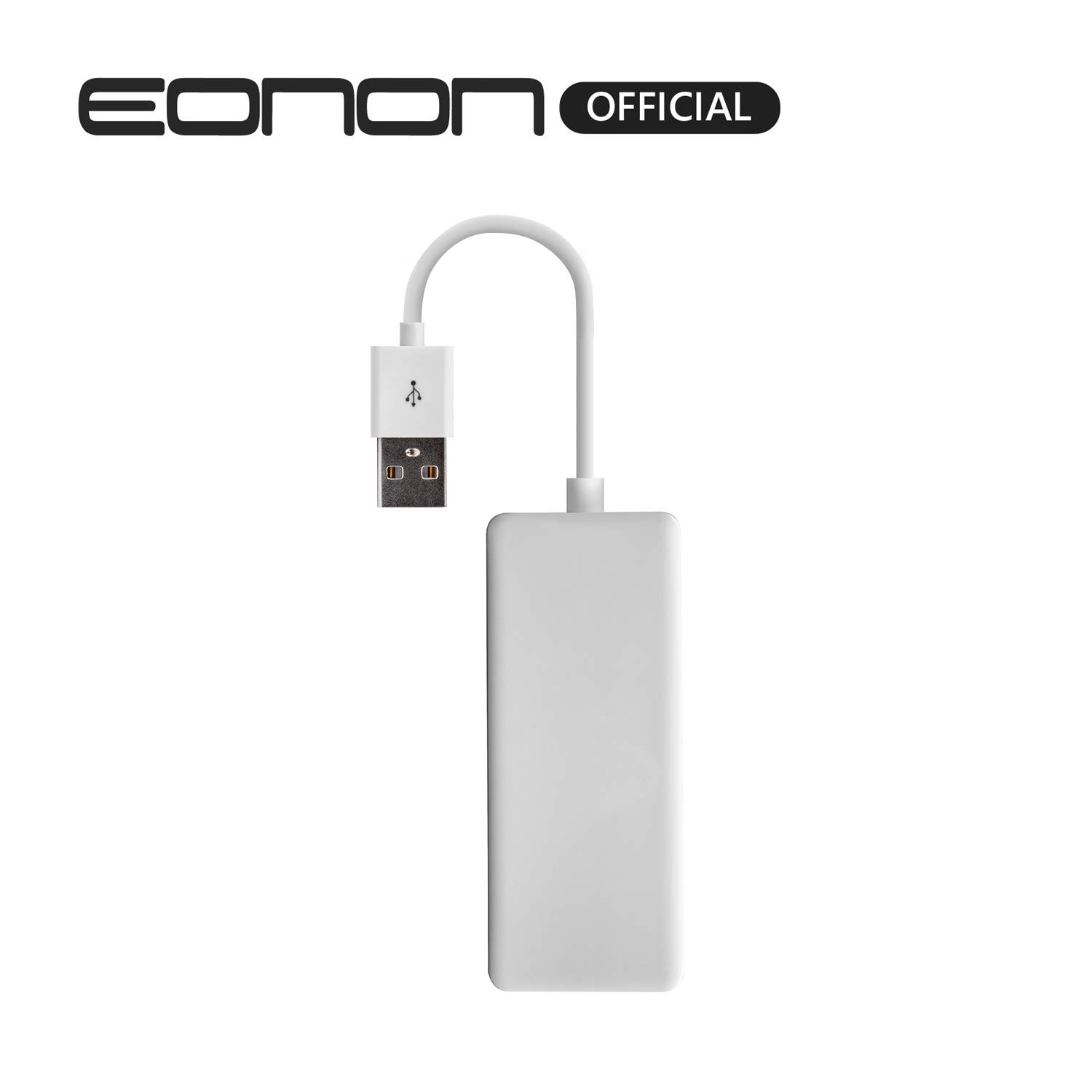
1. Android head unit. 2. system version 4.0 or above. 3. can install APP of the product.Here is the app download address,you can install before buy it. Old APK link: https://www.eonon.com/upload/apk/AutoKit.apk , New APK link: http://www.eonon.com/upload/apk/EPlay.apk NOTE: Before using this USB dongle, please install the AutoKit apk on the car stereo. CONNECTION YOUTUBE VIDEO: OLD METHOD: https://www.youtube.com/watch?v=OJNvzk3AYJU&feature=youtu.be NEW METHOD: https://www.youtube.com/watch?v=Jv1dFvkpZMg&feature=youtu.be Method 1: 1. Download the APK to USB. 2. Insert the USB into your car stereo's USB slot, install the APK and turn it on. Method 2: After networking, enter the APK link to download it on your Android car stereo, and install it. iPhone Connection 1. Connect the dongle to the car stereo's USB slot. 2. Connect the other end of dongle to your iPhone via iPhone charging cable. 3. Allow CarPlay with "AutoKit" while phone is locked. 4. Connection completed. Android Phone Connection 1. Download the Android Auto app at Google Play Store on your phone. 2. Connect the dongle to the car stereo's USB slot. 3. Connect the other end of dongle to your Android phone via charging cable. 4. Enter to Settings -> System -> Developer options of your phone. 5. Turn on USB debugging. 6. Connection completed. What's in the Box USB Dongle *1 User Manual *1
Eonon A0585 Android Auto and Car Play Autoplay Dongle for Eonon Android 8.0/8.1/9.0 Car Radio GA9350,GA9350B,GA9351,GA9349,GA9363,GA9353,GA9365
Price is below average
Current Price
$59.99
Average
$75.81
Min Price
$46.98
Max Price
$199.99
Price dynamics
21%
Description
1. Android head unit. 2. system version 4.0 or above. 3. can install APP of the product.Here is the app download address,you can install before buy it. Old APK link: https://www.eonon.com/upload/apk/AutoKit.apk , New APK link: http://www.eonon.com/upload/apk/EPlay.apk NOTE: Before using this USB dongle, please install the AutoKit apk on the car stereo. CONNECTION YOUTUBE VIDEO: OLD METHOD: https://www.youtube.com/watch?v=OJNvzk3AYJU&feature=youtu.be NEW METHOD: https://www.youtube.com/watch?v=Jv1dFvkpZMg&feature=youtu.be Method 1: 1. Download the APK to USB. 2. Insert the USB into your car stereo's USB slot, install the APK and turn it on. Method 2: After networking, enter the APK link to download it on your Android car stereo, and install it. iPhone Connection 1. Connect the dongle to the car stereo's USB slot. 2. Connect the other end of dongle to your iPhone via iPhone charging cable. 3. Allow CarPlay with "AutoKit" while phone is locked. 4. Connection completed. Android Phone Connection 1. Download the Android Auto app at Google Play Store on your phone. 2. Connect the dongle to the car stereo's USB slot. 3. Connect the other end of dongle to your Android phone via charging cable. 4. Enter to Settings -> System -> Developer options of your phone. 5. Turn on USB debugging. 6. Connection completed. What's in the Box USB Dongle *1 User Manual *1
Price will be lower
in next 2 weeks
in next 2 weeks
According to the data, price will be lower in next two weeks, so not waste your money and track better price!
Similar products