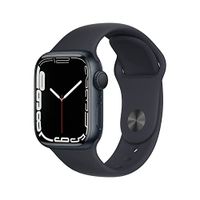
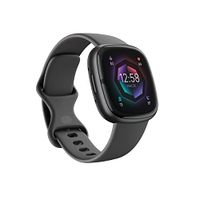
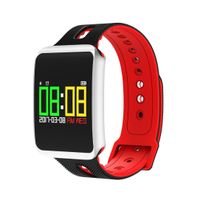
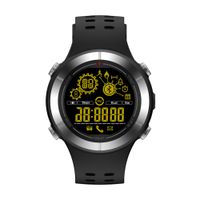
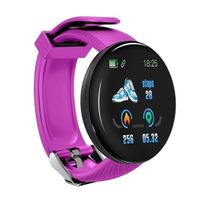
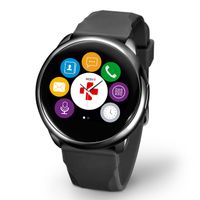
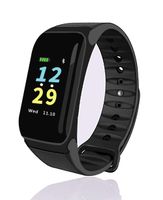
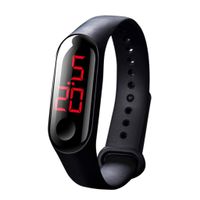
✔ Wide Compatibility:
Compatible for devices like smart phones,iPad or Tablets,requires system of IOS 9.0 or Android 4.4 above
✔ How to Use
1. Charge the fitness tracker before first use.
2. Download and install the free app "WearHealth" from Google Play or Apple App Store.
3. Enable Bluetooth on your smartphone.
4. Open "WearHealth", tap bind to search the device, choose the device and tap "OK" to bind it. It may take few seconds to show "OK" option after you choose the device.
5. The fitness tracker will connect with your smartphone automatically. You need to enable the corresponding functions on the app before use. If your smartphone pops up Bluetooth pairing request, please tap "Pair".
6. To sync the latest detailed data to the app, please pull down the main page of the app.
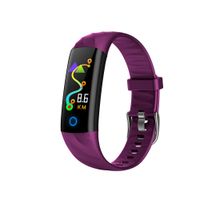
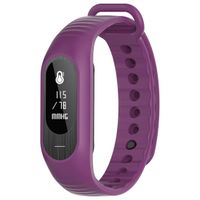
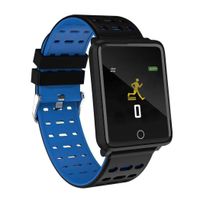
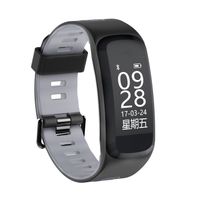
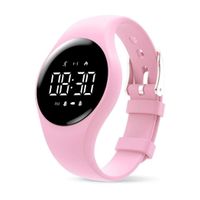
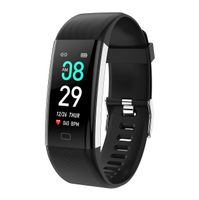
7.There are two operating buttons, one is on the front of the watch,and the other is on the right side of the watch.
✔ Note
1. To maintain high accuracy and provide more valid activity data, the fitness tracker will only begin to count steps after walk for a while.
2.Hear rate monitor runs continuously once the fitness tracker is turned on,you should turn it off while it is not in use.It consumes electricity much.
3. The sleep monitor function will activate automatically when it detects valid sleep activity. Please wear it when sleep.
4.Do not take hot bath wearing the fitness tracker,it will get damaged.1.5m below the water is the limitation,do not exceed the limitation,otherwise the fitness tracker will get damaged.
5. "WearHealth" is the dedicated app to connect the fitness tracker
✔ Package Included
1 x Evershop Fitness Tracker
1 x User Manual
1x Charging cable
Main Function:
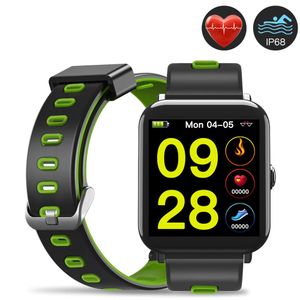
24 Hour continuous heart rate monitor
![Apple Watch Series 8 [GPS 41mm] Smart Watch w/ Starlight Aluminum Case with Starlight Sport Band - S/M. Fitness Tracker, Blood Oxygen & ECG Apps, Always-On Retina Display, Water Resistant](https://use4coins.com/thumbs/rs:fit:200:200/plain/https://images-na.ssl-images-amazon.com/images/I/31ADLYA39JL.jpg)