Description
✶ WiFi Display Dongle, Full HD 1080P HDMI Screen Mirroring Display Adapter Support Miracast / Airplay / DLNA / WIDI for iOS / Android / Mac OS/ Win 8.1 and more
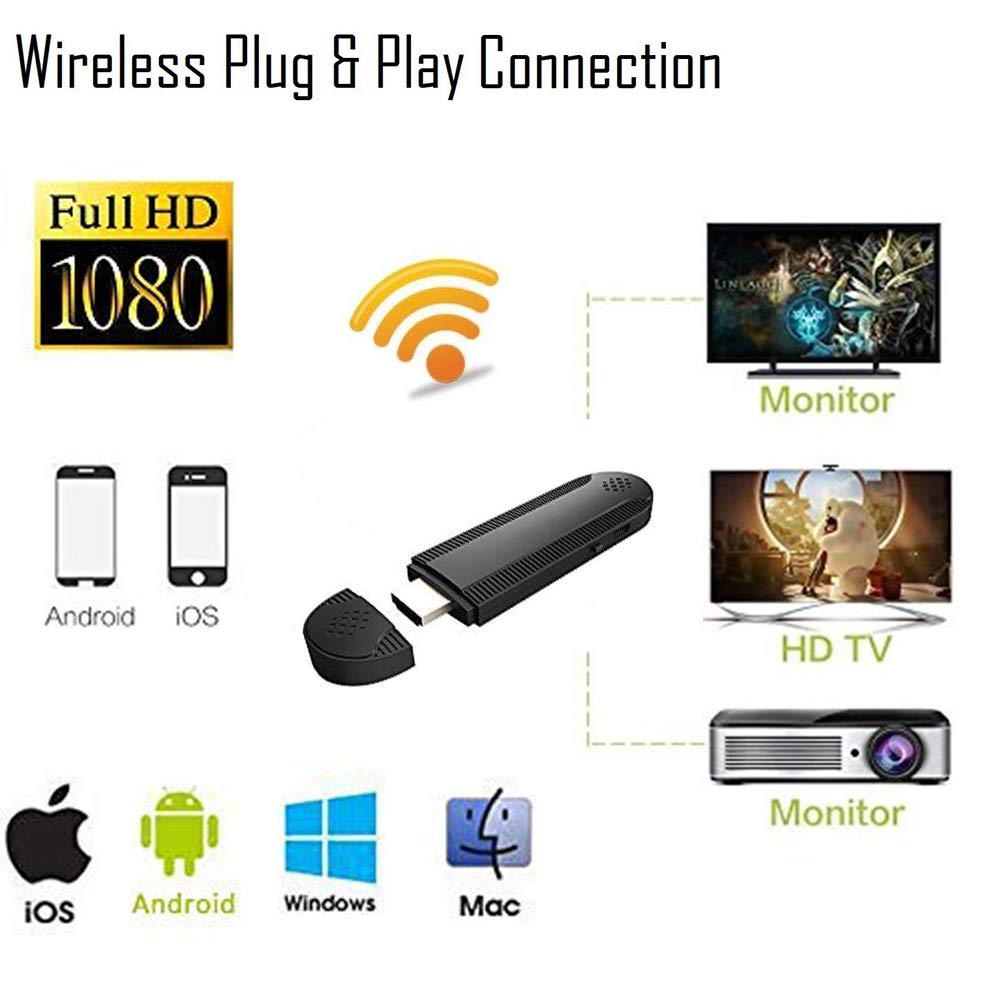
- EASY TO USE: No App or drivers required, this WiFi display dongle only need 3 steps to enjoy media on large screen: Plug->Connect->Mirroring by using Miracast, DLNA and Airplay, with adopted upgraded Dual-core, which supports play more stable and fluently.
- GOOD PERFORMANCE: Support with 2.4 G technology, WiFi display will be more faster transfer, more stable connection, stronger anti-interference, less frozen.
- MULTI-MODE SELECTING: Support DLNA, Airplay Mirroring, Miracast, Google Home App, synchronizing the screens on mobile phones, tablets and notebooks to large screens such as HDTV, Projectors and Car Monitor
✶ How to Use it:
- No APP or Driver required, just make the simple setup, then the screen of smart phone, tablet, laptop can be mirrored to HDTV, display screen or projector.
- Use the USB cable connect the dongle to the TV's USB port or power adapter for power on, connect the dongle HDMI port to the TV's HDMI port.
- Choose the Signal Source as HDMI on the HDTV Monitor or Projector
✶ For Android devices:
- Short press the button and switch to Miracast mode. (The Upgraded Version no need Switch the mode, it will switch automatically into the another mode).
- Open Phone Setting and find the Wireless Display function/Device Connection and choose the dongle, No Password Need.
-There are different names of Miracast on different Android devices, such as WIiFi Display/SmartView/Muti-Screen Display/WLAN Display/AllShare Cast etc.
✶Miracast Dongle Support with Mac OS/Windows PC and iOS/ Android Smartphone Tablet
1.Windows1.Press [WINDOW]+[P] to turn on the Project function and add the dongle to your devices list.2. iOS devices:- Switch to DLNA mode for iOS phone, connect iOS device to the dongle WiFi with the password on WiFi
- EASY TO USE: No App or drivers required, this WiFi display dongle only need 3 steps to enjoy media on large screen: Plug->Connect->Mirroring by using Miracast, DLNA and Airplay, with adopted upgraded Dual-core, which supports play more stable and fluently.
- GOOD PERFORMANCE: Support with 2.4 G technology, WiFi display will be more faster transfer, more stable connection, stronger anti-interference, less frozen.
- MULTI-MODE SELECTING: Support DLNA, Airplay Mirroring, Miracast, Google Home App, synchronizing the screens on mobile phones, tablets and notebooks to large screens such as HDTV, Projectors and Car Monitor
✶ How to Use it:
- No APP or Driver required, just make the simple setup, then the screen of smart phone, tablet, laptop can be mirrored to HDTV, display screen or projector.
- Use the USB cable connect the dongle to the TV's USB port or power adapter for power on, connect the dongle HDMI port to the TV's HDMI port.
- Choose the Signal Source as HDMI on the HDTV Monitor or Projector
✶ For Android devices:
- Short press the button and switch to Miracast mode. (The Upgraded Version no need Switch the mode, it will switch automatically into the another mode).
- Open Phone Setting and find the Wireless Display function/Device Connection and choose the dongle, No Password Need.
-There are different names of Miracast on different Android devices, such as WIiFi Display/SmartView/Muti-Screen Display/WLAN Display/AllShare Cast etc.
✶Miracast Dongle Support with Mac OS/Windows PC and iOS/ Android Smartphone Tablet
1.Windows1.Press [WINDOW]+[P] to turn on the Project function and add the dongle to your devices list.2. iOS devices:- Switch to DLNA mode for iOS phone, connect iOS device to the dongle WiFi with the password on WiFi
Fancart WiFi Display Dongle Adapter, Wireless Display Receiver WiFi HDMI Adapter Dongle Miracast TV Dongle Adapter for iOS Android Smartphones/Windows/MacBook Laptop to HDTV Projector Monitor
Current Price
$28.29
Average
$21.72
Min Price
$19.99
Max Price
$28.29
Price dynamics
23%
Description
✶ WiFi Display Dongle, Full HD 1080P HDMI Screen Mirroring Display Adapter Support Miracast / Airplay / DLNA / WIDI for iOS / Android / Mac OS/ Win 8.1 and more
- EASY TO USE: No App or drivers required, this WiFi display dongle only need 3 steps to enjoy media on large screen: Plug->Connect->Mirroring by using Miracast, DLNA and Airplay, with adopted upgraded Dual-core, which supports play more stable and fluently.
- GOOD PERFORMANCE: Support with 2.4 G technology, WiFi display will be more faster transfer, more stable connection, stronger anti-interference, less frozen.
- MULTI-MODE SELECTING: Support DLNA, Airplay Mirroring, Miracast, Google Home App, synchronizing the screens on mobile phones, tablets and notebooks to large screens such as HDTV, Projectors and Car Monitor
✶ How to Use it:
- No APP or Driver required, just make the simple setup, then the screen of smart phone, tablet, laptop can be mirrored to HDTV, display screen or projector.
- Use the USB cable connect the dongle to the TV's USB port or power adapter for power on, connect the dongle HDMI port to the TV's HDMI port.
- Choose the Signal Source as HDMI on the HDTV Monitor or Projector
✶ For Android devices:
- Short press the button and switch to Miracast mode. (The Upgraded Version no need Switch the mode, it will switch automatically into the another mode).
- Open Phone Setting and find the Wireless Display function/Device Connection and choose the dongle, No Password Need.
-There are different names of Miracast on different Android devices, such as WIiFi Display/SmartView/Muti-Screen Display/WLAN Display/AllShare Cast etc.
✶Miracast Dongle Support with Mac OS/Windows PC and iOS/ Android Smartphone Tablet
1.Windows1.Press [WINDOW]+[P] to turn on the Project function and add the dongle to your devices list.2. iOS devices:- Switch to DLNA mode for iOS phone, connect iOS device to the dongle WiFi with the password on WiFi
- EASY TO USE: No App or drivers required, this WiFi display dongle only need 3 steps to enjoy media on large screen: Plug->Connect->Mirroring by using Miracast, DLNA and Airplay, with adopted upgraded Dual-core, which supports play more stable and fluently.
- GOOD PERFORMANCE: Support with 2.4 G technology, WiFi display will be more faster transfer, more stable connection, stronger anti-interference, less frozen.
- MULTI-MODE SELECTING: Support DLNA, Airplay Mirroring, Miracast, Google Home App, synchronizing the screens on mobile phones, tablets and notebooks to large screens such as HDTV, Projectors and Car Monitor
✶ How to Use it:
- No APP or Driver required, just make the simple setup, then the screen of smart phone, tablet, laptop can be mirrored to HDTV, display screen or projector.
- Use the USB cable connect the dongle to the TV's USB port or power adapter for power on, connect the dongle HDMI port to the TV's HDMI port.
- Choose the Signal Source as HDMI on the HDTV Monitor or Projector
✶ For Android devices:
- Short press the button and switch to Miracast mode. (The Upgraded Version no need Switch the mode, it will switch automatically into the another mode).
- Open Phone Setting and find the Wireless Display function/Device Connection and choose the dongle, No Password Need.
-There are different names of Miracast on different Android devices, such as WIiFi Display/SmartView/Muti-Screen Display/WLAN Display/AllShare Cast etc.
✶Miracast Dongle Support with Mac OS/Windows PC and iOS/ Android Smartphone Tablet
1.Windows1.Press [WINDOW]+[P] to turn on the Project function and add the dongle to your devices list.2. iOS devices:- Switch to DLNA mode for iOS phone, connect iOS device to the dongle WiFi with the password on WiFi
Price will be lower
in next 2 weeks
in next 2 weeks
According to the data, price will be lower in next two weeks, so not waste your money and track better price!
Product review & video
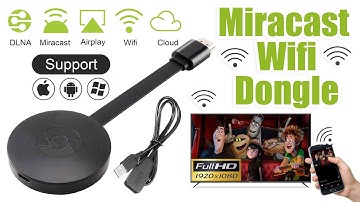
[Music] hello guys uh we are back with one of our new product and today we are going to check this ez chromecast it's a mirror cast device you can easily mirror with your phone to your tv wireless so let's see what we get inside first of all user manual we have main device it's uh actually my phone over here here you can see there is a power port and a reset button and here we can get one wireless receiver power adapter micro usb and usb port you can plug back to your tv or you can use uh adapter 5 volt adapter so it will be easy to get constant 5 for 5.0 volt power you can use this kind of adapter over here just plug it this way it's easy and connect this device to your easier cast and this one goes back to your tv and you can mirror from your phone directly to your tv okay guys so here we have a hdmi cable from back to our tv okay so what we're going to do we just connect it this devi


Similar products