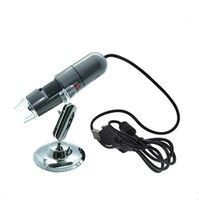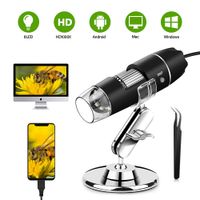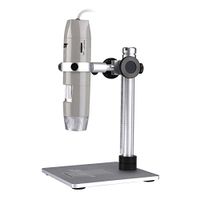
Description
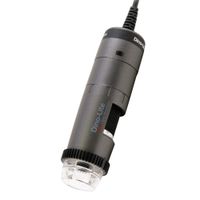
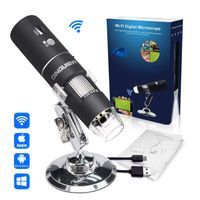
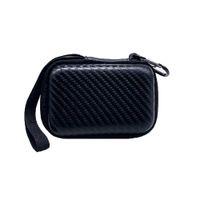
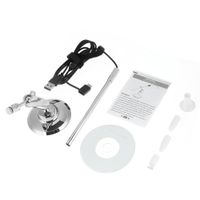
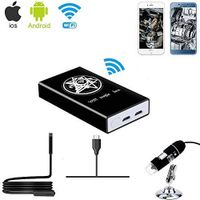
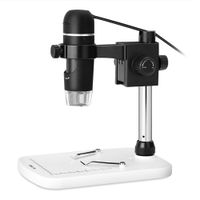
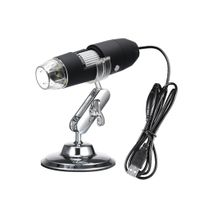
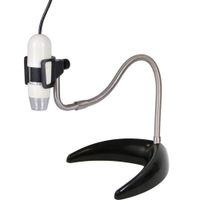
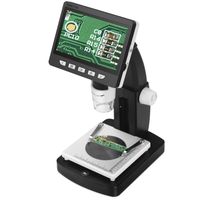
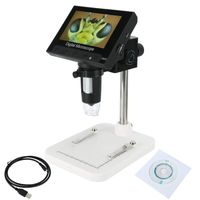
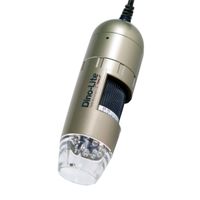
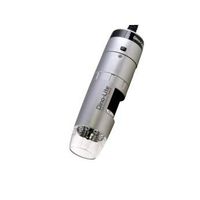
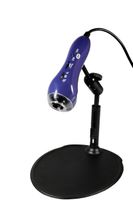
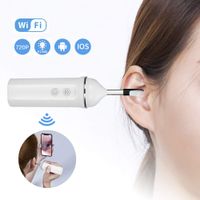
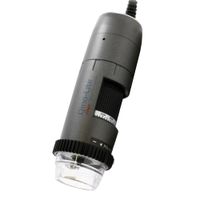
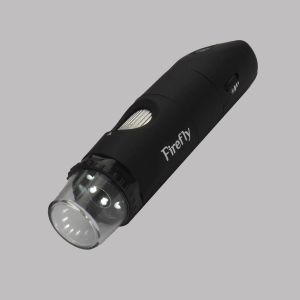
Firefly DE350 is designed to reduce the effects of glare and to help eliminate "hot spots" from highly reflective surfaces, providing uniform illumination to bring out more surface detail with minimal glare. With a wireless link and a 3 hour Lithium battery, this product provides complete flexibility in capturing high precision images and videos. Besides offering point-to-point connectivity, it also enables point-to-multipoint operation thus enabling multiple PCs to observe the same images and videos. DE350 has a built-in polarizer with 12 distinct levels of polarization, and provides up to 50x native optical magnification and up to 150x digital magnification. It is controlled directly with the FireflyPro professional image processing software which is bundled with the microscope. This state-of-the-art software allows users to capture, store, recall, view, manipulate and measure images and videos in real time. The DE350 polarizing system with 12 settings provides the versatility required for use in the Dermatology: skin or scalp check, diagnosis, cosmetic, follow up, hair loss treatment, etc. It is also ideal for a variety of applications including biomedical, printing/graphic arts, surface analysis of jewelry, coins, metal, etc. Compatibility: Windows 7/Vista/XP. Package Includes: Dermatoscope/Microscope (1x), Wireless Receiver (1x), Base Stand (1x), USB Cable (1x), AC Outlet Charger (1x), Software Application CD (1x User's Manual and software), Velvet Carrying Case (1x). Safety Compliance: FCC, CE and RoHS compliant. Manufacturer's Warranty: 1 year.
Firefly DE350 Wireless Polarized Handheld Digital Dermatoscope/Microscope
Current Price
$389
Average
$378.54
Min Price
$349
Max Price
$389
Price dynamics
3%
Description
Firefly DE350 is designed to reduce the effects of glare and to help eliminate "hot spots" from highly reflective surfaces, providing uniform illumination to bring out more surface detail with minimal glare. With a wireless link and a 3 hour Lithium battery, this product provides complete flexibility in capturing high precision images and videos. Besides offering point-to-point connectivity, it also enables point-to-multipoint operation thus enabling multiple PCs to observe the same images and videos. DE350 has a built-in polarizer with 12 distinct levels of polarization, and provides up to 50x native optical magnification and up to 150x digital magnification. It is controlled directly with the FireflyPro professional image processing software which is bundled with the microscope. This state-of-the-art software allows users to capture, store, recall, view, manipulate and measure images and videos in real time. The DE350 polarizing system with 12 settings provides the versatility required for use in the Dermatology: skin or scalp check, diagnosis, cosmetic, follow up, hair loss treatment, etc. It is also ideal for a variety of applications including biomedical, printing/graphic arts, surface analysis of jewelry, coins, metal, etc. Compatibility: Windows 7/Vista/XP. Package Includes: Dermatoscope/Microscope (1x), Wireless Receiver (1x), Base Stand (1x), USB Cable (1x), AC Outlet Charger (1x), Software Application CD (1x User's Manual and software), Velvet Carrying Case (1x). Safety Compliance: FCC, CE and RoHS compliant. Manufacturer's Warranty: 1 year.
Price will be lower
in next 2 weeks
in next 2 weeks
According to the data, price will be lower in next two weeks, so not waste your money and track better price!
Product review & video
so you've just installed Trico Science Pro software and are ready to begin using your tracker scope this video will serve as an introduction to your tracker scope and I will be also showing you how to configure the camera and the trico science Pro software this is your tracker scope start by connecting the USB wire to the USB port on the computer next turn the device on you can do this by going to this switch here and switching it to LED this will illuminate all of the LEDs and turn the device on now that the Trekker scope is connected open the Trico science Pro software on the right panel near the bottom select a video capture device and then click digital microscope and ok to finish configuring your Trico scope next click Express try Koska P this is the fastest way to do evaluations without adding new patients next click the camera icon to bring up the live image and you can see it's