- HomeToys & GamesHobbiesRemote & App Controlled Vehicles & PartsRemote & App Controlled VehiclesQuadcopters & Multirotors
Please click here to see how to fly the drone!
https://youtu.be/RvZj3YLoWwo
TIPS:
1. Before preparing for flight, please make sure that the face and the drone head are in the same direction.
2. Once the aircraft starts flying, please click on the headless mode immediately.
Pre-flight Preparation
1. Please read the Operation instructions carefully and YouTube Video
2. Drone and Controller Power On
3. Connect WIFI "WIFI- XXX -GPS- XXX", open APP software
4. Paring controller and drone
5. Gyro calibration
6. Press the compass key. APP need display: geomagnetic calibration geomagnetic success
7. GPS calibration
Note:
1. The drone is NOT equipped with auto obstacle-avoidance, so to fly at GPS mode, please choose a open and wide space for the flight!
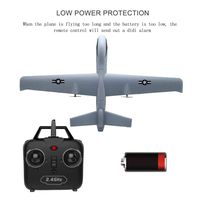
2. When the remote control is on low power, there is DIDID sound. You need to change the battery.
3. Do not use the drone in adverse weather conditions, such as rain, snow, fog and wind sppeds exceeding 8m/s or 18mph
GPS Features:
Follow Me/GPS Return Home/GPS Positioning & Hold/GPS Surround Flight/Waypoint Flight/Geo-Fencing/Low Battery Return
Flight Features:
Headless Mode/One Key Take off/Landing/Stop/Set 3 Speeds Mode/Auto Hover/9-Axis Gyroscope/Color-coded Dual LED Lights
Specifications:
Flight Speed: 5m/s-7m/s
Flight Time : 15 ~20 Mins(2 Batteries 30Mins)
Control Range : 200 meters
Control Height: 100 Meters
Charging Time:120 Mins
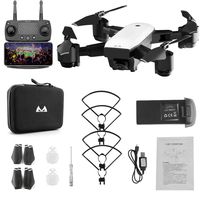
What You Get:
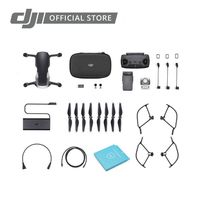
1* GPS Drone
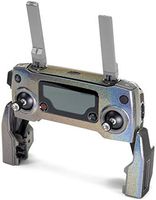
1* Remote Controller
1* Phone Clip
1* Screw Driver
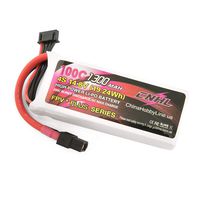
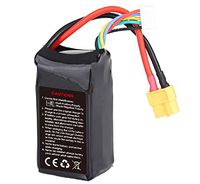
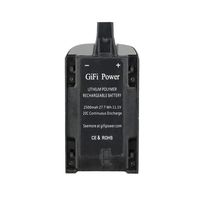
2* 3.7V 1600mAh Batteries
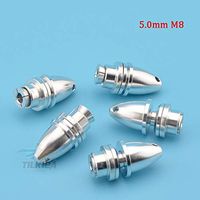
2* Propeller Cap
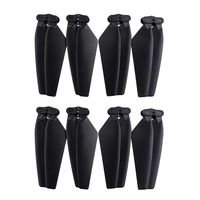
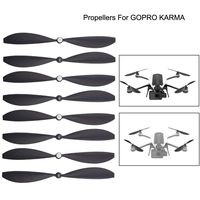
4* Extra Propellers
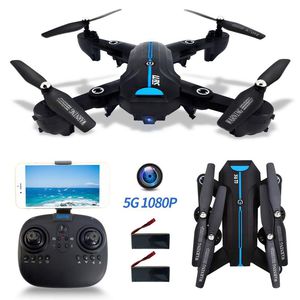
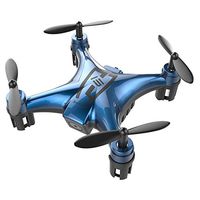
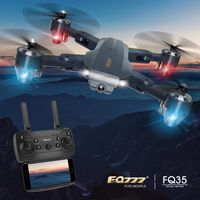
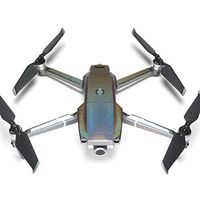
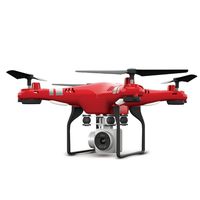
FPV Drones with Camera 1080P HD for Adults, 5G GPS Drone WiFi Live Video with 120° Wide-Angle, RC Quadcopter for Kids Beginners with GPS Follow Me, Auto Return Home, Altitude Hold, Flight Time 40 Mins
Please click here to see how to fly the drone!
https://youtu.be/RvZj3YLoWwo
TIPS:
1. Before preparing for flight, please make sure that the face and the drone head are in the same direction.
2. Once the aircraft starts flying, please click on the headless mode immediately.
Pre-flight Preparation
1. Please read the Operation instructions carefully and YouTube Video
2. Drone and Controller Power On
3. Connect WIFI "WIFI- XXX -GPS- XXX", open APP software
4. Paring controller and drone
5. Gyro calibration
6. Press the compass key. APP need display: geomagnetic calibration geomagnetic success
7. GPS calibration
Note:
1. The drone is NOT equipped with auto obstacle-avoidance, so to fly at GPS mode, please choose a open and wide space for the flight!
2. When the remote control is on low power, there is DIDID sound. You need to change the battery.
3. Do not use the drone in adverse weather conditions, such as rain, snow, fog and wind sppeds exceeding 8m/s or 18mph
GPS Features:
Follow Me/GPS Return Home/GPS Positioning & Hold/GPS Surround Flight/Waypoint Flight/Geo-Fencing/Low Battery Return
Flight Features:
Headless Mode/One Key Take off/Landing/Stop/Set 3 Speeds Mode/Auto Hover/9-Axis Gyroscope/Color-coded Dual LED Lights
Specifications:
Flight Speed: 5m/s-7m/s
Flight Time : 15 ~20 Mins(2 Batteries 30Mins)
Control Range : 200 meters
Control Height: 100 Meters
Charging Time:120 Mins
What You Get:
1* GPS Drone
1* Remote Controller
1* Phone Clip
1* Screw Driver
2* 3.7V 1600mAh Batteries
2* Propeller Cap
4* Extra Propellers
in next 2 weeks