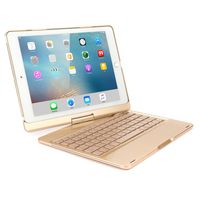
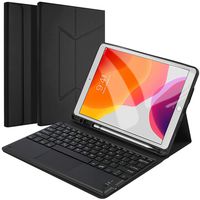
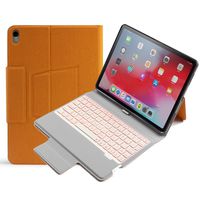
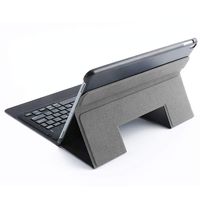
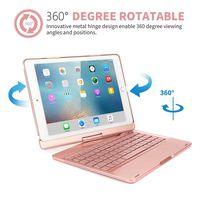
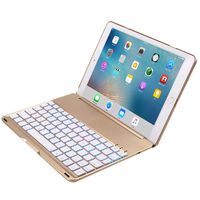
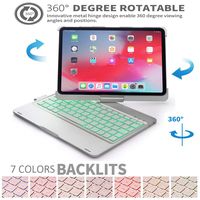
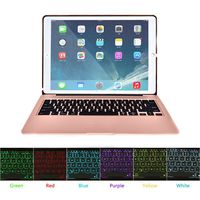
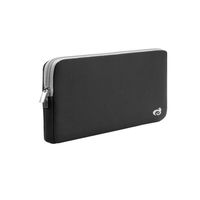
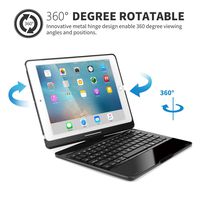
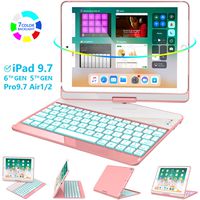
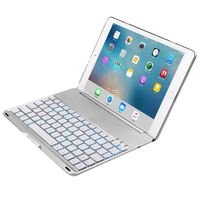
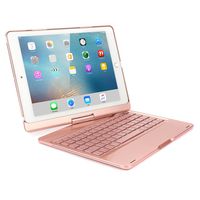
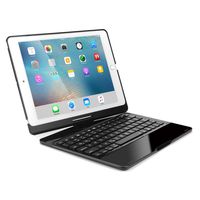
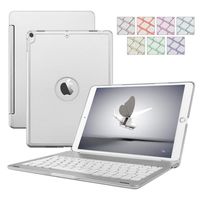
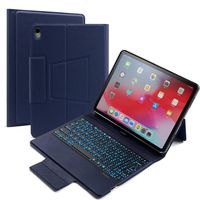
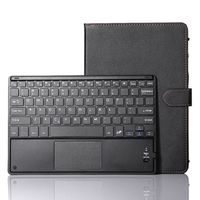
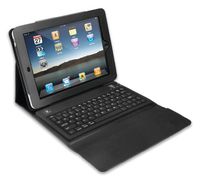
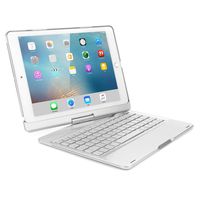
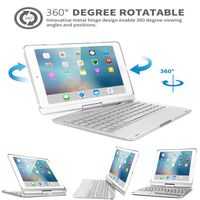
How to Connect Bluetooth?
Power on the keyboard by sliding the On/Off to On position.
Then press ¡Wi-Fi¡¯ button, the blue led light flash, the Bluetooth of the keyboard is opened.
Turn on the Bluetooth of your iPad .
Open the iPad Bluetooth Search when the Bluetooth pair lights twinkling.
Then there will be ""Bluetooth Keyboard"" comes up in the searching page. Just select it.
The Bluetooth will be connected automatically.
Package contents:
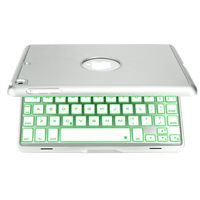
* Bluetooth workstation
* USB Charging Cable
* User's Manual
Technical parameters:
material:ABS plastic
key life:2-3 years
charging port:USB Micro 5PIN
charging cable:included
power:1.2 mA
battery capcity: 500 mA
Operating current:4 mA (20-60mA with backlight)
standby Current :1.25mA
working time:5-45 hours
charching time:2hours
Operating voltage:3.7Vdc
charging current:300mA
chipset :20730KM
Bluetooth version:3.0
Transmit Range: Up to 11meters
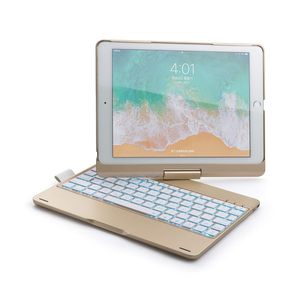
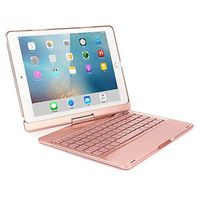
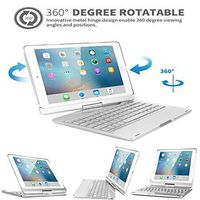
![ESSTORE Cases for Galaxy Tab E 9.6" / T560 / T561 - Ultra Slim Lightweight Multi Function Leather Case for Samsung Galaxy Tab E 9.6" / T560 / T561 [Cute Unicorn-4]](https://use4coins.com/thumbs/unsafe/fit-in/200x200/https://images-na.ssl-images-amazon.com/images/I/71UCQLL7poL.jpg)
![iPad 9.7 2017 Case LittleMax(TM) Leather Protective Case [Kickstand] Flip Folio Wallet Case Card Holder Cover for Apple iPad 9.7-Inch 2017 Model [Free Cleaning Cloth,Stylus Pen]-01 Sunglasses Cat](https://use4coins.com/thumbs/unsafe/fit-in/200x200/https://images-na.ssl-images-amazon.com/images/I/81wn55xYOYL.jpg)