Description
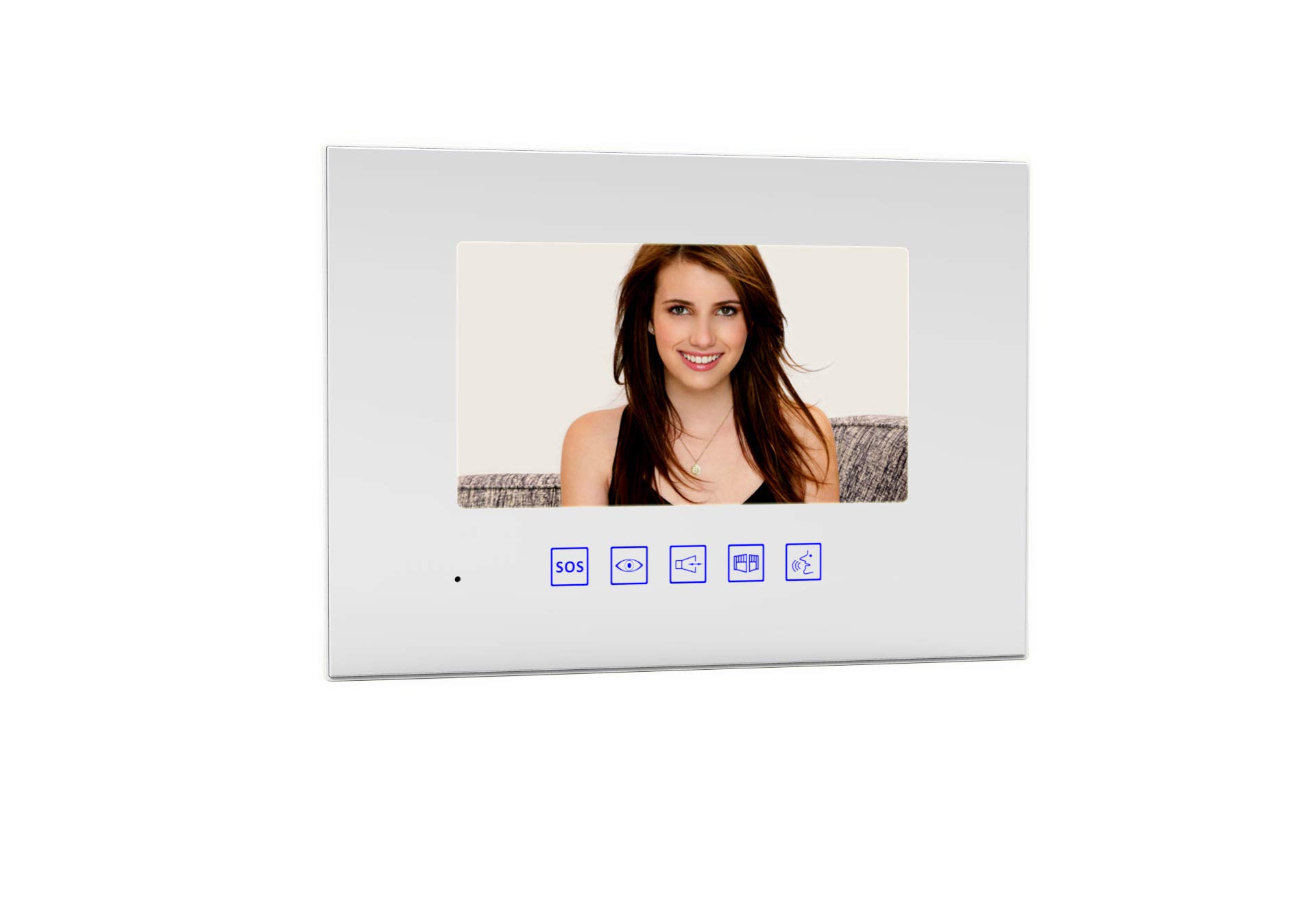
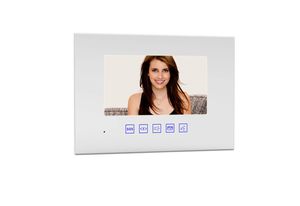
GBF-MR880C4S 7" Indoor Monitor for 4-Wire Intercom System. - Receiving a Call from the Outdoor Station: When a visitor presses the "Bell" button on the outdoor station, your indoor monitor(s) will turn on the screen with the outdoor station image and will ring. Press the 'Talk' button to answer the call and start a conversation with the visitor. Press the 'Talk' button to hang up. - Monitoring the Outdoor Station(s): At any time, press the 'Monitor' button to watch the image from the outdoor station (once for the outdoor station 1 and twice for the outdoor station 2). Press the 'Monitor' button once more to turn off the screen. It is possible to start a conversation from the monitoring mode only pressing the 'Talk' button, and pressing again to hang up. - Unlocking the electronic lock: During a conversation, monitoring mode or receiving a call, press the 'Unlock' button to activate the unlock contact relative to that outdoor station. - Transferring an Outdoor Station's call: During a conversation with the outdoor station, press the 'transfer' button to transfer the call. The ControlCam2 App will ring, as well as the others monitors in the system. All of them will be enabled to answer the call. - Calling from the indoor monitor: While in standby mode, press 'Transfer' button to call others indoor monitor or call the ControlCam2 app (with no video). - Managing images: When the indoor monitor receives a call, it saves automatically a screenshot. - Recording videos: When the indoor monitor receives a call and nobody pick up the call, the indoor monitor will record visitor pictures into the indoor monitor SD card permanently.
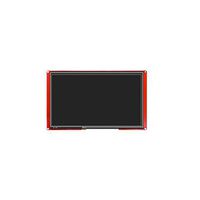
GBF Indoor Monitor (7" LCD Screen)
Price is below average
Current Price
$119
Average
$126.5
Min Price
$119
Max Price
$139
Price dynamics
6%
Description
GBF-MR880C4S 7" Indoor Monitor for 4-Wire Intercom System. - Receiving a Call from the Outdoor Station: When a visitor presses the "Bell" button on the outdoor station, your indoor monitor(s) will turn on the screen with the outdoor station image and will ring. Press the 'Talk' button to answer the call and start a conversation with the visitor. Press the 'Talk' button to hang up. - Monitoring the Outdoor Station(s): At any time, press the 'Monitor' button to watch the image from the outdoor station (once for the outdoor station 1 and twice for the outdoor station 2). Press the 'Monitor' button once more to turn off the screen. It is possible to start a conversation from the monitoring mode only pressing the 'Talk' button, and pressing again to hang up. - Unlocking the electronic lock: During a conversation, monitoring mode or receiving a call, press the 'Unlock' button to activate the unlock contact relative to that outdoor station. - Transferring an Outdoor Station's call: During a conversation with the outdoor station, press the 'transfer' button to transfer the call. The ControlCam2 App will ring, as well as the others monitors in the system. All of them will be enabled to answer the call. - Calling from the indoor monitor: While in standby mode, press 'Transfer' button to call others indoor monitor or call the ControlCam2 app (with no video). - Managing images: When the indoor monitor receives a call, it saves automatically a screenshot. - Recording videos: When the indoor monitor receives a call and nobody pick up the call, the indoor monitor will record visitor pictures into the indoor monitor SD card permanently.
Price will be lower
in next 2 weeks
in next 2 weeks
According to the data, price will be lower in next two weeks, so not waste your money and track better price!
Similar products