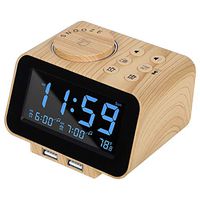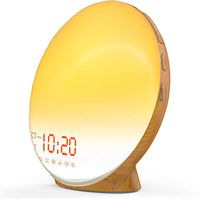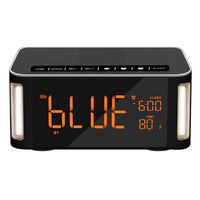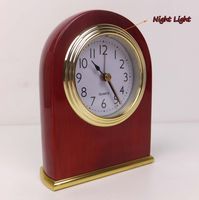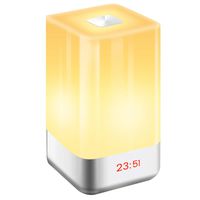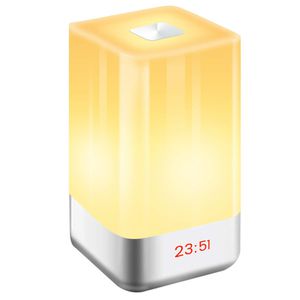
Description
★Why Choose GLIME Wake Up Light Alarm Clock
★Customer-centric is the first criterion for us to do things.
★We sincerely provide after-sales service for customers who purchase products, you can contact by phone or email at any time.
★SPECIFICATION:
Voltage: 5V
Rated power: 3W
Material: High transparent PC
Wake up Light Size: 10*10*17.5cm
Wake up Light Weight: 400g
Lithium battery capacity: 3600 mAH
★Mode Power Consumption:
★ Low brightness mode: Working for 6-7 hours
★ Medium brightness mode: Working for 4-5 hours
★ High brightness mode: Working for 2-2.5 hours
★ Color light mode: Working for 6-7 hours
★How To Use:
1.Press "Power" button, turn on the Wake up light, screen display lights and time.
2.Press "Clock" button, then "+", "-" to select 12H / 24H mode, press again to confirm.
3.Press "Clock" button '3s' , then "+", "-" to set the time, press again to confirm.
4.Press "Alarm" button '3s' , firstly press "+", "-" to set alarm time, secondly press again to confirm and choose alarm sound, thirdly press to confirm.
5..When the night light's screen display "alarm clock" pattern, means the alarm clock is active, if does not display, press "Alarm" button.
★NOTE:
1.If the difference between the alarm time and the current time is less than half an hour, the Sunrise simulator will not be active, but the alarm sound will sound normally.
2.Please purchase 5V / 1A adapter plug by yourself.
3.If you long press the touch panel to close the sunrise light before the alarm sound (within 30 min before alarm sound), then alarm will not sound.
★Package Includes:
1 x USB Cable
1 x User Manual
1 x Night light Alarm Clock
★Customer-centric is the first criterion for us to do things.
★We sincerely provide after-sales service for customers who purchase products, you can contact by phone or email at any time.
★SPECIFICATION:
Voltage: 5V
Rated power: 3W
Material: High transparent PC
Wake up Light Size: 10*10*17.5cm
Wake up Light Weight: 400g
Lithium battery capacity: 3600 mAH
★Mode Power Consumption:
★ Low brightness mode: Working for 6-7 hours
★ Medium brightness mode: Working for 4-5 hours
★ High brightness mode: Working for 2-2.5 hours
★ Color light mode: Working for 6-7 hours
★How To Use:
1.Press "Power" button, turn on the Wake up light, screen display lights and time.
2.Press "Clock" button, then "+", "-" to select 12H / 24H mode, press again to confirm.
3.Press "Clock" button '3s' , then "+", "-" to set the time, press again to confirm.
4.Press "Alarm" button '3s' , firstly press "+", "-" to set alarm time, secondly press again to confirm and choose alarm sound, thirdly press to confirm.
5..When the night light's screen display "alarm clock" pattern, means the alarm clock is active, if does not display, press "Alarm" button.
★NOTE:
1.If the difference between the alarm time and the current time is less than half an hour, the Sunrise simulator will not be active, but the alarm sound will sound normally.
2.Please purchase 5V / 1A adapter plug by yourself.
3.If you long press the touch panel to close the sunrise light before the alarm sound (within 30 min before alarm sound), then alarm will not sound.
★Package Includes:
1 x USB Cable
1 x User Manual
1 x Night light Alarm Clock
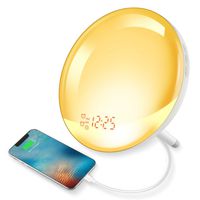
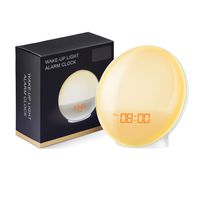
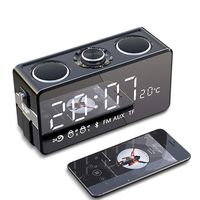
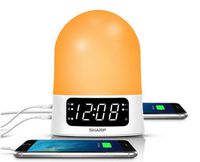
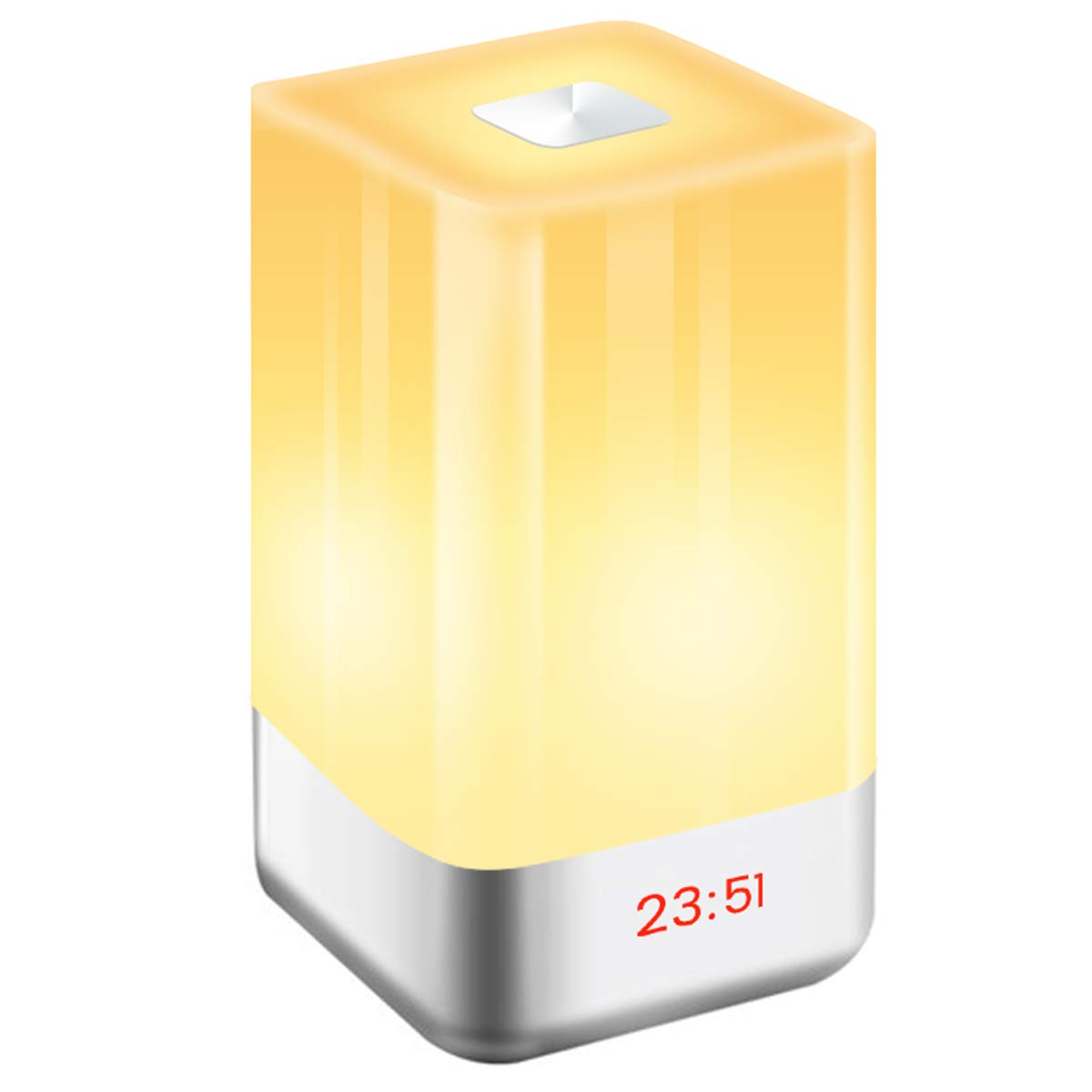
GLIME Wake-Up Light Alarm Clock,Digital LED Clock Sunrise Simulation LED Bedside Lamp Clocks Touch Sensor Night Light with 7 Changing Colors 5 Natural Sounds 3 Brightness USB Rechargeable Reading Lamp
Price is below average
Current Price
$14.99
Average
$23.16
Min Price
$14.99
Max Price
$35.99
Price dynamics
35%
Description
★Why Choose GLIME Wake Up Light Alarm Clock
★Customer-centric is the first criterion for us to do things.
★We sincerely provide after-sales service for customers who purchase products, you can contact by phone or email at any time.
★SPECIFICATION:
Voltage: 5V
Rated power: 3W
Material: High transparent PC
Wake up Light Size: 10*10*17.5cm
Wake up Light Weight: 400g
Lithium battery capacity: 3600 mAH
★Mode Power Consumption:
★ Low brightness mode: Working for 6-7 hours
★ Medium brightness mode: Working for 4-5 hours
★ High brightness mode: Working for 2-2.5 hours
★ Color light mode: Working for 6-7 hours
★How To Use:
1.Press "Power" button, turn on the Wake up light, screen display lights and time.
2.Press "Clock" button, then "+", "-" to select 12H / 24H mode, press again to confirm.
3.Press "Clock" button '3s' , then "+", "-" to set the time, press again to confirm.
4.Press "Alarm" button '3s' , firstly press "+", "-" to set alarm time, secondly press again to confirm and choose alarm sound, thirdly press to confirm.
5..When the night light's screen display "alarm clock" pattern, means the alarm clock is active, if does not display, press "Alarm" button.
★NOTE:
1.If the difference between the alarm time and the current time is less than half an hour, the Sunrise simulator will not be active, but the alarm sound will sound normally.
2.Please purchase 5V / 1A adapter plug by yourself.
3.If you long press the touch panel to close the sunrise light before the alarm sound (within 30 min before alarm sound), then alarm will not sound.
★Package Includes:
1 x USB Cable
1 x User Manual
1 x Night light Alarm Clock
★Customer-centric is the first criterion for us to do things.
★We sincerely provide after-sales service for customers who purchase products, you can contact by phone or email at any time.
★SPECIFICATION:
Voltage: 5V
Rated power: 3W
Material: High transparent PC
Wake up Light Size: 10*10*17.5cm
Wake up Light Weight: 400g
Lithium battery capacity: 3600 mAH
★Mode Power Consumption:
★ Low brightness mode: Working for 6-7 hours
★ Medium brightness mode: Working for 4-5 hours
★ High brightness mode: Working for 2-2.5 hours
★ Color light mode: Working for 6-7 hours
★How To Use:
1.Press "Power" button, turn on the Wake up light, screen display lights and time.
2.Press "Clock" button, then "+", "-" to select 12H / 24H mode, press again to confirm.
3.Press "Clock" button '3s' , then "+", "-" to set the time, press again to confirm.
4.Press "Alarm" button '3s' , firstly press "+", "-" to set alarm time, secondly press again to confirm and choose alarm sound, thirdly press to confirm.
5..When the night light's screen display "alarm clock" pattern, means the alarm clock is active, if does not display, press "Alarm" button.
★NOTE:
1.If the difference between the alarm time and the current time is less than half an hour, the Sunrise simulator will not be active, but the alarm sound will sound normally.
2.Please purchase 5V / 1A adapter plug by yourself.
3.If you long press the touch panel to close the sunrise light before the alarm sound (within 30 min before alarm sound), then alarm will not sound.
★Package Includes:
1 x USB Cable
1 x User Manual
1 x Night light Alarm Clock
Price will be lower
in next 2 weeks
in next 2 weeks
According to the data, price will be lower in next two weeks, so not waste your money and track better price!
Product review & video
[Music] [Applause] [Music] [Music]


Similar products