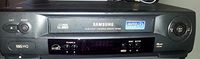
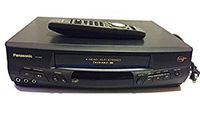
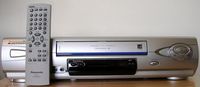
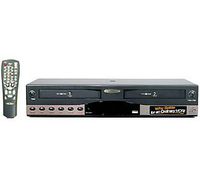
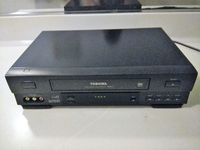
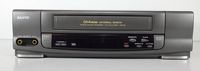
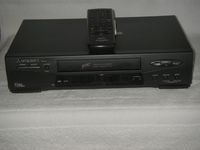
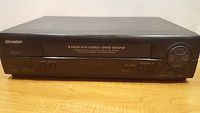
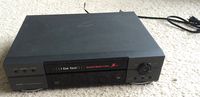
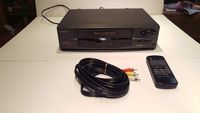
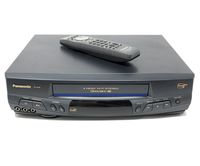
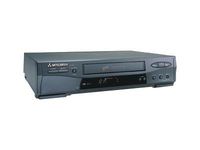
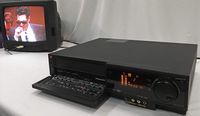
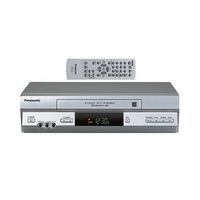
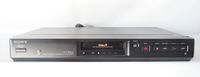
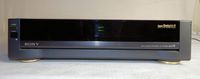
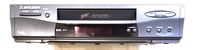
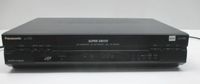
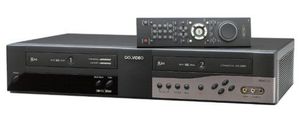
Do you have a lot of home movies on cassette that need to be edited and copied? Do you have a lot of shows that you tape regularly? Make your life easier with this dual-deck, 4-head VCR from GoVideo. With the DDV3110, you get all of the advantages of having two VCRs without the connection headaches, all in a component that isn't much bigger than a regular VCR. Each deck features 4-head recording to ensure superior picture and sound. With two decks in one unit, you can now record up to 12 hours of programs at a time. You can schedule up to 16 shows in advance with the recording timer. You'll never be left hanging by a recording that cuts off too early--the DDV3110 offers a feature that automatically adjusts the tape speed while recording in timer mode, fitting the entire program onto the tape.
Skipping unwanted material is easier than ever with the DDV3110. The Commercial Advance feature automatically marks commercials while recording. When you play back the tape, the VCR will fast forward past the commercials. You can even opt to have a blue screen appear during the commercial skip, so you never have to see another ad. Although the DDV3110 can handle the process automatically, you retain the option to control the recording and playback yourself.
When dubbing tapes recorded with the Commercial Advance feature, the commercials will not be copied onto your edited tape. When using the commercial-free copy mode, you can record a show in deck one, and have the DDV3110 automatically create a cleaned-up dub copy in deck two.
When you are watching a prerecorded videocassette, you can jump straight to the movie with GoVideo's Movie Advance feature. The DDV3110 will prompt you to skip each or every preview at the beginning of the tape. The remote features a jog/shuttle dial that gives you even greater control over what you watch. Along with the automatic skip features, you can fast-forward and reverse with great precision at high speed or even frame by frame. <


![2 Pack-Apple Headphones Wired Earbuds with Lightning Connector Earphones with Built-in Microphone & Volume Control [Apple MFi Certified] Compatible with iPhone 13/12/11/XR/XS/X/8/7/SE](https://use4coins.com/thumbs/unsafe/fit-in/200x200/https://images-na.ssl-images-amazon.com/images/I/31OBTKLOiNL.jpg)