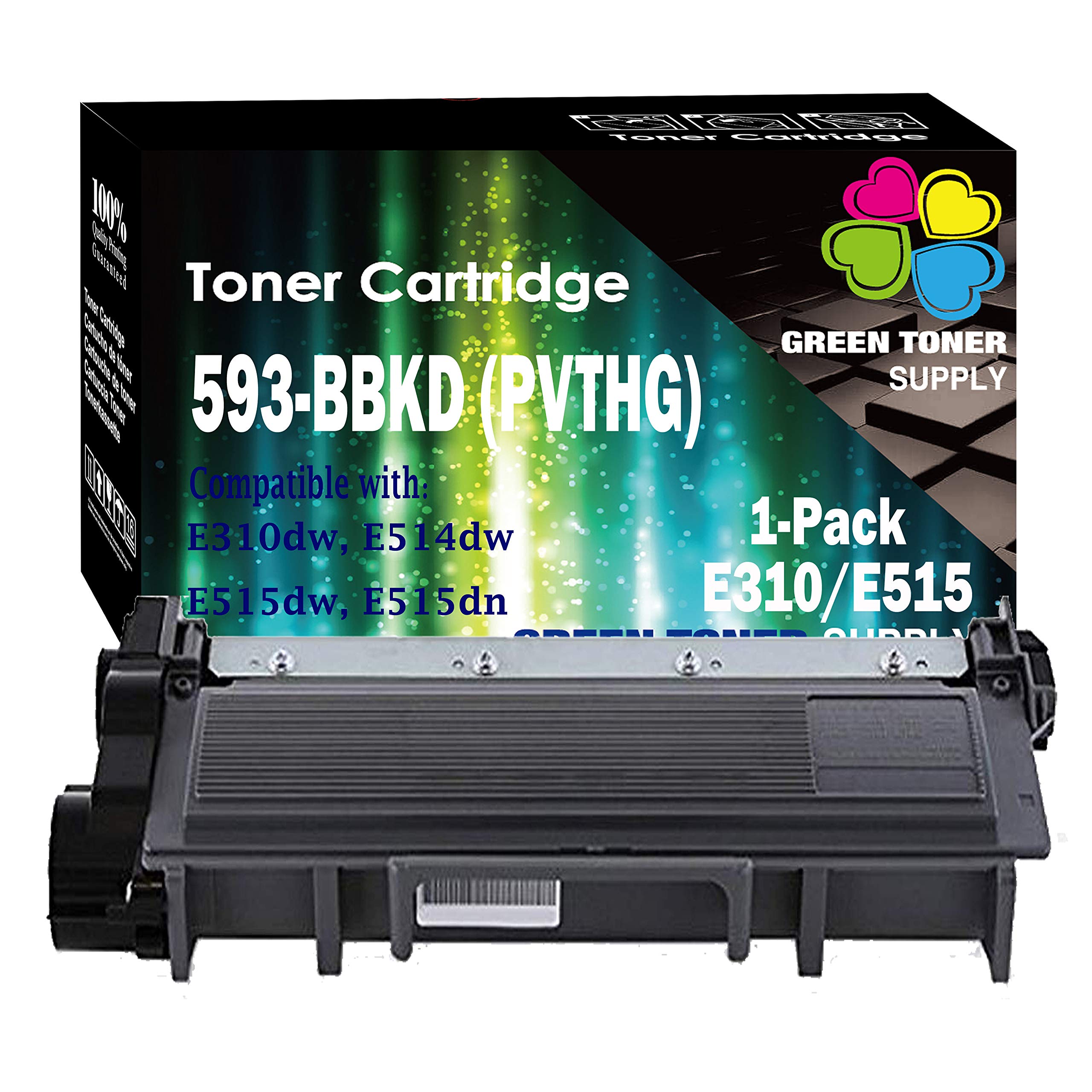
What is/are in the package?
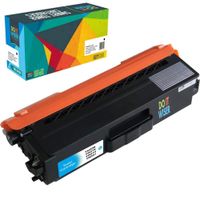
593-BBKD (E310/E515) x 1 Pack
How many pages do these print up to?
Each prints up to 2,600 pages based on 5% coverage (High Yield)
How do you install the toner cartridge?
Step 1: Open the front cover
Step 2: Remove the toner cartridge drum unit assembly
Step 3: Take out the toner cartridge by pushing down the lock lever
Step 4: Remove the orange cover from the new toner cartridge
Step 5: Assemble the toner cartridge and the drum unit, you should hear a "Click" sound if you put the toner cartridge in correctly
Step 6: Clean the corona wire by sliding the tab from side to side several times (Make sure the arrow on the tab is aligned with the arrow on the drum unit, otherwise, you will get vertical stripes on your printouts)
Step 7: Insert the assembled toner cartridge and drum unit back into the printer
Step 8: You may print now
What are the compatible printers?
Dell E310dw, E514dw, E515dw, E515dn
What is the warranty?
GTS offers 1-Year money back warranty on defective toner cartridges
What is the shelf life?
Suggested shelf life: Up to 36 months
Please store the unused/unopened toner cartridges in a dry and cool place. Avoid sun exposure
Have a question or a problem?
Please do not hesitate to contact us, our Customer Services Team will usually response your email or message within 1-2 business days.




![Print.Save.Repeat. Lexmark X463X21G Extra High Yield Remanufactured Toner Cartridge for X463, X464, X466 [15,000 Pages]](https://use4coins.com/thumbs/rs:fit:200:200/plain/https://images-na.ssl-images-amazon.com/images/I/714KZVtOquL.jpg)

![Print.Save.Repeat. Lexmark 601 Remanufactured Toner Cartridge for MX310, MX410, MX510, MX511, MX610, MX611 [2,500 Pages]](https://use4coins.com/thumbs/rs:fit:200:200/plain/https://images-na.ssl-images-amazon.com/images/I/71ND5AaUehL.jpg)