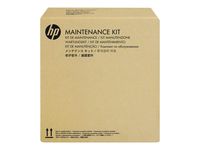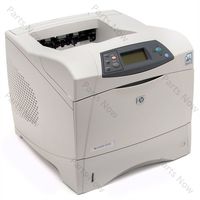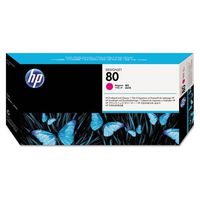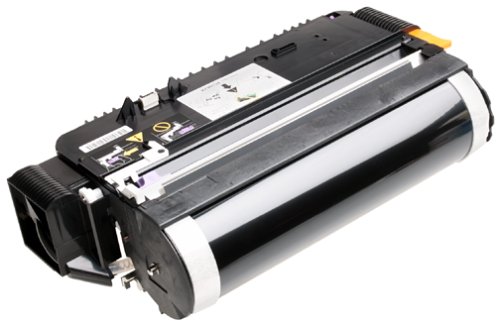
Hewlett Packard C3967A Print Drum
Current Price
$141.71
Average
$40.38
Min Price
$19
Max Price
$141.71
Price dynamics
72%
Price will be lower
in next 2 weeks
in next 2 weeks
According to the data, price will be lower in next two weeks, so not waste your money and track better price!
Product review & video
This video shows how to replace the imaging
drum on HP LaserJet printers. When the printer control panel or the printer
software prompts the following messages, the imaging drum level is low or very low. When print quality is no longer acceptable, consider installing a replacement drum by
following these steps. Lift the scanner assembly, and then lift the
top cover until it is firmly in place. Pull the middle handle of the imaging drum, and pull it along the tracks to remove it
with the toner cartridge. Remove the new imaging drum and toner cartridge
from the protective bag. The old imaging drum and used toner cartridge
should be properly disposed of for recycling. Hold the middle handle of the imaging drum,
align it with the tracks inside the printer, and push down until the
drum clicks into place. Close the top cover, and then lower the
scanner assembly. You can find additional helpf