Description
Easy to hide and easy to use
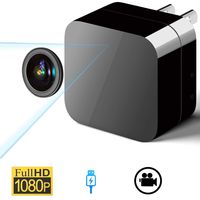
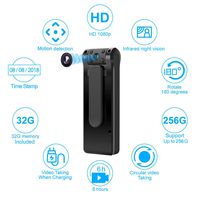
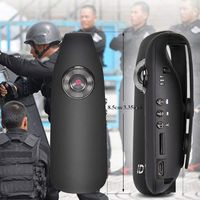
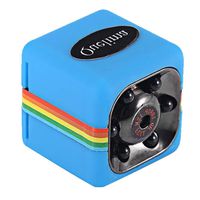
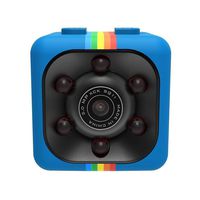
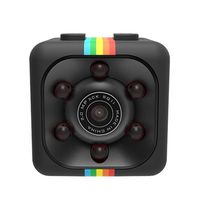
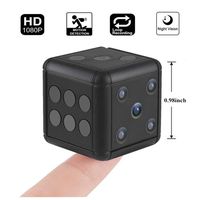
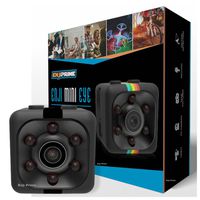
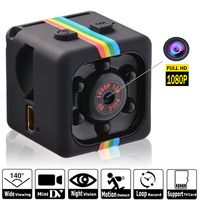
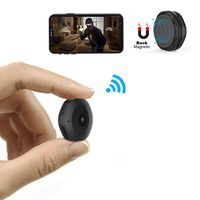
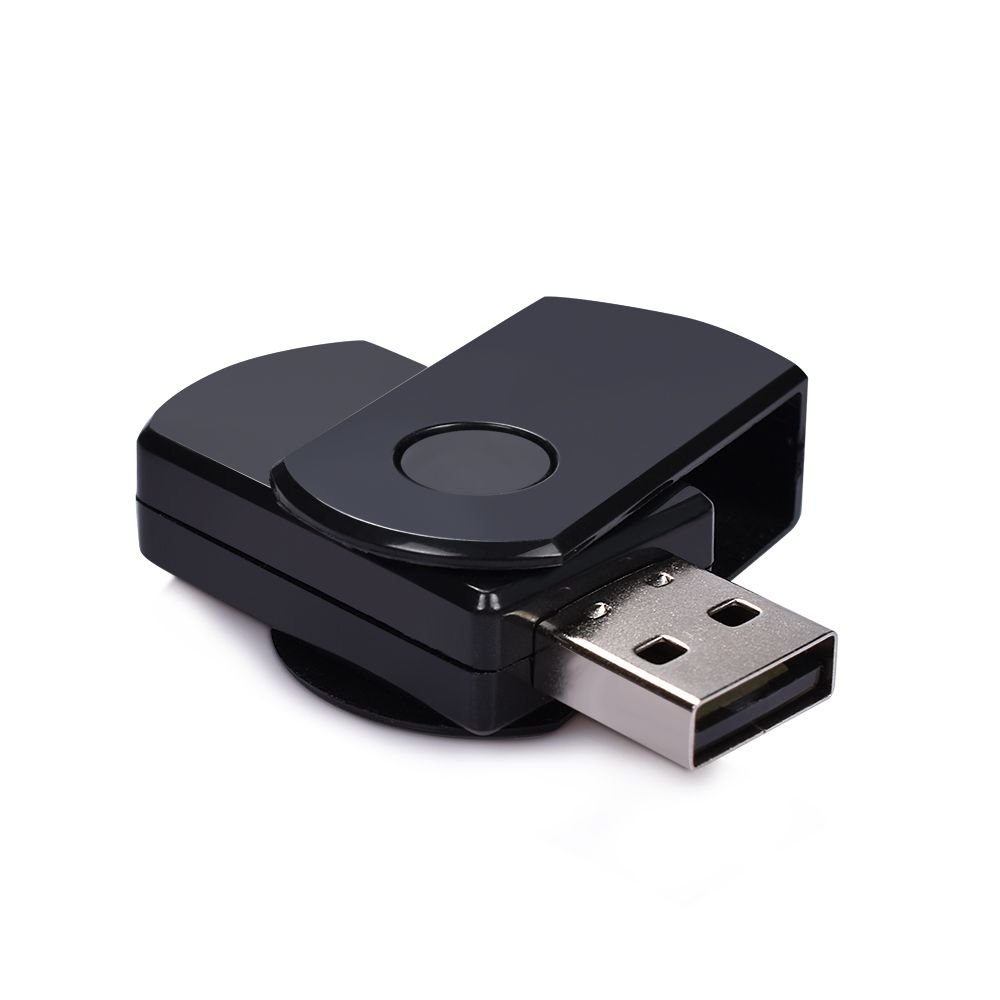
Seems just like a common mini U-Disk, so even you carry it anywhere, none can easily find it is actually a hidden camera.
Only one button need to operate, using simply to take photos and record videos, no Wi-Fi connect or online download, so easy that a kid can do it.
Recording videos and taking photos
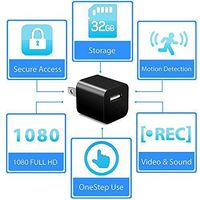
Before using, just insert a SD card (up to 32G), and you need charge it about 2-3h, then you can record about 1.5h.
When you power on the USB camera, then press once the button it will take a photo,
and if you press two times the button it will start recording videos, press once again, it will stop recording
Viewing what you recorded
Connect the camera to your computer, a removable disk will appear, which means it goes into U-disc mode. Just open it, you will find what you have recorded.
You can also remove Micro SD card from the camera, use your card reader to connect to your computer.
Warn tips
Please charge fully before recording videos.Just need to charge it for 2-3h.
Insert a SD card (support up to 32G, not include), make sure it has enough memory storage.
Any question you have, please tell us anytime, we will provide support service 24/7.
Seems just like a common mini U-Disk, so even you carry it anywhere, none can easily find it is actually a hidden camera.
Only one button need to operate, using simply to take photos and record videos, no Wi-Fi connect or online download, so easy that a kid can do it.
Recording videos and taking photos
Before using, just insert a SD card (up to 32G), and you need charge it about 2-3h, then you can record about 1.5h.
When you power on the USB camera, then press once the button it will take a photo,
and if you press two times the button it will start recording videos, press once again, it will stop recording
Viewing what you recorded
Connect the camera to your computer, a removable disk will appear, which means it goes into U-disc mode. Just open it, you will find what you have recorded.
You can also remove Micro SD card from the camera, use your card reader to connect to your computer.
Warn tips
Please charge fully before recording videos.Just need to charge it for 2-3h.
Insert a SD card (support up to 32G, not include), make sure it has enough memory storage.
Any question you have, please tell us anytime, we will provide support service 24/7.
Hidden Camera USB Disk HD Video Recorder with Loop Recording Portable Mini HD Spy Camera
Price is below average
Current Price
$15
Average
$17.49
Min Price
$11.07
Max Price
$22.39
Price dynamics
14%
Description
Easy to hide and easy to use
Seems just like a common mini U-Disk, so even you carry it anywhere, none can easily find it is actually a hidden camera.
Only one button need to operate, using simply to take photos and record videos, no Wi-Fi connect or online download, so easy that a kid can do it.
Recording videos and taking photos
Before using, just insert a SD card (up to 32G), and you need charge it about 2-3h, then you can record about 1.5h.
When you power on the USB camera, then press once the button it will take a photo,
and if you press two times the button it will start recording videos, press once again, it will stop recording
Viewing what you recorded
Connect the camera to your computer, a removable disk will appear, which means it goes into U-disc mode. Just open it, you will find what you have recorded.
You can also remove Micro SD card from the camera, use your card reader to connect to your computer.
Warn tips
Please charge fully before recording videos.Just need to charge it for 2-3h.
Insert a SD card (support up to 32G, not include), make sure it has enough memory storage.
Any question you have, please tell us anytime, we will provide support service 24/7.
Seems just like a common mini U-Disk, so even you carry it anywhere, none can easily find it is actually a hidden camera.
Only one button need to operate, using simply to take photos and record videos, no Wi-Fi connect or online download, so easy that a kid can do it.
Recording videos and taking photos
Before using, just insert a SD card (up to 32G), and you need charge it about 2-3h, then you can record about 1.5h.
When you power on the USB camera, then press once the button it will take a photo,
and if you press two times the button it will start recording videos, press once again, it will stop recording
Viewing what you recorded
Connect the camera to your computer, a removable disk will appear, which means it goes into U-disc mode. Just open it, you will find what you have recorded.
You can also remove Micro SD card from the camera, use your card reader to connect to your computer.
Warn tips
Please charge fully before recording videos.Just need to charge it for 2-3h.
Insert a SD card (support up to 32G, not include), make sure it has enough memory storage.
Any question you have, please tell us anytime, we will provide support service 24/7.
Price will be lower
in next 2 weeks
in next 2 weeks
According to the data, price will be lower in next two weeks, so not waste your money and track better price!
Product review & video
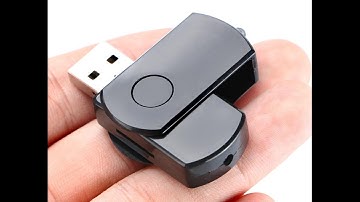
welcome to this instructional tutorial review and unboxing of the you disc now Drive keychain camera okay let's take a look at the box okay let's open the box now right over here is the camera charger and data transfer cable here's the keychain and here's the instruction manual written English you suppose we written in Chinese you okay so let's take a look at the time you so you can actually just plug it straight into the computer and you can also use the cable extension you can just plug this in like so and then plug this end into the computer so this is like an extension cable okay so now I'm going to show you how to set up the camera the first thing you need to do is to install a micro SD card right over here is the micro SD card slot okay what you need to do is you need to insert the micro SD card now when it clicks inside it means it's properly installed and there you go the card i

Similar products