Description
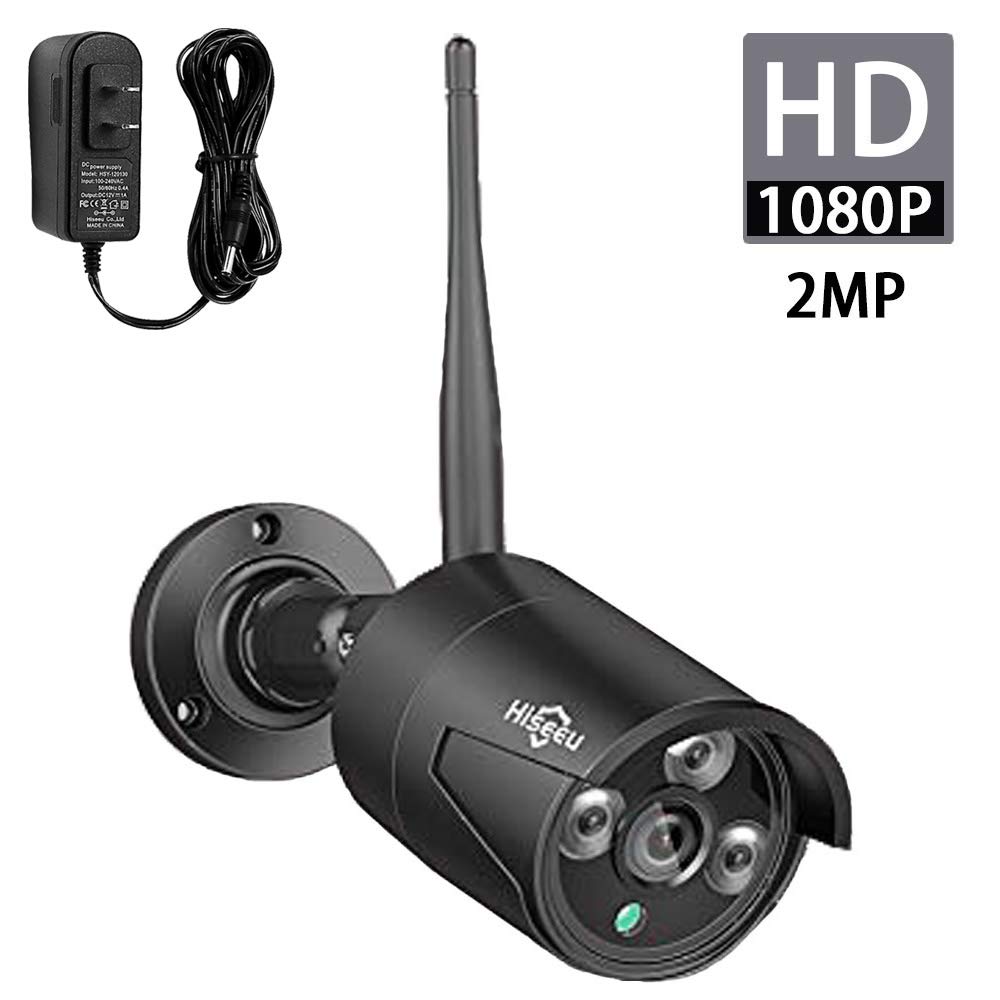
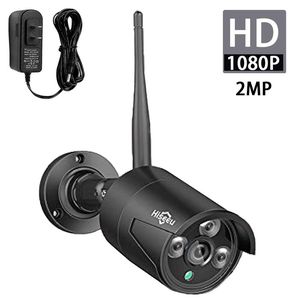
Power Supply: Need 12V1A power Adapter(Included).
Refer the video to match code the camera and the NVR: https://youtu.be/DcjnmvL3VJs When you receive the new camera , there is no match between the NVR box and the new camera. You need to pair them.
You can refer to our video on Youtube.
https://youtu.be/kmNnFgjLiPI
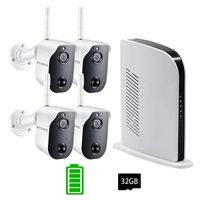
1) You need to connect the camera and the NVR box with the Ethernet cable.
2)Right-clik the mouse video manage→Refresh→Match code
3) Use the same way to pair more camera.
If there are any problem when using, please email me: johnny@hiseeu.com
Refer the video to match code the camera and the NVR: https://youtu.be/DcjnmvL3VJs When you receive the new camera , there is no match between the NVR box and the new camera. You need to pair them.
You can refer to our video on Youtube.
https://youtu.be/kmNnFgjLiPI
1) You need to connect the camera and the NVR box with the Ethernet cable.
2)Right-clik the mouse video manage→Refresh→Match code
3) Use the same way to pair more camera.
If there are any problem when using, please email me: johnny@hiseeu.com
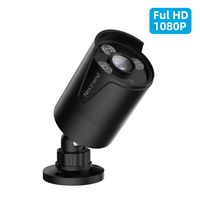
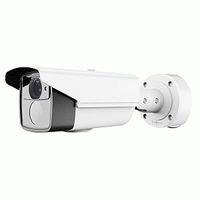
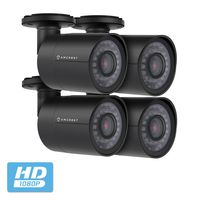
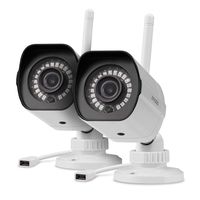
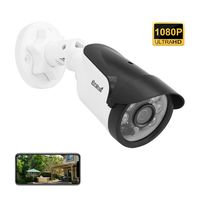
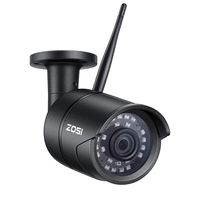
Hiseeu 2MP 1080P Security Camera,Waterproof Outdoor Indoor 3.6mm Lens IP Cut Day&Night Vision with Power Adapter Compatible with Hiseeu 8ch Camera System(Black)
Price is below average
Current Price
$45
Average
$45.67
Min Price
$40
Max Price
$55
Price dynamics
1%
Description
Power Supply: Need 12V1A power Adapter(Included).
Refer the video to match code the camera and the NVR: https://youtu.be/DcjnmvL3VJs When you receive the new camera , there is no match between the NVR box and the new camera. You need to pair them.
You can refer to our video on Youtube.
https://youtu.be/kmNnFgjLiPI
1) You need to connect the camera and the NVR box with the Ethernet cable.
2)Right-clik the mouse video manage→Refresh→Match code
3) Use the same way to pair more camera.
If there are any problem when using, please email me: johnny@hiseeu.com
Refer the video to match code the camera and the NVR: https://youtu.be/DcjnmvL3VJs When you receive the new camera , there is no match between the NVR box and the new camera. You need to pair them.
You can refer to our video on Youtube.
https://youtu.be/kmNnFgjLiPI
1) You need to connect the camera and the NVR box with the Ethernet cable.
2)Right-clik the mouse video manage→Refresh→Match code
3) Use the same way to pair more camera.
If there are any problem when using, please email me: johnny@hiseeu.com
Price will be lower
in next 2 weeks
in next 2 weeks
According to the data, price will be lower in next two weeks, so not waste your money and track better price!
Similar products