Description
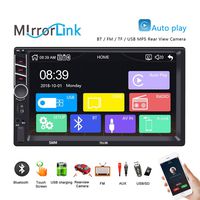
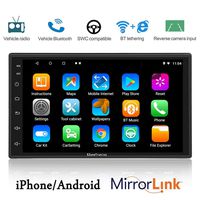
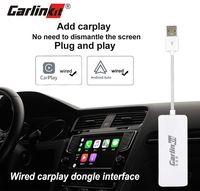
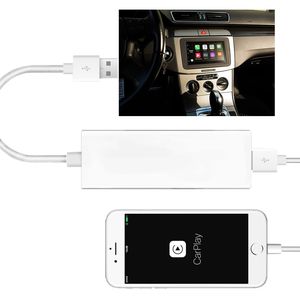
Compatible Devices: Supports iPhone5 or above mobiles and Car Android systems 4.4.2 or above. Support both Android and Apple system.
iPhone with iOS 7.1 and above; Android mobile phones and car stereos with android version 5.1 and above; Wince car stereos that can perform map navigation.
[PRODUCT USER STEPS]
For iPhone:
1. Install the APk(Zbox.apk) in Your Car Multimedia Player.
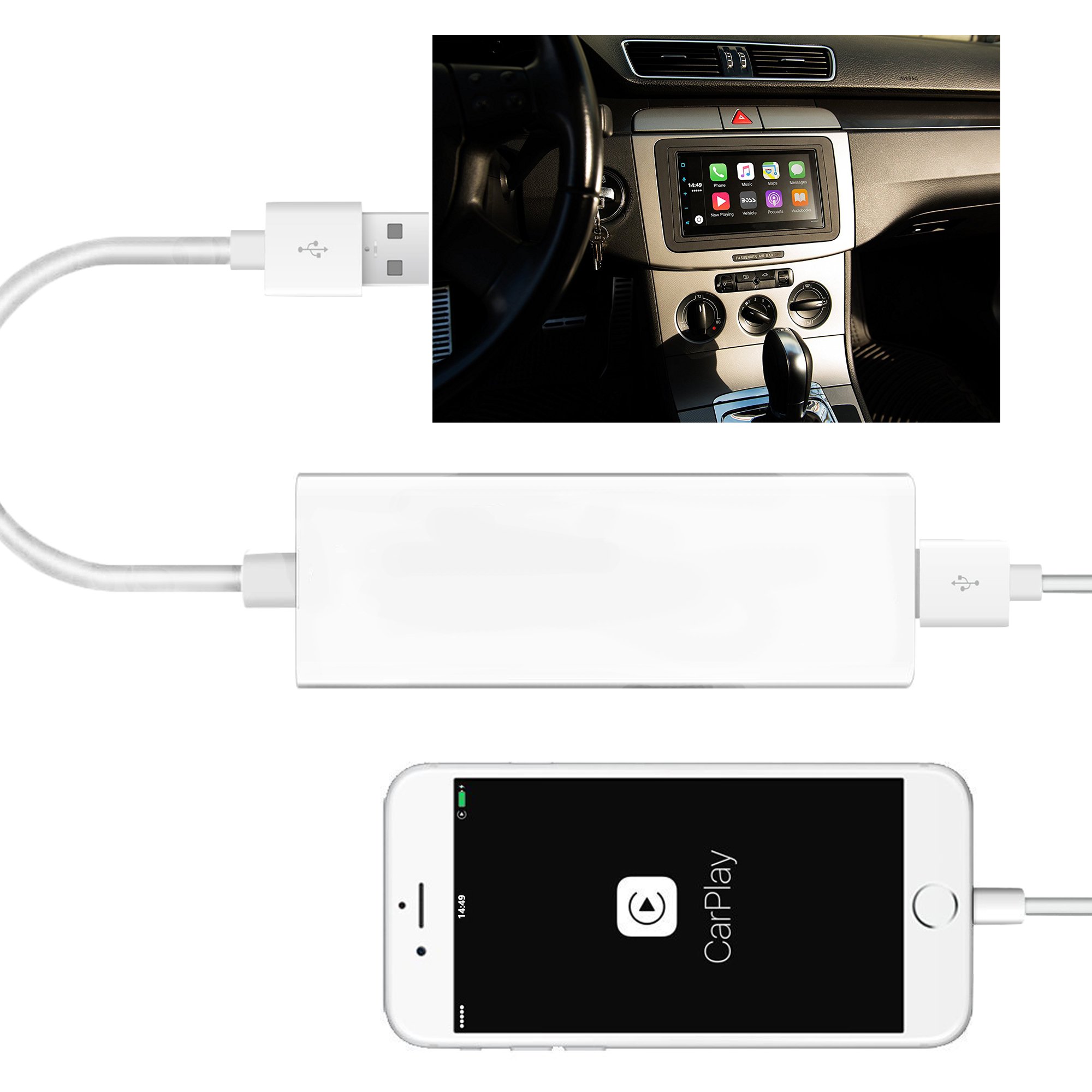
2. Connect the dongle to the mobile phone with the USB cable.
3. Connect the dongle to the car stereo with the USB 2.0 connector.
4. After connected, you can start to use it.
For Android Phone:
1. Install the APk(Zbox.apk) in Your Car Multimedia Player.
2. Enter setting.
3. Enable the developer options.
4. Enable USB debugging.
5. Connect the USB cable.
6.Allow USB debugging.
7. Install "Android Auto" from google playstore on your phone.
iPhone with iOS 7.1 and above; Android mobile phones and car stereos with android version 5.1 and above; Wince car stereos that can perform map navigation.
[PRODUCT USER STEPS]
For iPhone:
1. Install the APk(Zbox.apk) in Your Car Multimedia Player.
2. Connect the dongle to the mobile phone with the USB cable.
3. Connect the dongle to the car stereo with the USB 2.0 connector.
4. After connected, you can start to use it.
For Android Phone:
1. Install the APk(Zbox.apk) in Your Car Multimedia Player.
2. Enter setting.
3. Enable the developer options.
4. Enable USB debugging.
5. Connect the USB cable.
6.Allow USB debugging.
7. Install "Android Auto" from google playstore on your phone.
HkittyXiong USB Car Play Dongle Compatible Android Car Navigation, Mini Car-Play Box Compatible Android Car Multimedia Player Connect by USB Support Touch and Voice Control
Price is below average
Current Price
$64.99
Average
$67.43
Min Price
$53.99
Max Price
$76.99
Price dynamics
4%
Description
Compatible Devices: Supports iPhone5 or above mobiles and Car Android systems 4.4.2 or above. Support both Android and Apple system.
iPhone with iOS 7.1 and above; Android mobile phones and car stereos with android version 5.1 and above; Wince car stereos that can perform map navigation.
[PRODUCT USER STEPS]
For iPhone:
1. Install the APk(Zbox.apk) in Your Car Multimedia Player.
2. Connect the dongle to the mobile phone with the USB cable.
3. Connect the dongle to the car stereo with the USB 2.0 connector.
4. After connected, you can start to use it.
For Android Phone:
1. Install the APk(Zbox.apk) in Your Car Multimedia Player.
2. Enter setting.
3. Enable the developer options.
4. Enable USB debugging.
5. Connect the USB cable.
6.Allow USB debugging.
7. Install "Android Auto" from google playstore on your phone.
iPhone with iOS 7.1 and above; Android mobile phones and car stereos with android version 5.1 and above; Wince car stereos that can perform map navigation.
[PRODUCT USER STEPS]
For iPhone:
1. Install the APk(Zbox.apk) in Your Car Multimedia Player.
2. Connect the dongle to the mobile phone with the USB cable.
3. Connect the dongle to the car stereo with the USB 2.0 connector.
4. After connected, you can start to use it.
For Android Phone:
1. Install the APk(Zbox.apk) in Your Car Multimedia Player.
2. Enter setting.
3. Enable the developer options.
4. Enable USB debugging.
5. Connect the USB cable.
6.Allow USB debugging.
7. Install "Android Auto" from google playstore on your phone.
Price will be lower
in next 2 weeks
in next 2 weeks
According to the data, price will be lower in next two weeks, so not waste your money and track better price!
Product review & video
hi guys max perez here today we're going to go over these two items the digital octopus wireless pro and the wired pro both great systems to convert your android head unit into apple carplay or android auto so the first thing we're gonna do is identify your system make sure that you have android installed just because your car has a screen a touch screen does not mean it's android uh the first the best way to tell if it's android-based is by going into your main menu on the on your head unit and see if you have either google chrome the google app or the play store so these are three uh giveaways that would that would tell you that this is a google-based phone uh you will need the google chrome because uh we need a web browser so we can go ahead and download the app that needs to go on the system you will not find this in the google store or any other store it has to be downloaded from t

Similar products