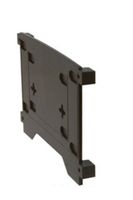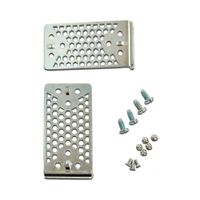
HP ADF Separation Pad Frame Assy, PF2282K034NI
Current Price
$48
Average
$37.7
Min Price
$18
Max Price
$63
Price dynamics
21%
Price will be lower
in next 2 weeks
in next 2 weeks
According to the data, price will be lower in next two weeks, so not waste your money and track better price!
Product review & video
This video shows how to remove and replace
the pick rollers and separation pad on HP Scanjet flatbed scanners equipped with an
automatic document feeder, or ADF. The pick rollers and separation pad are important
parts of the ADF. They are responsible for separating and properly feeding pages into
the scanner. HP recommends that you replace the pick rollers
and separation pad every 100,000 scans or when indicated. Always replace the pick rollers
and separation pad at the same time. For this demonstration we are using the HP
Digital Sender Flow 8500 fn1 Document Capture Workstation with the L2725-60002 ADF Roller
Replacement Kit from HP. You can order the kit for your scanner at
hp.com/buy/parts. To begin, press and hold the Power button
until the scanner turns off. Turn to the back of the Scanjet and then disconnect
the power cable. Return to the front of the scanner.
Open the automatic