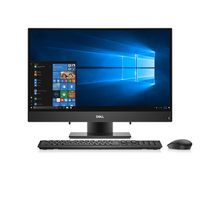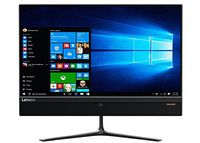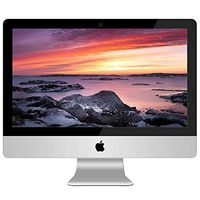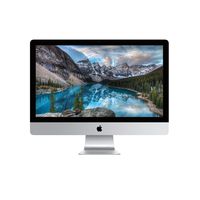
Description
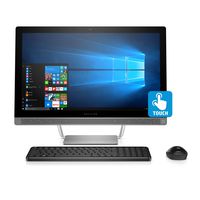
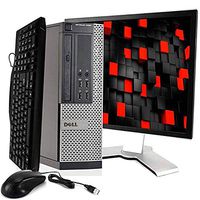
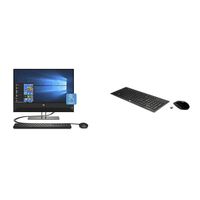
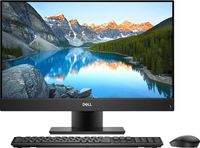
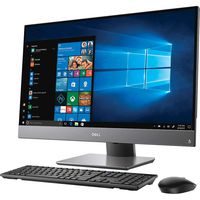
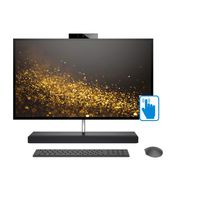
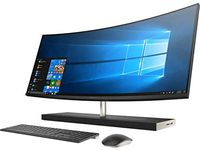
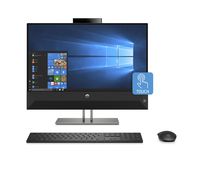
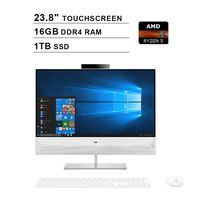
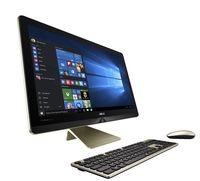
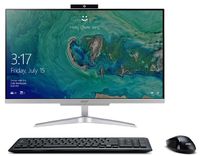
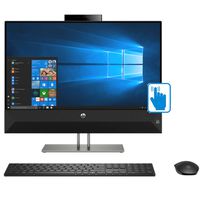
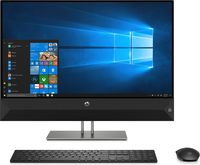
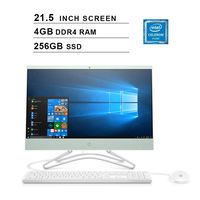
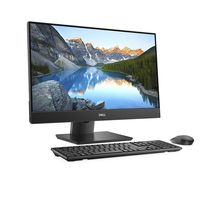
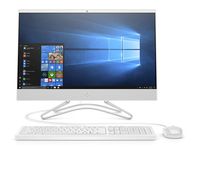
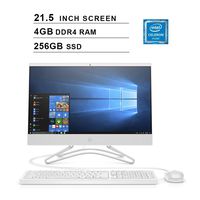
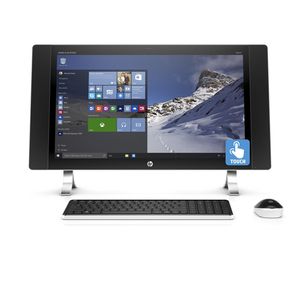
Razor-sharp picture quality, elegant style, and reliable HP performance are yours with the Pavilion 27 all-in-one.The super-hi-res WQHD display has a resolution of 2560 x 1440, delivering an amazing 221 pixels per inch-a 90% higher pixel density than an HD screen. PC speakers from the audio pioneers Bang & Olufsen deliver immersive surround sound with heightened clarity and deep bass. Includes wireless 10-key keyboard and wireless mouse. PORTS: 4 USB 3.0 (1 powered) 2 USB 2.0 HDMI in HDMI out Headphone output/Microphone input combo LAN (10/100/1000)
Note:Incase if the item is not working properly
1.Turn the computer off completely, and then turn it on again.
2.Update the drivers. See "Updating device drivers," in the next entry.
3.Restore your computer to a configuration that was in use before the software was installed. See "Microsoft System Restore," in this table.
4.Reinstall the software program or hardware driver. See "Software program and hardware driver reinstallation," in this table.
5.Erase and reformat the hard drive, and then reinstall the operating system, programs, and drivers. This process erases all the data files that you have created.
If the screen is blue,Reconnect the power cable to the back of the monitor and to the AC outlet.
Note:Incase if the item is not working properly
1.Turn the computer off completely, and then turn it on again.
2.Update the drivers. See "Updating device drivers," in the next entry.
3.Restore your computer to a configuration that was in use before the software was installed. See "Microsoft System Restore," in this table.
4.Reinstall the software program or hardware driver. See "Software program and hardware driver reinstallation," in this table.
5.Erase and reformat the hard drive, and then reinstall the operating system, programs, and drivers. This process erases all the data files that you have created.
If the screen is blue,Reconnect the power cable to the back of the monitor and to the AC outlet.
HP Envy 27" QHD IPS Touch All-in-One i5-6400T 8GB Ram 2TB HDD AMD R7-A365 4G RAM
Price is below average
Current Price
$500
Average
$813.05
Min Price
$199.99
Max Price
$2 999.77
Price dynamics
39%
Description
Razor-sharp picture quality, elegant style, and reliable HP performance are yours with the Pavilion 27 all-in-one.The super-hi-res WQHD display has a resolution of 2560 x 1440, delivering an amazing 221 pixels per inch-a 90% higher pixel density than an HD screen. PC speakers from the audio pioneers Bang & Olufsen deliver immersive surround sound with heightened clarity and deep bass. Includes wireless 10-key keyboard and wireless mouse. PORTS: 4 USB 3.0 (1 powered) 2 USB 2.0 HDMI in HDMI out Headphone output/Microphone input combo LAN (10/100/1000)
Note:Incase if the item is not working properly
1.Turn the computer off completely, and then turn it on again.
2.Update the drivers. See "Updating device drivers," in the next entry.
3.Restore your computer to a configuration that was in use before the software was installed. See "Microsoft System Restore," in this table.
4.Reinstall the software program or hardware driver. See "Software program and hardware driver reinstallation," in this table.
5.Erase and reformat the hard drive, and then reinstall the operating system, programs, and drivers. This process erases all the data files that you have created.
If the screen is blue,Reconnect the power cable to the back of the monitor and to the AC outlet.
Note:Incase if the item is not working properly
1.Turn the computer off completely, and then turn it on again.
2.Update the drivers. See "Updating device drivers," in the next entry.
3.Restore your computer to a configuration that was in use before the software was installed. See "Microsoft System Restore," in this table.
4.Reinstall the software program or hardware driver. See "Software program and hardware driver reinstallation," in this table.
5.Erase and reformat the hard drive, and then reinstall the operating system, programs, and drivers. This process erases all the data files that you have created.
If the screen is blue,Reconnect the power cable to the back of the monitor and to the AC outlet.
Price will be lower
in next 2 weeks
in next 2 weeks
According to the data, price will be lower in next two weeks, so not waste your money and track better price!
Product review & video
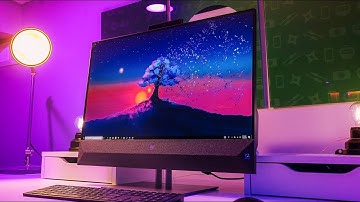
YouTube what's going on Kevin the tech ninja here and today I'm gonna show you the new all-in-one Pavilion PC from HP this was announced this year at CES and HP sent it along my way and they want me to tell you about all the cool features and how I was using it for my time and a big thanks to them for sponsoring this video computers are in a weird spot right now and they can be a little confusing previously you needed a desktop and good monitor a speaker set in peripherals like a mouse and keyboard just to have a basic setup and then laptops came around and then tablets became more powerful and people started using that so HP is looking to reinvent the desktop once again and this is their all-new HP Pavilion 27-inch PC it's a powerful all-in-one computer built for entertainment and productivity this particular model features a quad HD touch display an Intel Core i7 8700 T with six cores

Similar products