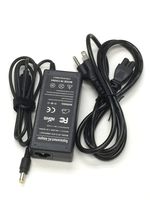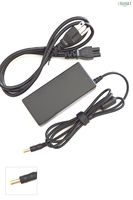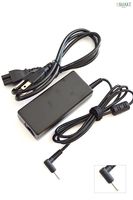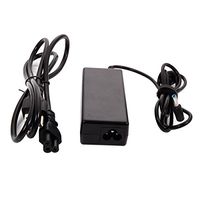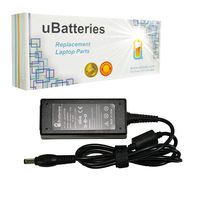
Description
Specification:
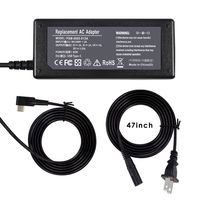
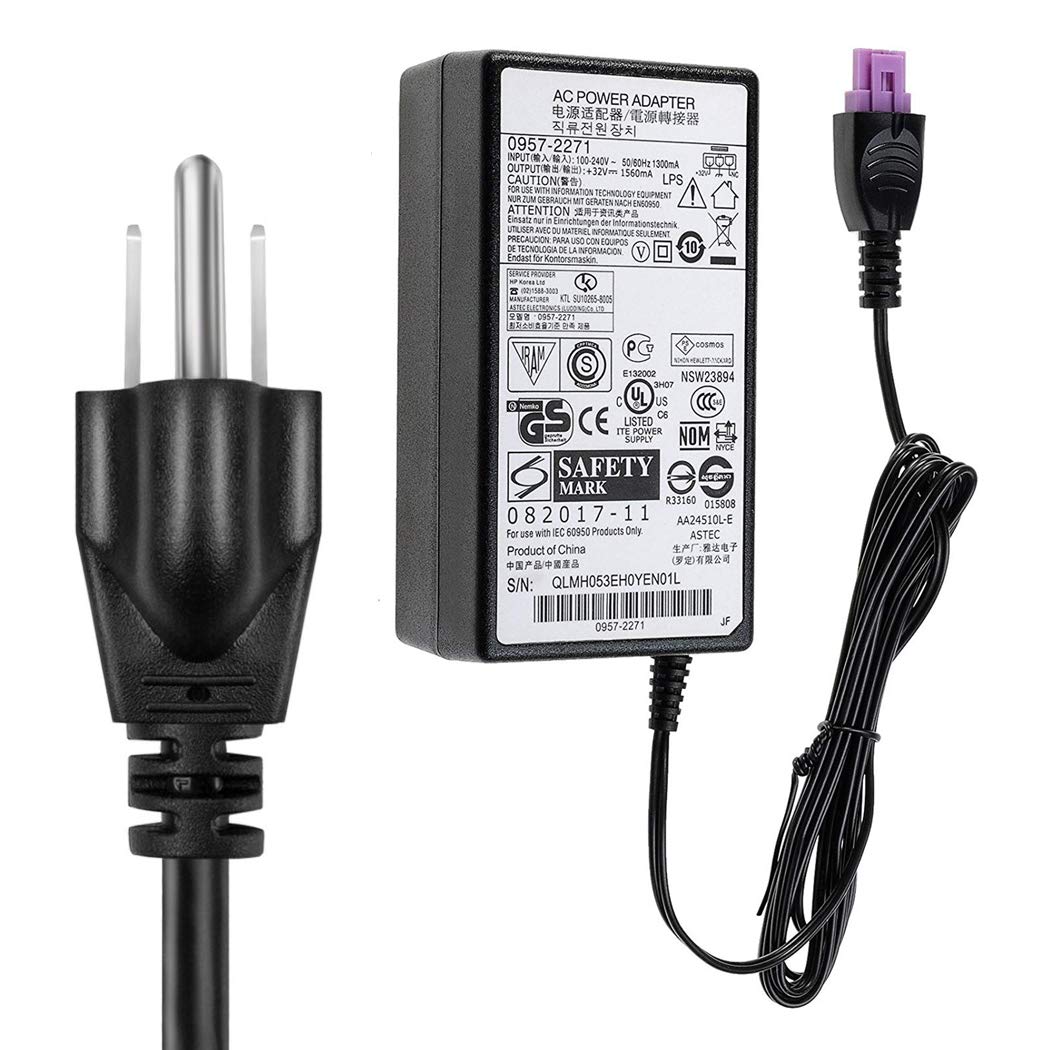
Output: 32V 1560mA Power
Input: 100 ~ 240V / 50-60 Hz (World Wide)
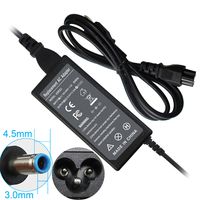
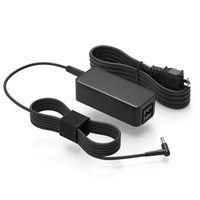
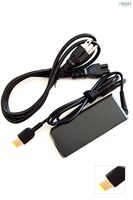
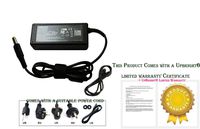
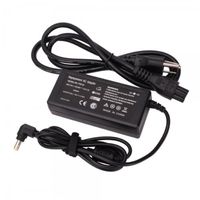
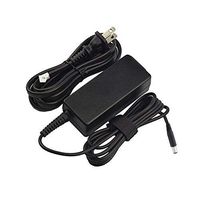
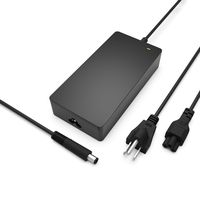
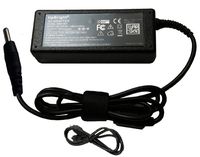
Connector Pin Size:(As shown in figure)
Part Number:
0957-2105 0950-4476 0957-2230
Compatible Models:
HP Officejet 6500 All-in-One HP Deskjet 6800 Series
HP PhotoSmart 8450, HP Photosmart 1315
HP Photosmart All in One C6240, HP Photosmart All in One C6250
HP Photosmart All in One C6270, HP Photosmart All in One C6280
HP Photosmart All in One C6283, HP Photosmart All in One C6285
HP Photosmart All in One C6286, HP Photosmart All in One C6288
HP photosmart C6380, HP Photosmart All in One C7250
HP Photosmart All in One C7275, HP Photosmart All in One C7280
HP Photosmart All in One 7283, HP Photosmart All in One C7288
HP Photosmart All in One C8150, HP Photosmart All in One C8180
HP PhotoSmart 7283 (CC567C), HP DeskJet 6520, HP DeskJet 6540xi
HP DeskJet 6543, HP DeskJet 6840, HP DeskJet 6940, HP DeskJet 6980, 6980DT
HP DeskJet 6983, HP PhotoSmart 8750, 8750 Professional, 8750GP
HP PhotoSmart C5100 series, HP PhotoSmart D5160
HP PhotoSmart C5175, C5177, HP PhotoSmart C5180, C5183, C5185, C5188
HP PhotoSmart C6150, HP PhotoSmart C6175
HP PhotoSmart C6180, C6183, C6188
HP PhotoSmart D7100 series, HP PhotoSmart D7160, HP PhotoSmart C7180
HP PhotoSmart D7355, HP PhotoSmart D7360
HP Deskjet 6540xi, 6980, 6983 6988, 6940, 6943, 6980DT, 6988DT, 6940DT, 3940
HP Photosmart C5140, D7360, D7355 (PRINTER)
HP Photosmart C6180, C6183, c6188, c6150, c6185, c6175, c5180, c5183, c5188 c5150, c5140, c5185, c5173, c5190, c5194, c5177, c5175
HP Photosmart C5180
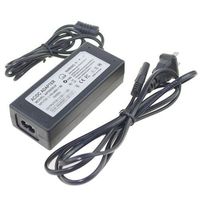
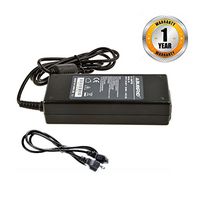
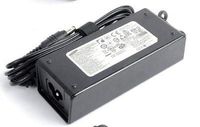
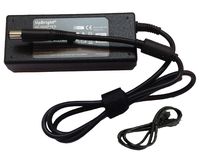
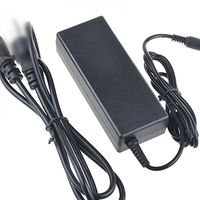
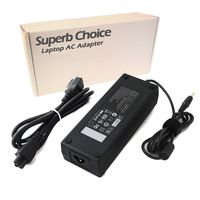
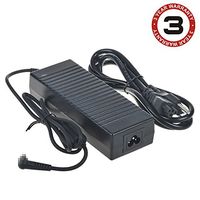
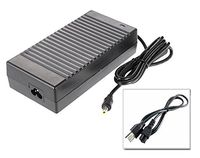
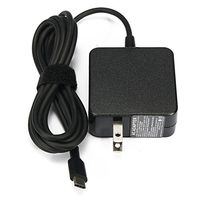
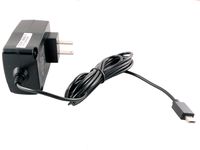
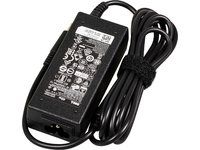
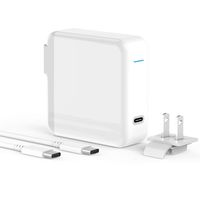
1 x Power Charger Adapter for HP
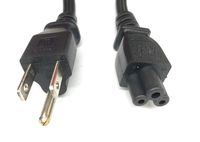
1 x Power Cord
HP Genuine Power Supply Adapter for HP DeskJet 6520 6540Xi 6543 6840;HP 0957-2230 0957-2269; HP 6000 7500a k309ag k309a;HP Deskjet D1668 F4200 Printers with a Power Cord
Price is below average
Current Price
$16.99
Average
$20
Min Price
$16.99
Max Price
$21.99
Price dynamics
15%
Description
Specification:
Output: 32V 1560mA Power
Input: 100 ~ 240V / 50-60 Hz (World Wide)
Connector Pin Size:(As shown in figure)
Part Number:
0957-2105 0950-4476 0957-2230
Compatible Models:
HP Officejet 6500 All-in-One HP Deskjet 6800 Series
HP PhotoSmart 8450, HP Photosmart 1315
HP Photosmart All in One C6240, HP Photosmart All in One C6250
HP Photosmart All in One C6270, HP Photosmart All in One C6280
HP Photosmart All in One C6283, HP Photosmart All in One C6285
HP Photosmart All in One C6286, HP Photosmart All in One C6288
HP photosmart C6380, HP Photosmart All in One C7250
HP Photosmart All in One C7275, HP Photosmart All in One C7280
HP Photosmart All in One 7283, HP Photosmart All in One C7288
HP Photosmart All in One C8150, HP Photosmart All in One C8180
HP PhotoSmart 7283 (CC567C), HP DeskJet 6520, HP DeskJet 6540xi
HP DeskJet 6543, HP DeskJet 6840, HP DeskJet 6940, HP DeskJet 6980, 6980DT
HP DeskJet 6983, HP PhotoSmart 8750, 8750 Professional, 8750GP
HP PhotoSmart C5100 series, HP PhotoSmart D5160
HP PhotoSmart C5175, C5177, HP PhotoSmart C5180, C5183, C5185, C5188
HP PhotoSmart C6150, HP PhotoSmart C6175
HP PhotoSmart C6180, C6183, C6188
HP PhotoSmart D7100 series, HP PhotoSmart D7160, HP PhotoSmart C7180
HP PhotoSmart D7355, HP PhotoSmart D7360
HP Deskjet 6540xi, 6980, 6983 6988, 6940, 6943, 6980DT, 6988DT, 6940DT, 3940
HP Photosmart C5140, D7360, D7355 (PRINTER)
HP Photosmart C6180, C6183, c6188, c6150, c6185, c6175, c5180, c5183, c5188 c5150, c5140, c5185, c5173, c5190, c5194, c5177, c5175
HP Photosmart C5180
1 x Power Charger Adapter for HP
1 x Power Cord
Price will be lower
in next 2 weeks
in next 2 weeks
According to the data, price will be lower in next two weeks, so not waste your money and track better price!
Product review & video
This video explains how to fix your printer when you have a carriage jam error message on your computer. Turn the printer off and then on again. This will sometimes fix the issue. Press the Power button to turn the printer off. If the printer does not turn off, it may have a paper jam, which we'll talk about shortly. If it turns off, wait thirty seconds and then press the Power button to turn the printer back on. This resets the print mechanism. Wait for the printer to turn on and stop making noise. Once the printer is back on, try printing a self test page to see if you receive the message on your computer again Press and hold the Power button. Lower and raise the cartridge access door four times while holding the Power button. Release the Power button. If the test page prints successfully, the issue is resolved. If the test page does not print, go on to the next step. Remove the paper


Similar products