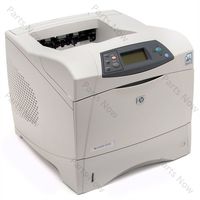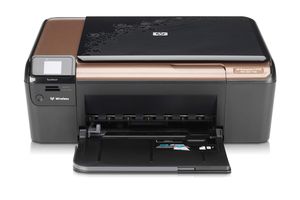
HP Photosmart C4795 Color Inkjet All-in-One Printer
Price is below average
Current Price
$49.99
Average
$55.2
Min Price
$15
Max Price
$149.99
Price dynamics
9%
Price will be lower
in next 2 weeks
in next 2 weeks
According to the data, price will be lower in next two weeks, so not waste your money and track better price!
Product review & video
This video explains how to print a Printer Status Report. A Printer Status Report provides useful information about your printer, such as the model number and the status of the cartridges. First, power on the printer. Load paper into the input tray. Adjust the guides so that they are snug against the paper. The next step is to access the Support Menu of the printer. To access the menu make sure that we are on the Home screen. Press the back button until it shows Scan, Photo and Copy on the LCD screen. The next step is to press the OK button four times. The OK button is located to the left of the Copy option and will not be lit up. Press the OK button four times to access the Support Menu. Press the OK button one more time to access the menu items. Once you are in the support menu you will notice that the Cancel, the OK and the two buttons on the right hand side will be lit. The buttons