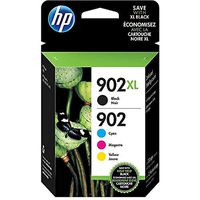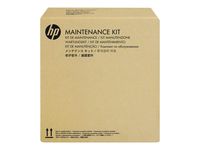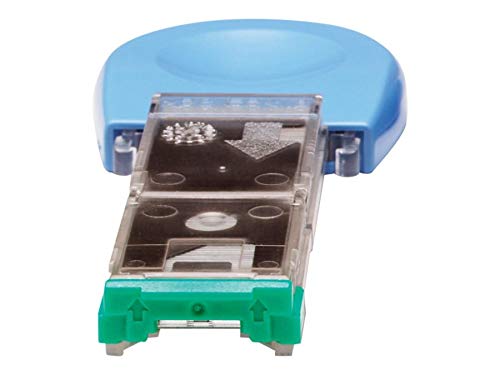
HP Staple Cartridge
Price is below average
Current Price
$25.7
Average
$27.18
Min Price
$25.7
Max Price
$29.99
Price dynamics
5%
Price will be lower
in next 2 weeks
in next 2 weeks
According to the data, price will be lower in next two weeks, so not waste your money and track better price!
Product review & video
This video shows how to remove and replace
the staple cartridge on the FN21 and FN22 Finisher for HP
Multifunction printers. When the staples run out, an Add staples message
appears on the control panel and the staple cartridge needs
to be replaced. Open the finisher door. Visual instructions are located inside the
door for additional assistance. Pull the stapler unit straight out to remove it. Lift up and remove the empty staple cartridge
from the FN21 or FN22 unit. Remove the new staple cartridge from its packaging. Place the new staple cartridge in the FN21
or FN22 stapler unit. Push the stapler into its compartment until
it snaps into place. Close the finisher door. You can find additional helpful videos at
hp.com/SupportVideos and on our YouTube channel, youtube.com/HPSupportAdvanced.